When building a multicade, choosing between a Raspberry Pi and a PC depends on your budget, space, and performance needs. A Raspberry Pi offers a compact, budget-friendly solution that’s easier to assemble and ideal for small setups. A PC provides more power, customization, and upgradability but requires more space and effort. To find out which option suits your project best and get tips on setup, explore the details ahead.
Key Takeaways
- Raspberry Pi offers a cost-effective, space-saving solution with simpler assembly, ideal for beginners and small setups.
- PCs provide higher performance, better emulation fidelity, and easier hardware upgrades for advanced gaming and customization.
- Raspberry Pi has limited upgradability but benefits from active community support and extensive tutorials.
- PCs support a wider range of arcade and modern games, with more flexible hardware compatibility and display options.
- Consider space, budget, and desired performance when choosing between the compact, budget-friendly Raspberry Pi and the powerful PC.
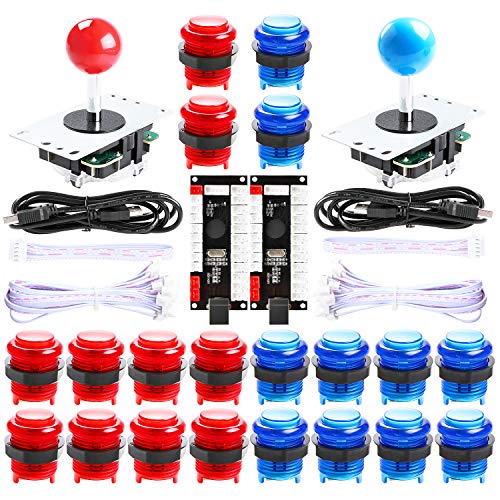
Hikig 2 Player led arcade buttons and joysticks DIY kit 2x joysticks + 20x led arcade buttons game controller kit for MAME and Raspberry Pi – Red + Blue Color
New Style DIY Arcade Kit, LED arace game DIY MAME parts DIY Accessories.
As an affiliate, we earn on qualifying purchases.
As an affiliate, we earn on qualifying purchases.
Cost and Budget Considerations

When planning your multicade, understanding the costs involved is essential to stay within your budget. Conducting a thorough cost analysis helps you identify potential expenses and allocate funds wisely. You’ll need to take into account hardware options, such as Raspberry Pi or a full PC, each with different price points. Budget constraints might steer you toward more affordable solutions or force you to prioritize essential components. Don’t forget additional costs like controllers, arcade buttons, monitors, and enclosures. By evaluating these factors early, you can avoid overspending and ensure your project remains financially feasible. Remember, a clear understanding of your budget allows you to choose the best hardware for your needs without sacrificing quality or functionality. Additionally, considering cost‑effective hardware options like the Raspberry Pi can help you create a functional multicade without exceeding your budget.
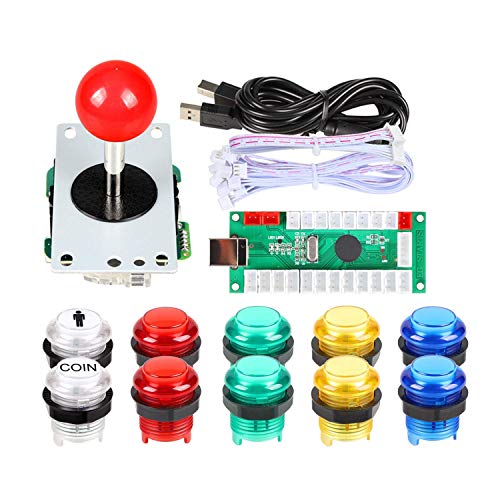
EG STARTS Arcade Buttons 1 Player DIY Kit Joystick 5V LED Arcade Button for Arcade Stick PC Games Mame Raspberry pi
Quality: Excellent Control USB Encoder. High Quality 8 way joystick. LED Buttons Good lighting effects.
As an affiliate, we earn on qualifying purchases.
As an affiliate, we earn on qualifying purchases.
Ease of Assembly and Setup
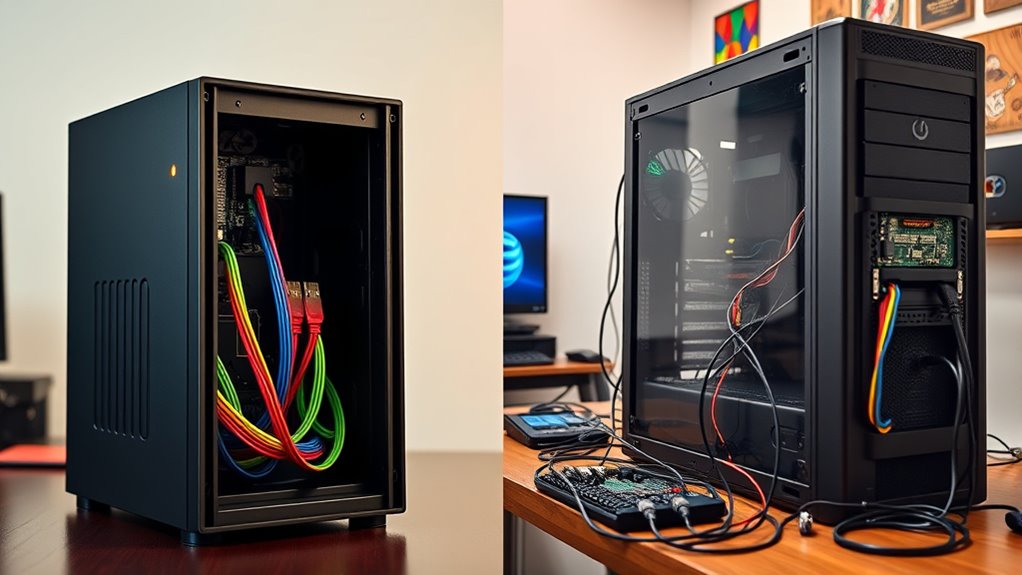
Choosing the right hardware and budget now makes it easier to focus on how straightforward the assembly process will be. With a Raspberry Pi, the pre-assembly process is minimal—you simply connect power, insert the SD card, and add controllers. Its compact size means fewer components to manage, reducing setup complexity. In contrast, a PC requires installing multiple components, like a power supply, graphics card, and storage drives, which can be more time-consuming. The PC’s setup process is more involved, often needing cable management and BIOS configuration. Overall, the Raspberry Pi offers a simpler, quicker setup, making it ideal if you want an easier, less technical build. The PC, while more complex initially, provides more customization options but demands a higher level of assembly skill. Additionally, understanding the hardware requirements can help you choose the appropriate platform for your multicade project.
arcade controller buttons
As an affiliate, we earn on qualifying purchases.
As an affiliate, we earn on qualifying purchases.
Hardware Customization and Upgradability

You’ll want to consider how easily you can upgrade or customize your multicade to keep up with new games and technology. Look for options that offer flexible upgrade paths and straightforward hardware compatibility. Making smart choices now will save you time and effort when it’s time to improve your arcade later. Additionally, exploring performance tuning options such as hardware overclocking or software optimizations can further enhance your setup’s capabilities.
Upgrading Flexibility Options
Enhancing the flexibility of your multicade involves carefully considering hardware customization and upgradability options. With modular hardware, you can easily swap or upgrade components like controllers, screens, or power supplies, making future enhancements straightforward. A PC generally offers more options for expanding memory, storage, or adding new peripherals, increasing your device’s longevity and versatility. Software flexibility also plays a key role—on a PC, you can install different emulators, custom frontends, or operating systems to tailor your experience. Raspberry Pi’s modular hardware is more limited but allows for specific upgrades like adding a camera module or switching cases. Additionally, understanding hardware upgradability can help you plan your multicade’s evolution to meet changing gaming needs.
Hardware Compatibility Ease
How easily can your multicade adapt to new hardware components? With a PC, upgrading is straightforward. Most PCs support a wide range of connector types and controller compatibility options, making hardware customization simple. You can swap out controllers, add USB ports, or upgrade graphics cards without hassle. In contrast, Raspberry Pi devices have limited connector options and fewer compatibility standards, which can restrict upgrades. Additionally, the higher hardware flexibility of a PC allows for future-proofing your setup as gaming demands evolve.
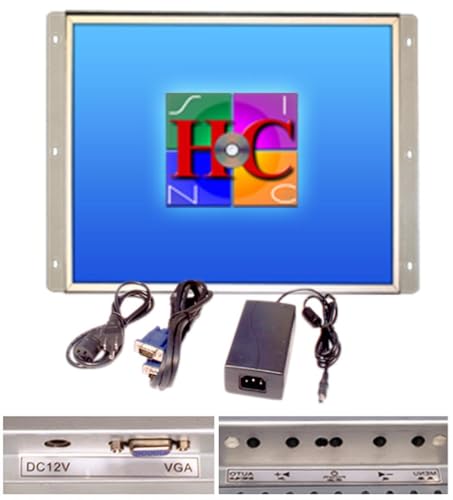
19 Inch Arcade Game LED Monitor, Jamma Monitor MAME and Cocktail Game cabinets
As an affiliate, we earn on qualifying purchases.
As an affiliate, we earn on qualifying purchases.
Compatibility With Classic Arcade Games
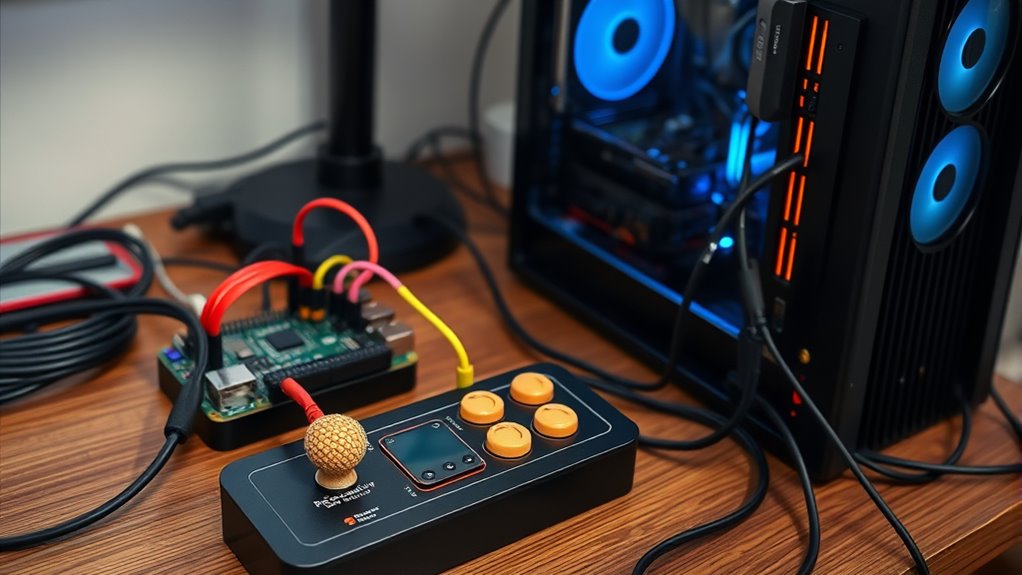
Ensuring compatibility with classic arcade games is vital for creating a functional multicade. You need to verify that your chosen hardware supports joystick compatibility, allowing you to use authentic arcade controls for a true experience. Both Raspberry Pi and PC options offer a range of input devices, but some may require adapters or specific drivers to work correctly. Additionally, display resolution is essential; your system should support the original arcade screen sizes or be adjustable enough to display games properly without distortion. Compatibility issues can lead to gameplay frustrations or visual glitches, so testing your setup with a variety of titles before finalizing is wise. Understanding the bedroom setup and environment can also influence your choice of hardware placement and ergonomics. By focusing on joystick compatibility and display resolution, you guarantee your multicade faithfully recreates the authentic arcade experience.
Performance and Emulation Capabilities
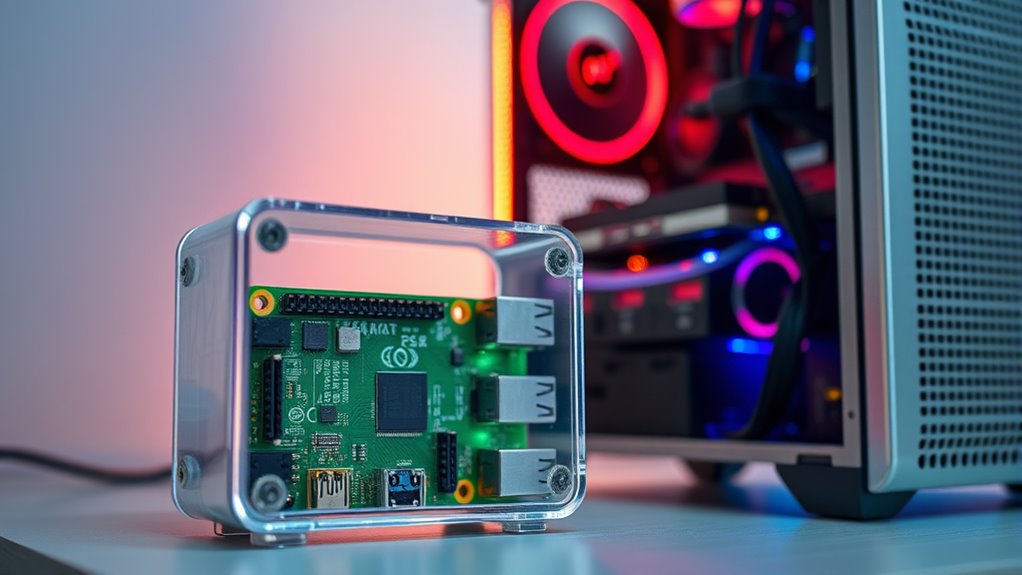
Achieving smooth performance and accurate emulation is essential for a convincing multicade experience. Your choice between a Raspberry Pi and a PC impacts emulation fidelity and overall performance benchmarks. A PC generally offers higher processing power, leading to better frame rates and smoother gameplay. To compare their capabilities, consider these factors:
For smooth, accurate emulation, choose a PC for higher performance or a Raspberry Pi for simpler arcade titles.
- Processing speed and CPU power
- GPU performance for graphics rendering
- Compatibility with demanding arcade titles
- Emulation fidelity and how faithfully games are reproduced
- The ability to handle vibrational alignment and complex game systems to ensure authentic gameplay experiences.
A PC’s superior hardware allows for more precise emulation and higher performance benchmarks, especially with complex systems. Meanwhile, a Raspberry Pi may struggle with demanding titles but can still deliver decent performance for simpler games. Your decision should align with your desired level of emulation quality and performance.
Power Consumption and Energy Efficiency

Power consumption and energy efficiency play a crucial role when building a multicade, especially if you plan to run it for extended periods or want to minimize operating costs. The Raspberry Pi is known for its low energy consumption, making it highly power-efficient and suitable for continuous use. It uses markedly less energy than a typical PC, which can lead to substantial savings over time. In contrast, a PC generally consumes more power due to its higher-performance components, resulting in greater energy consumption. Choosing a device with better power efficiency helps reduce electricity bills and minimizes environmental impact. If energy efficiency is a priority, the Raspberry Pi offers a clear advantage. Additionally, understanding Best Modern Toilet water-saving features can be an inspiration for optimizing overall resource consumption. However, consider your performance needs before making a final decision based on power consumption alone.
Software Options and Operating Systems
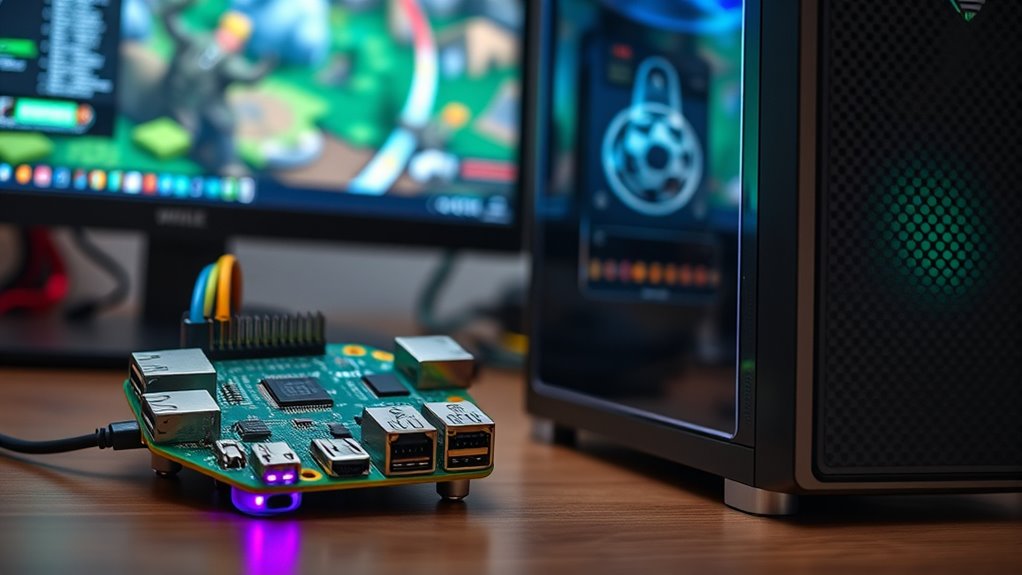
Choosing the right software and operating system is vital for your multicade’s performance. You need to take into account emulator compatibility to run a variety of classic games smoothly. Your OS choice will impact ease of use, customization, and overall stability, so pick carefully.
Emulator Compatibility
Selecting the right emulator is essential for ensuring smooth gameplay across your multicade setup, and compatibility varies widely depending on the software and operating system you use. Here are key points to take into account:
- Game ROM legality: Make sure your ROMs are legally obtained; using copyrighted files without permission can cause legal issues.
- Controller compatibility: Check if the emulator supports your controllers, as some work better with specific hardware.
- Supported systems: Some emulators excel at running classic consoles like arcade, SNES, or Sega Genesis, while others are more versatile.
- Software stability: Opt for well-reviewed emulators with frequent updates to avoid crashes and bugs.
- Material consideration: Choosing emulators that are compatible with diverse operating systems can expand your options and improve overall performance.
Matching the right emulator with your hardware and legal considerations ensures a seamless, enjoyable multicade experience.
Operating System Choices
The operating system you choose plays a crucial role in how smoothly your multicade runs and how easily you can manage your emulators. For both Raspberry Pi and PC builds, you have a range of options, including popular open source platforms like RetroPie, Recalbox, and EmulationStation. These custom OS options are tailored for gaming and often come pre-configured with emulators and user-friendly interfaces, simplifying setup. If you prefer more control, you can install a lightweight Linux distro and customize it to suit your needs. Windows is also an option for PCs, offering broader compatibility but often requiring more setup and resources. Ultimately, your choice depends on your technical skill level and desired flexibility, but open source platforms are a favorite for their ease of use and community support. Incorporating organized systems into your setup can help streamline your gaming environment and enhance your overall experience.
Size and Space Requirements

Before setting up your multicade, understanding the space you’ll need is vital. The size and spatial footprint of your setup influence your choice between a Raspberry Pi and a PC. Consider these key points:
- Raspberry Pi offers a compact design, fitting into small enclosures easily.
- PCs typically require more space due to larger components and cooling systems.
- Think about your available surface area when planning your arcade cabinet.
- Make sure proper ventilation and access for maintenance, especially with larger systems.
A Raspberry Pi’s minimal size allows for a sleek, space-efficient build. Conversely, a PC’s larger footprint may demand dedicated space in your setup. Your choice depends on your available space and desired design.
Community Support and Resources
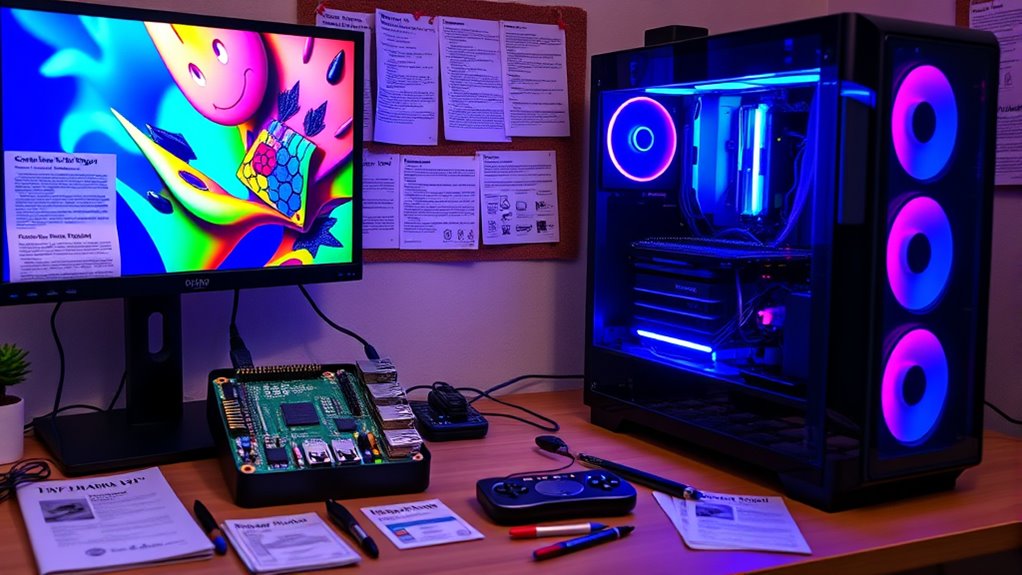
Engaging with online communities can give you valuable tips and support as you build your multicade. You’ll find technical resources and tutorials that help troubleshoot issues and improve your setup. Leveraging these connections makes the process smoother and more enjoyable.
Online Community Engagement
How can you foster a vibrant online community around your multicade project? Engaging actively is key. Start by participating in online forums dedicated to arcade builds; ask questions, share updates, and troubleshoot with others. Use social media outreach to showcase your progress, post photos, and gather feedback. Encourage collaboration by creating tutorials or guides, inviting others to contribute. Additionally, host virtual meetups or challenges to keep members involved. Respond promptly to comments and questions to build trust and rapport. By maintaining consistent communication and sharing your journey, you’ll grow a supportive, enthusiastic community that can offer invaluable tips and motivation. Connecting through online forums and social media not only enhances your project but also helps you stay motivated.
Available Technical Resources
Building a multicade project is greatly supported by available technical resources that can simplify complex tasks and provide expert guidance. Emulation software is essential, offering preconfigured options and troubleshooting tips to help you set up multiple arcade games smoothly. Community forums and online tutorials give you access to experienced builders who share advice, custom configurations, and troubleshooting steps. Hardware manuals are invaluable for understanding wiring diagrams, component specifications, and installation procedures, ensuring you assemble your multicade correctly. These resources enable you to troubleshoot issues efficiently and adapt designs to your specific needs. By leveraging these tools, you can navigate technical challenges with confidence, making your build more straightforward and enjoyable.
Longevity and Maintenance
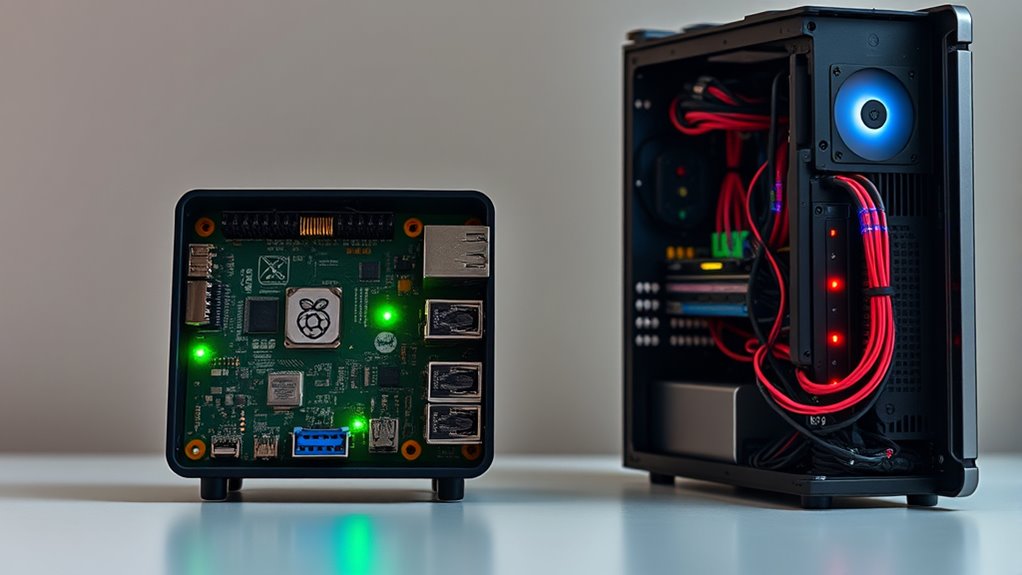
Ensuring your multicade lasts for years requires careful planning and ongoing maintenance. To maximize hardware durability and reduce maintenance frequency, consider these steps:
- Regularly clean dust from components to prevent overheating.
- Use surge protectors to shield against power fluctuations.
- Update software and firmware to fix bugs and improve stability.
- Check connections and replace worn cables promptly.
Frequently Asked Questions
Can I Integrate a Multi-Player Feature on Both Setups?
Yes, you can set up multiplayer features on both Raspberry Pi and PC. For a multiplayer setup, you’ll need to connect devices via your network for seamless network gaming. PCs typically handle this more easily with robust hardware and software support, while Raspberry Pi can also support multiplayer gaming with the right configurations and lightweight emulators. Both options let you enjoy multiplayer gaming, but PCs generally offer smoother experience for network gaming.
What Are the Best Controllers Compatible With Each System?
Ever wondered which controllers work best for your gaming setup? For both systems, controller compatibility is key, so look for popular options like Xbox or PlayStation controllers, which often have broad support and timely emulator updates. On the Raspberry Pi, USB controllers or Bluetooth options work well, while PCs support a wider range of peripherals. Selecting the right controller guarantees seamless gameplay and easy setup, no matter your platform.
How Do I Update or Upgrade the Emulators on These Platforms?
To update or upgrade the emulators on your platform, start by checking emulator compatibility with your system. For Raspberry Pi, you can often update emulators through command-line tools or by reinstalling the latest versions via package managers. On a PC, download firmware updates from official sources and replace older files. Regularly updating your emulators guarantees you benefit from improved performance, bug fixes, and expanded compatibility.
Are There Any Legal Considerations When BIOS or ROMS Are Involved?
When dealing with BIOS or ROMs, you need to take into account legal compliance and intellectual property rights. It’s crucial to only use BIOS and ROMs you legally own or have permission to use. Distributing or downloading copyrighted material without authorization can lead to legal issues. Always verify the source and make sure you’re respecting intellectual property laws to avoid potential penalties or legal action. Being cautious helps you enjoy your setup responsibly.
Which System Offers Better Support for Custom Artwork and Themes?
When considering which system offers better support for custom artwork and themes, you’ll find that a PC generally provides greater customization options and aesthetic flexibility. PCs allow you to easily install and change themes, backgrounds, and overlays with a wide range of software. Raspberry Pi systems are more limited but still support some customization through specific software and themes. Overall, a PC makes it simpler to personalize your setup.
Conclusion
Choosing between a Raspberry Pi and a PC for your Multicade depends on your priorities. If you want an affordable, compact setup with easy customization, a Raspberry Pi might be best. For higher performance and advanced features, a PC could serve you better. Imagine building a dedicated arcade in your basement—your choice determines how smoothly your gaming experience runs. Whichever route you take, with the right resources, you’ll create a nostalgic arcade that’s perfect for you.