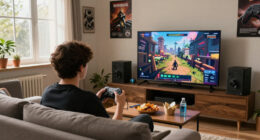
To set up MAME in a dedicated cabinet, start by choosing the right hardware like a durable monitor, joystick, and buttons. Install a suitable operating system, such as Windows or Linux, and organize your ROMs carefully in labeled folders. Calibrate your controls for responsiveness and make sure your display is aligned and clear. Test your setup with different games to troubleshoot issues. Keep tuning your system for smooth gameplay; if you continue, you’ll discover detailed setup steps.
Open a free Amazon Business account
Business pricing, bulk buying and tax-exempt orders.
As an affiliate, we earn on qualifying purchases.
Key Takeaways
- Select a compatible operating system (Windows, Linux) and install it, ensuring proper display and input device recognition.
- Acquire and organize legitimate ROMs, placing them into clearly labeled folders within the MAME directory.
- Connect and calibrate arcade controls and joysticks for accurate responsiveness during gameplay.
- Mount and secure the monitor inside the cabinet, then perform calibration and alignment for optimal display quality.
- Configure MAME settings for input, audio, and video, and test with various games to ensure smooth operation.
As an affiliate, we earn on qualifying purchases.
Selecting the Hardware Components for Your Arcade Cabinet
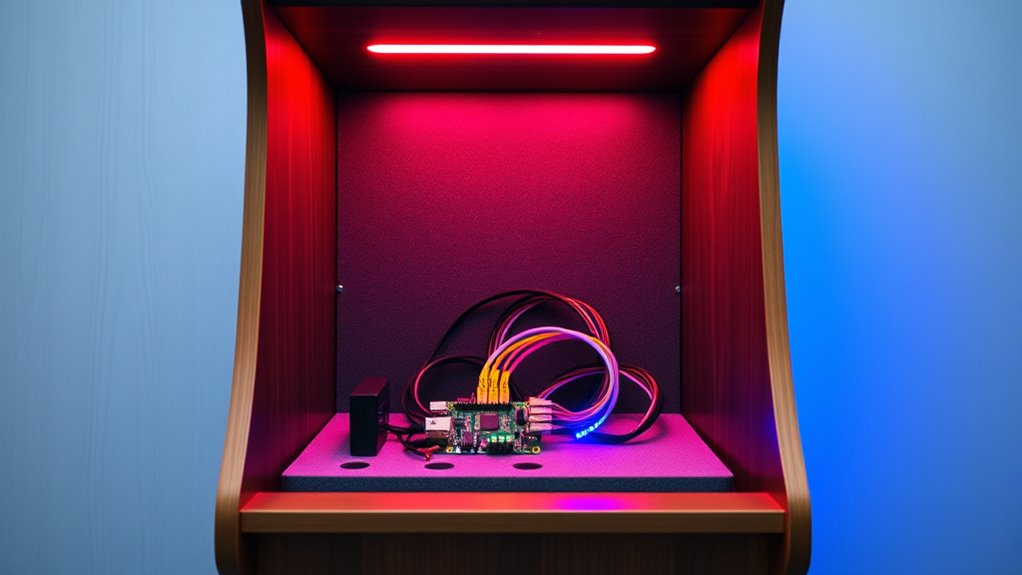
Choosing the right hardware components is essential to building a reliable and enjoyable arcade cabinet. Start with your joystick types, as they impact gameplay and comfort. Options include ball-top, leaf-switch, and Sanwa-style joysticks, each offering different feel and responsiveness. Consider your preferred game genres when selecting. Next, think about cabinet materials; sturdy plywood or MDF are popular choices because they’re durable and easy to work with. Avoid cheap or flimsy materials that may warp or break over time. Also, ensure your cabinet is well-ventilated and easy to access for maintenance. Selecting quality, compatible components now will make your build smoother and your gaming experience more satisfying. Proper choices set a strong foundation for your custom arcade cabinet. Additionally, understanding projector technology can help you choose appropriate display options if you plan on integrating a screen or projector for your setup.
Preparing the Cabinet and Installing the Display
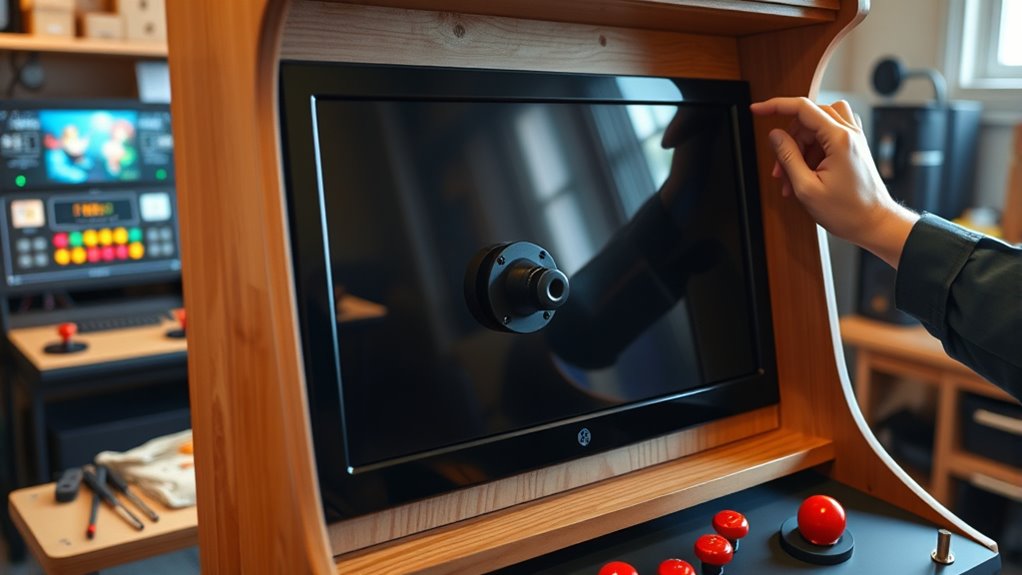
Before installing the display, you need to prepare the cabinet by ensuring it’s clean, sturdy, and properly sized to accommodate your screen. Check that the cabinet’s interior dimensions fit your monitor comfortably, allowing for good cabinet ergonomics. Remove any dust or debris to guarantee a stable surface for mounting. When installing the display, carefully secure it to prevent movement or vibrations that could affect gameplay. Once mounted, perform display calibration to optimize image clarity and alignment. Adjust the monitor’s position for comfortable viewing angles and accessibility, considering ergonomics to reduce strain during long gaming sessions. Proper preparation now will make setup smoother and enhance your arcade experience, ensuring everything functions correctly and comfortably. Additionally, consulting air quality considerations can help maintain a healthier environment within your cabinet area, especially if you plan extended gaming sessions.
Installing and Configuring the Operating System
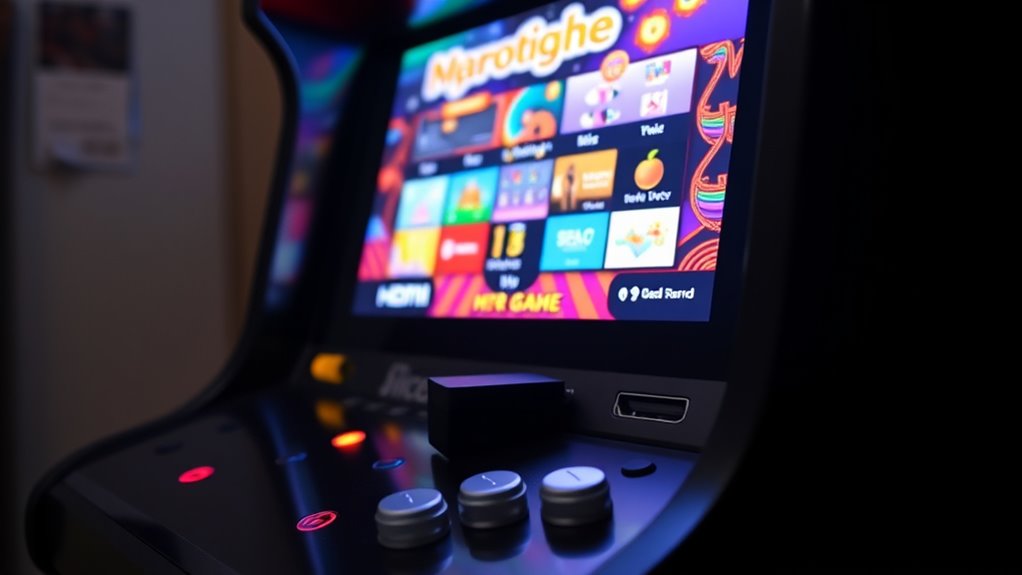
Choosing the right operating system is vital for a smooth MAME setup, so consider options like Windows or Linux based on your experience. Once you’ve made your choice, you’ll need to configure system settings to optimize performance and usability. Proper setup guarantees your cabinet runs efficiently and is easy to maintain.
Choosing the Right OS
Selecting the right operating system is a crucial step in setting up your MAME cabinet, as it determines how smoothly the emulator runs and how easy it is to customize. You want an OS that offers excellent emulator compatibility, ensuring all your favorite arcade titles run without issues. Consider lightweight options like Windows 10, Linux, or specialized OSes designed for emulation, which can enhance system optimization. The right choice minimizes lag, improves stability, and allows easier integration of peripherals. Avoid overly complex or resource-heavy systems that could slow down performance. Your goal is a stable, responsive environment tailored for arcade emulation, so choose an OS that balances compatibility with efficiency, giving you a seamless gaming experience in your cabinet. Compatibility is key to ensuring your games run smoothly and reliably.
Configuring System Settings
Installing and configuring your operating system is the foundation for a smooth MAME setup. Start by optimizing emulator settings to ensure smooth gameplay and compatibility. Adjust display resolution to match your cabinet’s monitor for a seamless experience. Next, focus on audio configurations—test speakers and set volume levels to prevent distortion or lag. Disable unnecessary background services that might interfere with performance. Keep your OS updated to benefit from security patches and stability improvements. Set up input devices like arcade buttons and joysticks, ensuring they’re recognized correctly. Fine-tuning these system settings lays the groundwork for a reliable, immersive arcade experience. Proper configuration minimizes issues during gameplay, letting you enjoy classic titles with minimal hassle. Additionally, selecting no-sugar-added beverage options can help maintain focus and hydration during long gaming sessions.
Setting Up MAME and Acquiring Game ROMs
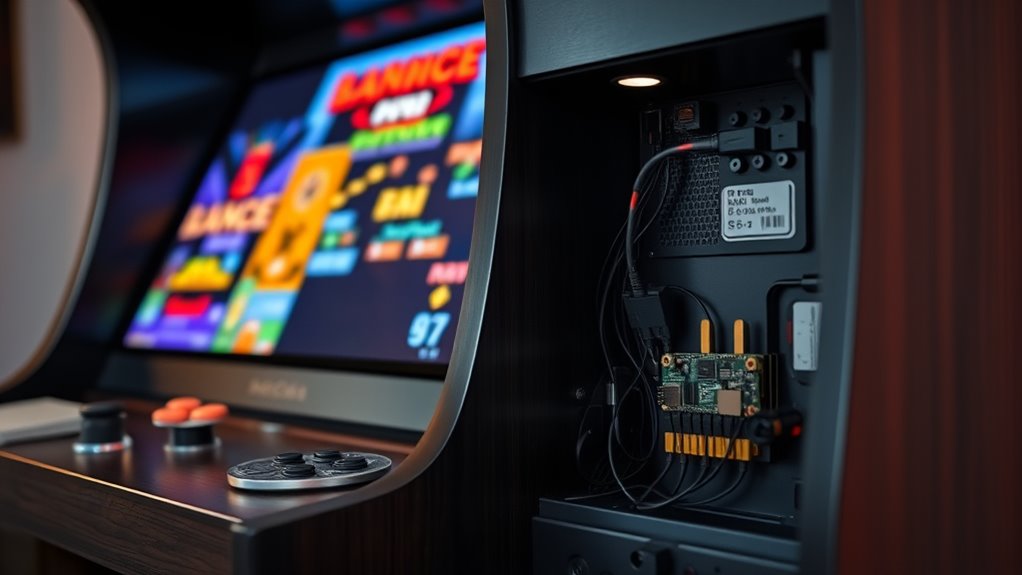
To get your MAME setup up and running smoothly, you’ll need to properly acquire and organize your game ROMs. Ensuring good emulation accuracy depends on obtaining clean, complete ROM files from reputable sources. Always consider rom legality; only download ROMs for games you own physically or from authorized providers. Organize your ROMs into clearly labeled folders to streamline gameplay and maintenance. Avoid questionable websites that may offer incomplete or corrupted files, as this can affect emulation accuracy. Use a dedicated folder structure to keep your collection manageable and easy to update. Remember, respecting rom legality not only keeps you compliant with laws but also supports developers and the arcade community. Properly managing your ROM collection ensures a smooth, enjoyable emulation experience. ROM legality is an essential aspect to consider when building your collection.
Customizing Controls and User Interface

Customizing the controls and user interface is essential to creating an arcade experience that feels intuitive and comfortable. Start by calibrating your joystick to ensure precise movements, which enhances gameplay. A well-calibrated joystick prevents frustration and improves responsiveness. Next, consider a themed UI design that matches your cabinet’s style, making navigation engaging and immersive. To help you visualize, here’s a quick overview:
| Control Setup | UI Design | Tips |
|---|---|---|
| Joystick calibration | Themed UI design | Use consistent colors |
| Button mapping | Custom backgrounds | Test controls regularly |
| Menu navigation | Play animations | Keep interface simple |
| Audio controls | Visual effects | Adjust for accessibility |
This setup ensures your arcade feels authentic and user-friendly. Additionally, pay attention to headphone compatibility for private gaming sessions or immersive sound experiences.
Testing, Troubleshooting, and Final Adjustments

Once you’ve set up your controls and designed an appealing interface, it’s time to thoroughly test your cabinet to guarantee everything works smoothly. Start by running a variety of games to check hardware compatibility and identify any issues with input or display. Pay attention to any lag, misfire, or compatibility problems that might arise. If you encounter glitches or missing features, verify that your software is up to date—install the latest updates for both MAME and your system firmware. Troubleshoot hardware connections by reseating cables and testing different components if needed. Make adjustments to calibration settings to optimize gameplay. Additionally, Tuning performance can help improve overall stability and responsiveness. Completing these steps ensures your cabinet operates reliably, providing a seamless arcade experience and preventing future problems.
Frequently Asked Questions
How Do I Ensure My Arcade Cabinet Is ADA Compliant?
To guarantee your arcade cabinet is ADA compliant, focus on visual accessibility and control customization. You can add large, high-contrast displays and adjustable brightness to help players with visual impairments. Also, customize controls with accessible button layouts, enable alternative input options, and include features like tactile feedback. Regularly test your setup with users of different abilities to make sure everyone can enjoy your game, creating an inclusive experience.
What Safety Precautions Should I Follow During Setup?
When setting up your arcade cabinet, prioritize safety by following electrical safety guidelines to prevent shocks or shorts. Make sure all wiring is secure and properly insulated. Keep fire prevention in mind by avoiding overloading circuits and using UL-rated components. Use a grounded power strip and ensure proper ventilation. Regularly inspect connections and cords for damage. These precautions help protect you and your equipment during setup and operation.
Can I Upgrade MAME to Support New Arcade Games Later?
Yes, you can upgrade MAME later to support new arcade games. Just keep in mind that software updates are essential for compatibility with newer titles, so regularly check for the latest MAME versions. Also, verify your hardware remains compatible with these updates, as newer versions may require more powerful components. Staying current with updates helps you enjoy a broader range of games without needing a complete system overhaul.
How Do I Back up My Cabinet’S Settings and ROMS?
Did you know that nearly 60% of arcade enthusiasts have lost data due to poor backup procedures? To avoid that, you should regularly back up your cabinet’s settings and ROMs. Use external drives or cloud storage for safekeeping, and keep your ROM management organized with clear folders. This way, you defend your gaming collection and can easily restore everything if needed. Regular backups ensure your arcade experience stays uninterrupted.
What Are the Best Methods for Cooling the Hardware Inside the Cabinet?
To guarantee your cabinet’s hardware stays cool, focus on effective ventilation strategies and proper fan placement. You should install intake fans at the bottom and exhaust fans at the top to promote airflow. Keep vents unobstructed and consider adding a small, quiet fan inside for extra circulation. Regularly clean dust filters and check fan operation to prevent overheating, helping your system run smoothly and extend its lifespan.
Conclusion
Now that you’ve set up your hardware, prepared your cabinet, installed the OS, and configured MAME, you’re ready to enjoy your arcade experience. Fine-tune your controls, test your setup, troubleshoot issues, and make final adjustments to guarantee smooth gameplay. Embrace the customization, celebrate the progress, and enjoy the nostalgia. With each step complete, you’re not just building a cabinet — you’re creating a personal arcade haven to play, to relax, and to relive classic gaming moments.
Flea & tick season Picks
flea and tick prevention
As an affiliate, we earn on qualifying purchases.