To prevent failures, you should create a monthly maintenance calendar for your arcade cabinet. Start with inspecting and cleaning internal parts, checking cables and connections for secure fit, and testing buttons, joysticks, and the display for proper responsiveness. Calibrate hardware and update software if needed. Regular dusting and environmental checks help avoid corrosion and moisture damage. Consistently following these steps keeps your cabinet in top shape—keep going to discover more expert tips.
Key Takeaways
- Schedule regular monthly inspections of internal components, cables, and connections to identify early signs of wear or damage.
- Perform hardware testing and calibration of joysticks and buttons to ensure responsiveness and prevent operational failures.
- Clean internal parts with compressed air and anti-static wipes to prevent dust buildup and corrosion.
- Check and adjust display settings like brightness, contrast, and color for optimal visual performance.
- Monitor environmental conditions, such as humidity and temperature, to protect the cabinet from moisture and temperature-related issues.

LVL23 2 Player Bartop Arcade Cabinet Kit for 19" to 23" Screens (HAPP or SANWA) (SanwaALL30 (Sanwa joys, 28mm or 30mm buttons))
- Interior Width: 20.75 inches
- Exterior Width: 21.75 inches
- Exterior Height: 21 inches
As an affiliate, we earn on qualifying purchases.
As an affiliate, we earn on qualifying purchases.
Why Regular Maintenance Extends Your Arcade Cabinet’s Life

Regular maintenance is essential because it helps catch potential problems early before they cause costly damage or downtime. When you regularly clean and inspect your arcade cabinet, you preserve its cabinet aesthetics, keeping it looking fresh and inviting for players. A well-maintained cabinet not only enhances visual appeal but also signals quality, encouraging positive customer feedback. Addressing minor issues promptly prevents them from escalating into major repairs, extending the equipment’s lifespan. Consistent upkeep also ensures that all components operate smoothly, reducing wear and tear. Regular checks can prevent unexpected failures by identifying issues early, especially as components like electric motors or wiring age. Incorporating preventive maintenance routines into your schedule can further reduce the risk of sudden breakdowns. By prioritizing regular maintenance, you protect your investment and create a better gaming experience, which in turn draws in more players and boosts your reputation. Ultimately, proactive care keeps your arcade running longer and more efficiently.
How to Inspect Your Arcade Cabinet Monthly

Performing a monthly inspection of your arcade cabinet helps maintain its performance and appearance. Begin by checking the coin door for debris or loose parts, ensuring it opens smoothly and coins are accepted properly. Next, examine the joystick for proper alignment and responsiveness. Misaligned joysticks can cause gameplay issues, so adjust if needed. Use the table below as a quick reference:
| Inspection Item | Action Needed |
|---|---|
| Coin door | Clean, tighten, check for jams |
| Joystick | Test movement, adjust alignment |
| Buttons | Press to check responsiveness |
| Screen | Inspect for scratches or flicker |
| Cables & Ports | Ensure secure connections |
Regularly performing these checks prevents failures and keeps your cabinet in top shape. Additionally, inspecting the contrast ratio of your display can help ensure clear visuals during gameplay. Conducting these monthly maintenance checks is essential for preserving the longevity and optimal performance of your arcade cabinet. Incorporating preventive maintenance routines can also extend the lifespan of key components. Performing routine component inspections can further identify potential issues before they lead to failures. Remember to also check for cable wear, which can cause intermittent connections or signal issues over time.
How to Test and Calibrate Hardware Components
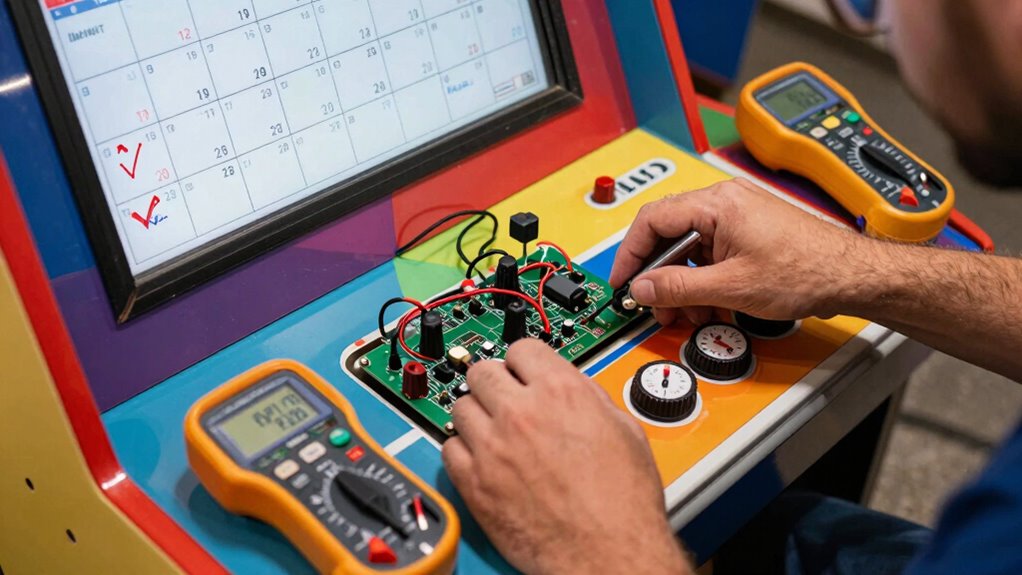
Have you ever wondered if your arcade hardware is functioning at its best? Regular testing and calibration are key. Start by checking joystick calibration; move the stick through its full range and ensure it registers correctly on-screen. If it feels off or unresponsive, recalibrate using your cabinet’s calibration tools or software. Next, test button responsiveness by pressing each button multiple times, noting any delays or failures. Replace or repair unresponsive or sticky buttons immediately. Confirm that all connections are secure and clean. Running these tests helps identify issues early, preventing bigger failures. Proper calibration guarantees accurate gameplay and maintains a seamless player experience. Additionally, inspecting hardware components periodically can help prevent unexpected failures and extend the lifespan of your equipment. Incorporating routine maintenance schedules ensures consistent performance and reduces downtime. Implementing a preventive maintenance plan inspired by industry best practices can further optimize your hardware’s longevity. Regularly updating your testing procedures also helps adapt to evolving technologies in arcade hardware.
Cleaning Tips to Prevent Dust and Corrosion
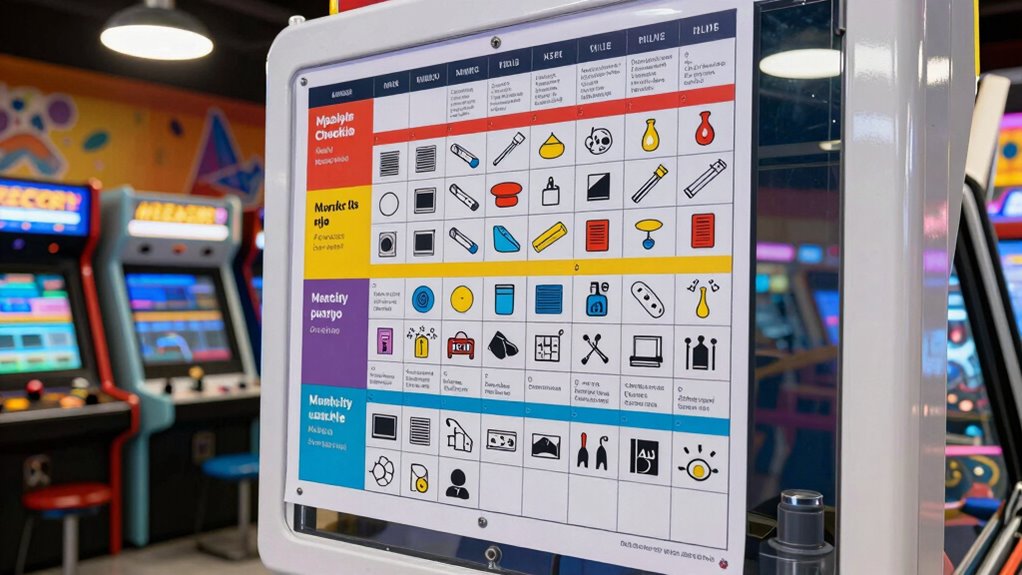
Dust and moisture can quickly accumulate inside your arcade cabinet, leading to corrosion and hardware issues if left unchecked. To prevent this, regularly clean internal components with compressed air and a soft brush. Keep dust buildup minimal to enhance airflow and cooling. Use anti-static wipes on circuit boards and connectors to prevent corrosion. Avoid harsh chemicals that could damage parts. Schedule monthly cleaning sessions, especially in humid environments, to boost corrosion prevention. Additionally, inspecting for signs of infection risks and addressing them early can prolong the lifespan of your hardware components. Incorporating humidity control measures can further help maintain optimal internal conditions and prevent moisture-related problems. Regularly monitoring internal humidity levels can help detect and address issues before they cause damage.
Checking and Fine-Tuning Software and Display Settings

Regularly checking and fine-tuning your arcade cabinet’s software and display settings guarantees peak performance and visual clarity. Start by installing the latest software updates to ensure your system runs smoothly and securely. Outdated software can cause glitches or compatibility issues. Next, focus on display calibration to optimize image quality. Adjust brightness, contrast, and color settings to match the game’s original design and your environment. Proper calibration reduces eye strain and enhances gameplay experience. Test different games to verify settings are consistent across titles. Keep an eye out for any software prompts or notifications requiring attention. Regular maintenance of these settings prevents visual distortions, bugs, and performance hiccups, making sure your cabinet remains engaging and reliably operational. Additionally, consulting measurement tools can help verify calibration accuracy and ensure consistent display performance over time. Incorporating monitor calibration devices can further enhance the precision of your adjustments and extend the longevity of your display components.
Setting Up a Simple Maintenance Routine
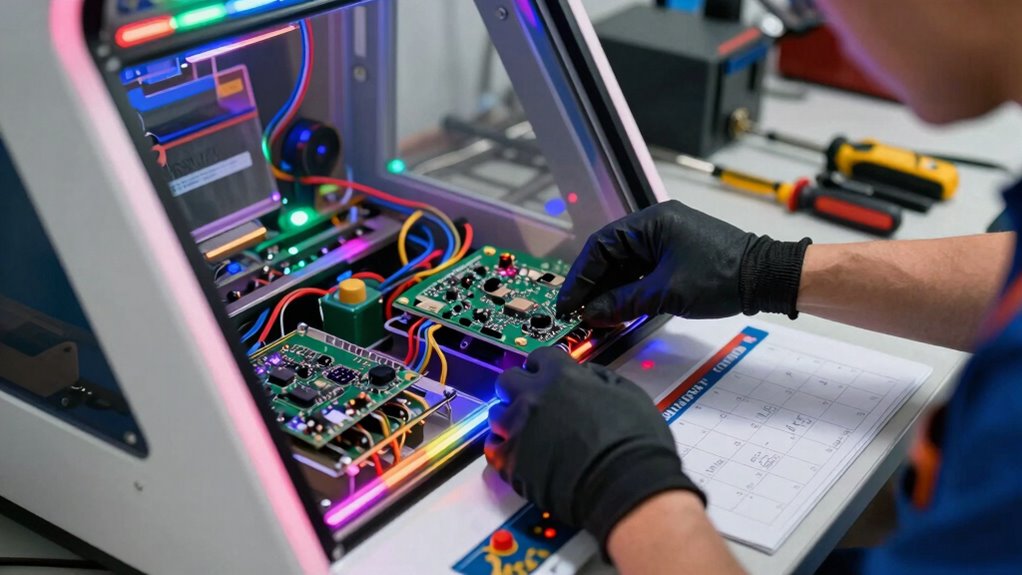
Once your software and display settings are optimized, establishing a straightforward maintenance routine keeps your arcade cabinet running smoothly over time. Regularly perform coin door adjustments to ensure coins feed properly and prevent jams. Check the power supply to confirm it delivers consistent voltage, avoiding crashes or display issues. Incorporate quick inspections of wiring connections to catch loose or frayed cables early. Schedule these tasks monthly to prevent minor issues from becoming major failures. Keep a checklist to track completed tasks, so nothing gets overlooked. This routine minimizes downtime and extends your cabinet’s lifespan. Staying proactive means fewer emergency repairs and more gaming enjoyment. Using proper safety techniques when handling electrical components ensures you stay safe during maintenance. Additionally, understanding electrical safety principles helps prevent accidents and equipment damage. Being familiar with preventive maintenance strategies can further improve the longevity of your arcade cabinet. Conducting routine system checks can help identify issues before they escalate, saving time and costs. Implementing humidity management practices in the environment can also protect sensitive electronic parts from moisture-related damage. A simple, consistent approach ensures your arcade stays in top shape with minimal effort.
Frequently Asked Questions
What Are Signs That My Arcade Cabinet Needs Urgent Repair?
If your arcade cabinet shows flickering screens, unresponsive controls, or strange noises, it’s time for urgent repair. Check circuit board diagnostics for any error indicators and verify the power supply safety by inspecting for overheating or inconsistent power. Don’t ignore these signs, as they can lead to more severe damage. Address issues promptly to keep your arcade running smoothly and prevent costly repairs down the line.
How Often Should I Replace Internal Wiring and Connectors?
You should replace internal wiring and connectors every 2 to 3 years or sooner if you notice signs of wear, such as frayed wires, corrosion, or loose connections. Regular inspections help identify issues early, preventing failures. Keep an eye out for any flickering screens or erratic controls, which may indicate faulty wiring or connectors. Timely connector replacement ensures your arcade cabinet runs smoothly and reduces the risk of unexpected breakdowns.
What Safety Precautions Should I Follow During Maintenance?
You should always prioritize electrical safety and wear protective gear like insulated gloves and eye protection during maintenance. Before working on the arcade cabinet, disconnect it from power completely to avoid shocks. Use insulated tools and guarantee your workspace is dry to prevent accidents. Never bypass safety mechanisms, and double-check that power is off before opening or repairing any electrical components. These precautions help keep you safe while maintaining your arcade cabinet.
Are There Specific Tools Recommended for Arcade Cabinet Repairs?
Your tools are your best allies, and with the right ones, you can conquer any repair like a hero. For arcade cabinet repairs, you’ll want a reliable circuit tester to diagnose issues quickly and a soldering iron for precise component fixes. These tools guarantee safety and accuracy, saving you from costly mistakes. Keep them handy, and you’ll maintain your arcade like a pro—ready to face any challenge!
How Can I Prevent Software Piracy or Unauthorized Modifications?
You can prevent software piracy and unauthorized modifications by implementing robust software encryption and strict user authentication. Regularly update your security protocols, ensuring only authorized personnel access the system. Use encryption to protect game files and code, making it difficult for hackers to tamper. Additionally, enforce user authentication with strong passwords and access controls, so only trusted users can make changes, keeping your arcade games secure and operational.
Conclusion
By sticking to this maintenance calendar, you’ll keep your arcade cabinet running smoother than a rocket launch. Regular checks and cleaning can prevent failures that might otherwise cost you more than the price of a small island. Don’t wait for things to break down—think of your routine as the secret weapon to extend your cabinet’s lifespan well beyond what you ever imagined possible. Keep up with maintenance, and your arcade will stay legendary for years to come.