
To fix tinny arcade audio in just an afternoon, start by inspecting your speaker placement and connections to make certain they aren’t muffled or distorted. Upgrade to full-range, durable speakers that match your cabinet’s space, and choose an amplifier with enough power for clear sound. Carefully wire everything with quality cables, calibrate your sound levels, and fine-tune equalization for rich, full audio. Keep safety in mind, and if issues persist, exploring additional upgrades or professional help can get your sound perfect.

Play games on Amazon Luna for your game nights, included with Prime
- A rotating selection of games, no download needed
- Play on TV, laptop or phone
- Fast, free delivery for your gear, too
Key Takeaways
- Check and reposition speakers away from walls or enclosed spaces to reduce sound reflection and improve clarity.
- Upgrade to high-quality, full-range arcade speakers that match your cabinet’s size and style.
- Ensure all wiring is secure, correctly grounded, and free from interference for optimal sound transmission.
- Fine-tune amplifier settings, including equalization, to balance bass, midrange, and treble for a richer sound.
- Use calibration sound files and test tones to identify and eliminate tinny or distorted audio issues quickly.
As an affiliate, we earn on qualifying purchases.
Why Your Arcade Sound Is Tinny and Lacks Depth
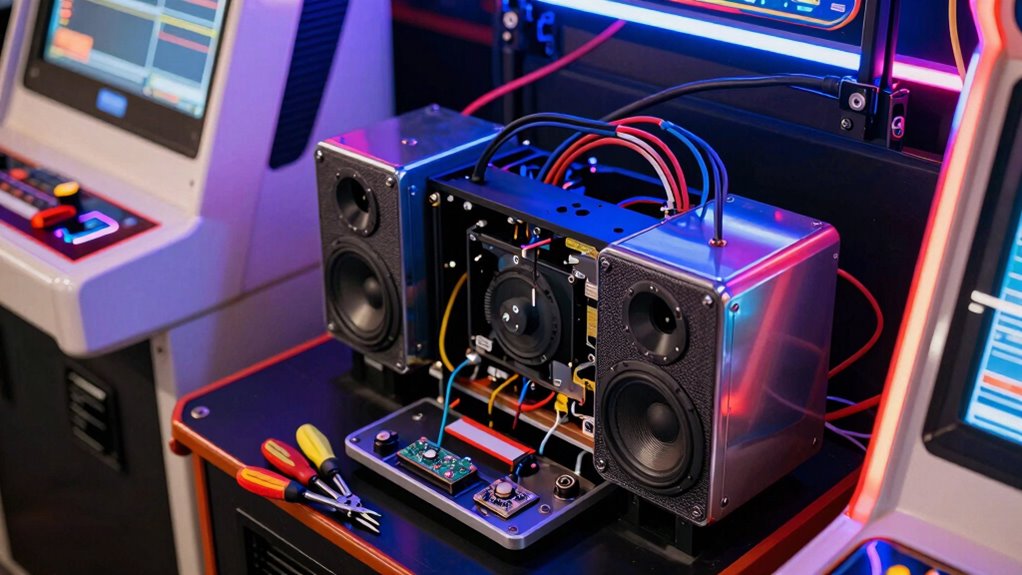
If your arcade sound feels thin and lacks richness, the problem often lies in the speaker setup or audio equipment. Soundproofing issues can cause sound to reflect improperly, making the audio seem hollow or tinny. Poor speaker positioning is another common culprit; if speakers are too close to walls or placed unevenly, sound waves can cancel each other out or distort, reducing depth and bass. Ensure your speakers are positioned at ear level and spaced evenly for balanced sound. Avoid blocking vents or placing speakers in enclosed cabinets, which muffles sound. Properly addressing soundproofing issues and adjusting speaker placement can considerably improve your arcade’s audio quality, making every game more immersive and enjoyable. Additionally, using appropriate audio equipment designed for gaming environments can enhance sound clarity and bass response. Paying attention to acoustic treatment can also help control reflections and improve overall sound quality in your arcade space. Implementing proper room acoustics can further optimize your audio experience by reducing unwanted echoes and reverberations, and considering soundproofing materials can help contain sound within the space for a clearer, more immersive audio environment.
How to Diagnose the Causes of Poor Arcade Audio
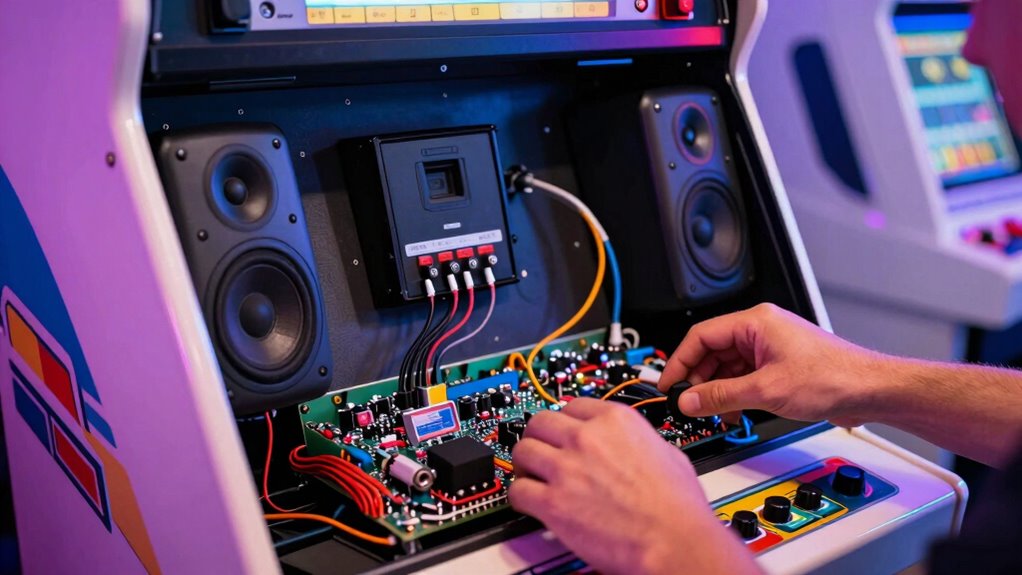
To identify why your arcade audio isn’t sounding right, start by systematically testing each component of your sound setup. Check connections, power supply, and the audio source first. Focus on speaker placement—poor placement can cause tinny or muffled sound. Use this table to guide your audio troubleshooting:
| Issue | Symptom | Solution |
|---|---|---|
| Loose connections | Crackling or no sound | Secure all wiring |
| Wrong speaker placement | Weak or uneven sound | Adjust speakers for peak sound |
| Faulty amplifier | Lack of bass or distortion | Test or replace amplifier |
Additionally, consider proper cable management to prevent interference that can affect audio quality. Maintaining consistent wiring can also help reduce noise and improve clarity. Furthermore, verifying the audio source settings ensures optimal sound output. Regularly inspecting internal circuit boards can help detect potential issues before they impact gameplay. Employing sound testing procedures regularly can help you identify and resolve issues quickly before they affect gameplay.
How to Choose the Best Speakers for Arcade Cabinets
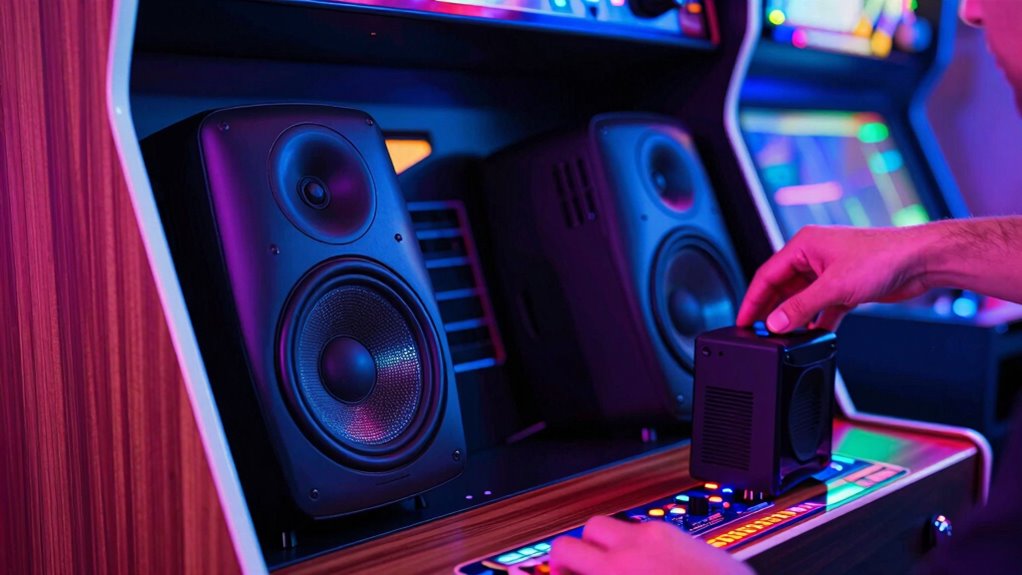
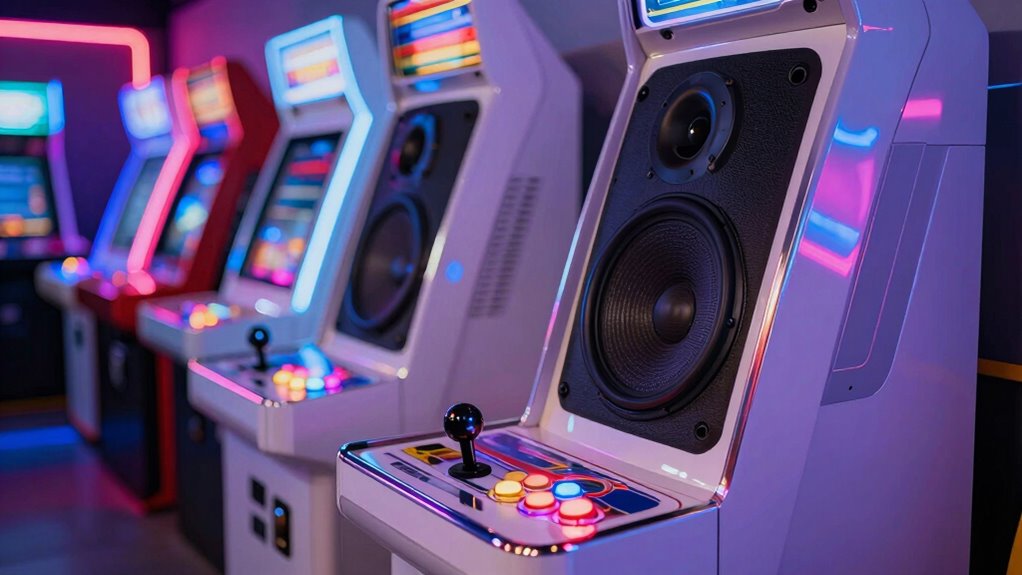
Choosing the right speakers for your arcade cabinet can considerably enhance the gaming experience by delivering clear, balanced sound. Consider speakers that match the vintage style of your arcade, similar to those used in retro game consoles and vintage sound systems. Look for models with good frequency response to capture the full range of game sounds, from deep bass to crisp highs. Compact, durable speakers are ideal for arcade setups, and they should fit comfortably within your cabinet’s space. Avoid tiny or low-quality speakers that can produce tinny or muddled audio. Instead, opt for speakers with a reputation for clarity and richness. Proper selection ensures your arcade games sound as immersive as they look, bringing your classic gaming experience to life. Additionally, choosing durable survival gear can help protect your equipment during setup and maintenance in various environments. Incorporating high-efficiency solar panels can also ensure your setup remains powered during outdoor events or power outages, enhancing your gaming experience in any environment. Recognizing the importance of sound quality can guide you in selecting speakers that truly elevate your gaming sessions. Moreover, selecting components with easy installation features can simplify the setup process, saving you time and effort. For optimal performance, consider speakers with electric power generation capabilities to help reduce reliance on external power sources.
How to Upgrade Your Arcade’s Audio Amplifier for Better Sound
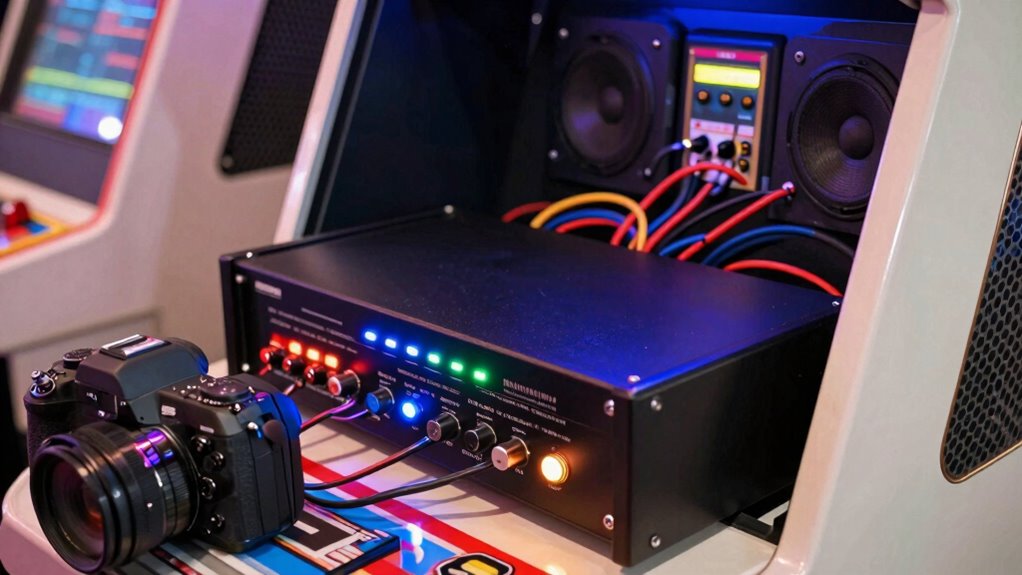
Enhancing your arcade’s sound quality often starts with upgrading the audio amplifier, which plays a essential role in powering your speakers and shaping the overall audio experience. To get better sound, choose an amplifier with sufficient power and quality components. Proper amplifier placement is critical—position it in a cool, ventilated spot away from heat sources and interference. Once installed, fine-tune your audio equalization settings to balance bass, midrange, and treble, ensuring clear and full sound. Upgrading your amplifier can also help eliminate tinny audio issues and improve overall volume. Remember, a well-placed and properly configured amplifier makes a noticeable difference in your arcade’s audio quality, giving players a richer and more immersive experience. Proper placement is essential to prevent overheating and ensure optimal performance. Additionally, selecting an amplifier with adequate power handling ensures your speakers can operate effectively without distortion. To further optimize sound quality, consider using audio calibration tools to fine-tune your system. Incorporating sound dampening materials can also reduce unwanted vibrations and enhance clarity. Using professional installation techniques can further ensure your system performs at its best.
How to Safely Connect and Wire Your New Arcade Sound System
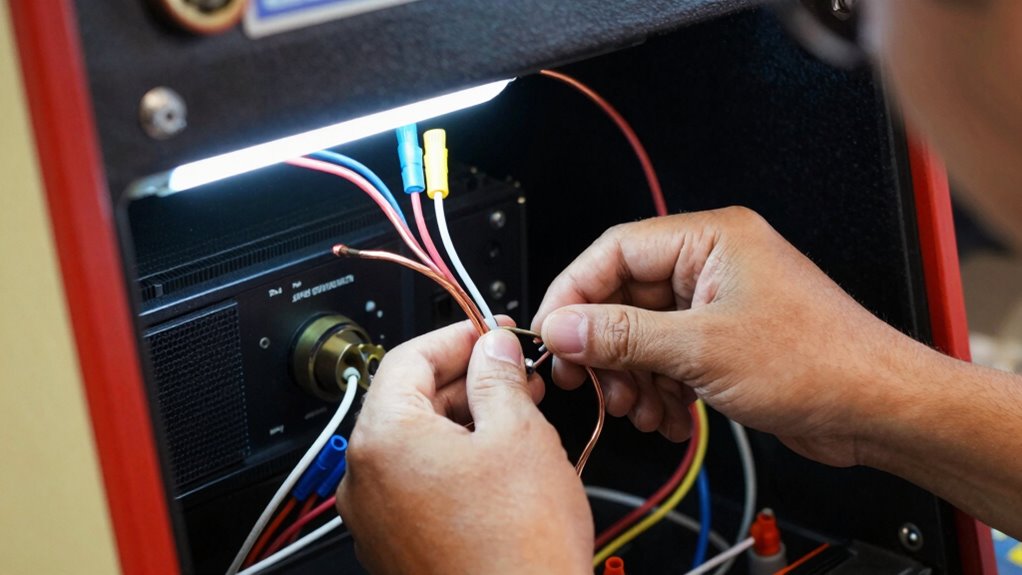
Connecting and wiring your new arcade sound system safely is essential to prevent damage and guarantee peak performance. Start by turning off all power sources before handling any wiring. Next, follow these steps:
- Use high-quality cables and connectors, ensuring secure connections for wireless connectivity options.
- Keep all wiring organized and away from moving parts or heat sources to prevent shorts or damage.
- Apply soundproofing techniques around speakers and wiring to minimize noise interference and protect your system.
- Refer to proper wiring standards to ensure your connections meet safety and quality benchmarks. Additionally, consider implementing grounding techniques to further enhance electrical safety and system stability. Incorporating cable management practices can also help keep your setup neat and reduce accidental disconnections. Maintaining secure connections throughout your system is crucial to prevent signal loss and ensure consistent audio performance.
Always double-check connections before powering on. Proper wiring reduces the risk of short circuits and electrical issues. Incorporate soundproofing techniques to enhance audio clarity and prevent external noise from affecting your sound experience. Carefully following these steps ensures your arcade sound system delivers ideal, reliable performance.
How to Test and Tune Your Arcade Sound for Full, Rich Audio
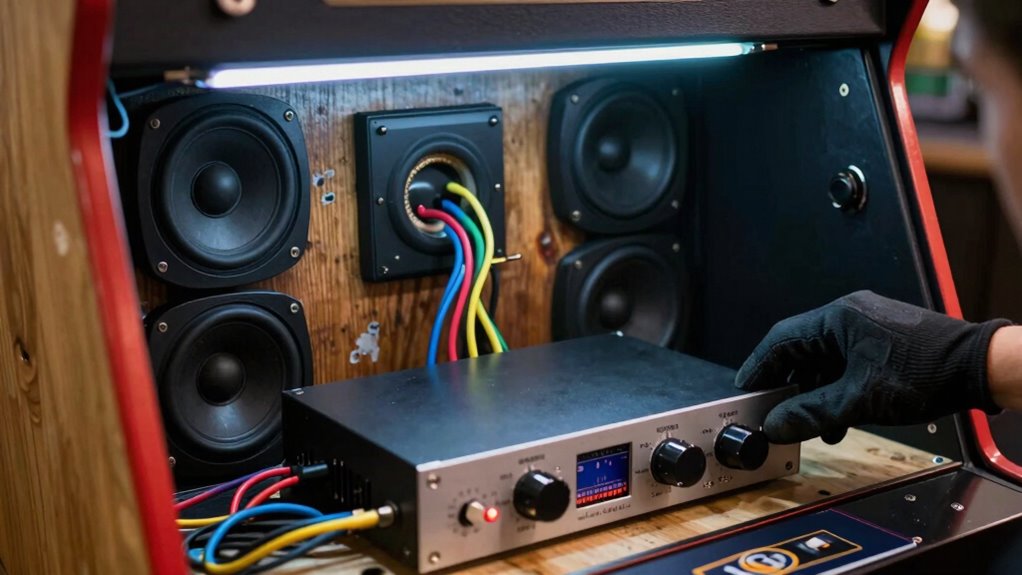
To guarantee your arcade sound system sounds its best, start by checking all audio connections for loose wires or faulty plugs. Next, adjust the sound settings to balance volume, bass, and treble for a full, rich tone. Acoustic drum shields can also help improve sound clarity by reducing unwanted echoes and noise. Finally, test the system using high-quality audio files to fine-tune the output and confirm everything is working perfectly.
Check Audio Connections
Ever wonder if your arcade sound system is working at its best? Start by checking your audio connections to guarantee everything runs smoothly. First, do an audio cable inspection—look for frayed wires, loose connectors, or corrosion that could cause sound issues. Second, verify connection stability—make sure all cables are firmly plugged in and seated properly. Third, test each connection point by gently wiggling the cables to see if the sound cuts in and out. This helps identify any loose or damaged links. Properly inspecting and securing your audio cables prevents hums, static, or tinny sound, ensuring full, rich audio. Taking these simple steps can markedly improve your arcade’s sound quality with minimal effort.
Adjust Sound Settings
Once your audio connections are secure, the next step is to test and tune your arcade sound system to achieve full, rich audio. Start with sound calibration by adjusting the volume levels on your amplifier and speakers, ensuring none are distorted or too quiet. Use the audio equalization controls to fine-tune the bass, midrange, and treble, balancing the sound for clarity and depth. Listen carefully to different game sounds and music, making small adjustments to eliminate tinny or muddy audio. Proper sound calibration helps you identify any imbalance and guarantees your system delivers full-bodied sound. Take your time to make incremental changes, checking the audio output after each adjustment, until you reach a vibrant, immersive sound experience.
Test With Audio Files
How can you guarantee your arcade sound system is properly tuned? The key is testing with high-quality audio files. Start by selecting a variety of audio file formats, such as WAV or MP3, to ensure compatibility and clarity. Next, apply sound editing techniques to adjust tone, balance, and volume, listening carefully for any tinny or distorted sounds. Finally, follow these steps:
- Play familiar tracks with rich, full sound to assess overall quality.
- Use test sound files designed for audio calibration to identify weak spots.
- Make incremental adjustments based on your observations, re-testing after each change.
This method guarantees you accurately gauge your system’s performance and fine-tune for full, rich audio in your arcade.
How to Maintain Your Arcade Sound System for Long-Term Quality
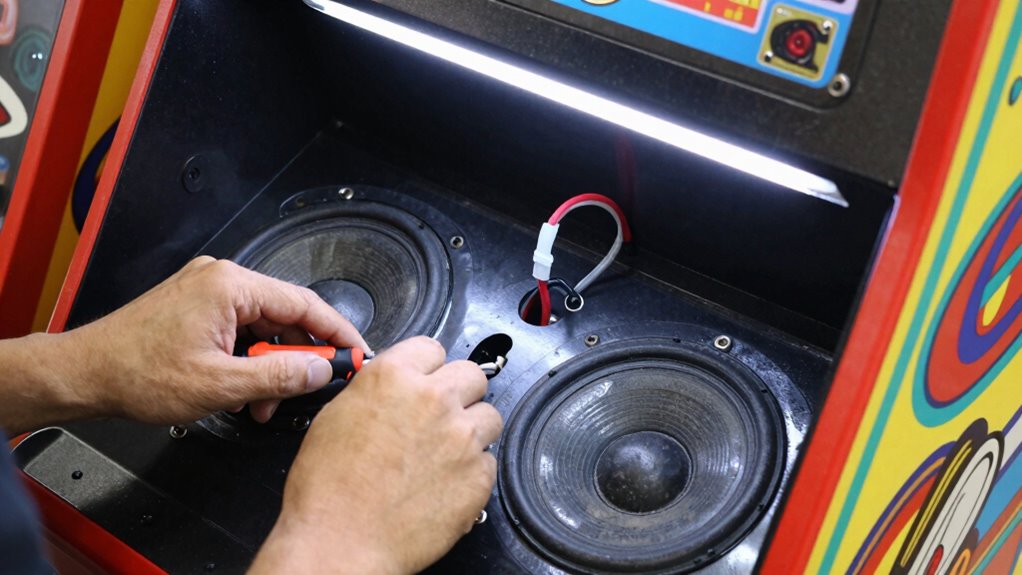
To keep your arcade sound system performing its best, you need to perform regular system checks and keep an eye out for any issues. Setting your volume properly prevents distortion and extends component life. Using quality parts guarantees your system stays reliable and sounds great for years to come.
Regular System Checks
Regular system checks are essential for keeping your arcade sound system performing at its best over time. By routinely inspecting your setup, you catch issues early and prevent long-term damage. Here are three key steps:
- Inspect cables and connections for looseness or corrosion, which can cause audio problems.
- Test speakers and amplifiers regularly to ensure they produce clear, balanced sound, aiding your audio troubleshooting efforts.
- Clean components like vents and ports to prevent dust buildup that can impact sound quality and system performance.
Performing these checks keeps your arcade sound system reliable and helps you identify potential issues before they escalate. Regular maintenance ensures your audio remains crisp and vibrant, enhancing the gaming experience for everyone.
Proper Volume Settings
Maintaining the right volume levels is key to preserving your arcade sound system’s long-term quality. Start by carefully adjusting the volume calibration on your amplifier or receiver to avoid distortion or damage. Proper speaker placement also plays a vital role; position speakers at ear level and avoid blocking vents or reflections that can muddle sound. Keep the volume at a moderate level—loud enough to enjoy clear audio without causing strain or distortion. Regularly test your setup after making adjustments, listening for any signs of imbalance or tinny sounds. Consistent calibration and thoughtful speaker placement ensure your system delivers balanced, high-quality audio over time, preventing long-term issues and maintaining an immersive gaming experience.
Use Quality Components
Using high-quality components is essential for guaranteeing your arcade sound system remains clear and reliable over time. When selecting parts, focus on component compatibility to prevent issues and ensure seamless operation. Additionally, investing in proper acoustic treatment helps reduce unwanted noise and enhances sound clarity. To maintain long-term quality, consider these steps:
- Choose speakers, amplifiers, and wiring from reputable brands known for durability.
- Verify component compatibility to avoid mismatched parts that can cause distortion.
- Implement acoustic treatment, like sound-absorbing panels, to optimize audio performance and prevent tinny or echoey sound.
When to Call a Professional for Arcade Sound Upgrades
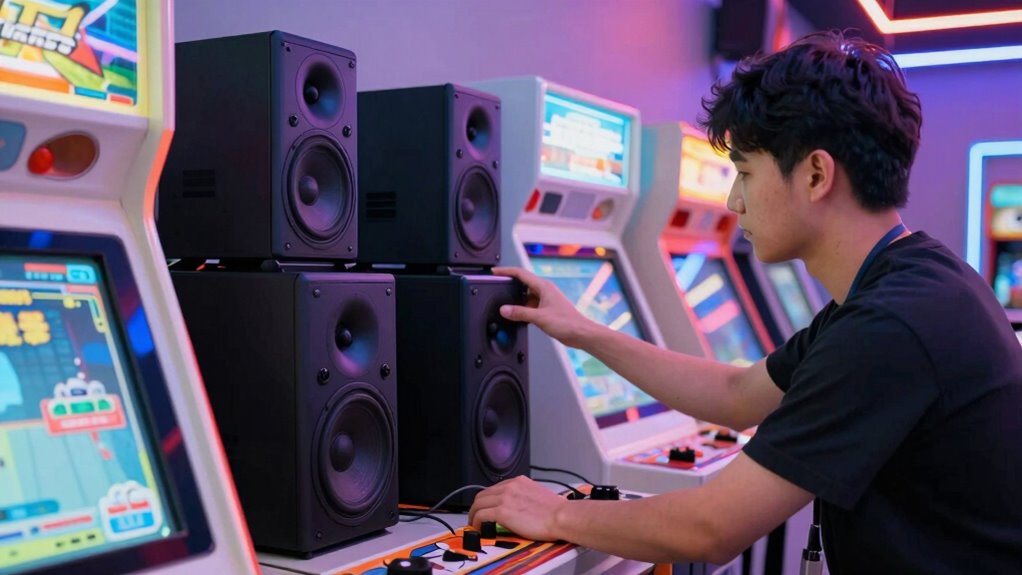
If you’re experiencing persistent audio issues or find that your current sound system isn’t delivering the immersive experience you want, it’s time to contemplate calling a professional. When your arcade sound aesthetics suffer despite basic troubleshooting, experts can assess whether faulty wiring, outdated audio equipment, or poor acoustics are the culprits. Professionals have the skills for proper audio equipment maintenance, ensuring your sound system operates at peak performance. If you notice inconsistent volume, distorted sound, or difficulty achieving balanced audio, it’s a sign you need specialized help. Attempting complex upgrades without experience can lead to further issues. Calling a professional guarantees a thorough evaluation, proper installation, and long-term reliability, so your arcade maintains its enchanting sound environment.
Frequently Asked Questions
Can I Upgrade My Arcade Sound System Without Damaging the Original Cabinet?
Yes, you can upgrade your arcade sound system without damaging the original cabinet. Focus on preserving the cabinet’s integrity by choosing compatible, non-invasive components like external speakers or plug-and-play modules. Avoid drilling or modifying the internal structure. This way, you enhance sound quality while maintaining cabinet preservation and ensuring the original sound integrity remains intact, giving you a better audio experience without sacrificing your arcade’s authenticity.
What Budget Options Are Available for Improving Arcade Audio Quality?
You can improve your arcade audio quality with budget speakers like compact, high-quality options that fit easily into your cabinet. To enhance sound clarity, consider soundproofing options such as foam panels or sealing gaps around speakers to reduce echo and external noise. These affordable solutions make a noticeable difference without breaking the bank, ensuring your arcade sounds richer and more immersive without damaging your original cabinet.
How Long Does a Typical Arcade Sound Upgrade Take?
You’ll be amazed how quickly you can transform your arcade’s sound quality—usually within just a few hours! The installation process is straightforward and designed for speed, often taking only an afternoon. In that short time, you’ll go from tinny, disappointing audio to rich, immersive sound that hits you like a punch. So, expect a quick upgrade that’s both simple and game-changing for your arcade experience.
Are There Specific Brands Recommended for Arcade Speaker Replacements?
For arcade speaker replacements, brands like Polk Audio, JBL, and Pyle are highly recommended for their quality and durability. These brands offer reliable replacement options that improve sound clarity and reduce tinny audio. You should consider your specific setup and budget when choosing, but generally, these brands provide excellent sound upgrades. Opt for models with good wattage ratings and appropriate sizes to guarantee compatibility with your arcade machine.
Will Upgrading My Speakers Affect the Original Arcade Game Experience?
Upgrading your speakers won’t ruin your arcade nostalgia—it actually boosts audio authenticity. Sure, some purists might fret over changes, but think of it as giving your game a fresh voice without losing its soul. By replacing those tinny old speakers, you preserve the essence while enjoying richer, clearer sound. So go ahead, upgrade confidently—you’re enhancing your experience without sacrificing the vintage charm you love.
Conclusion
Upgrading your arcade sound system can dramatically improve your gaming experience, and the good news is you can fix that tinny audio in just one afternoon. Did you know that poor audio quality can reduce your enjoyment by up to 40%? By diagnosing issues, choosing the right components, and following safe wiring practices, you’ll enjoy richer, fuller sound in no time. Take control of your arcade’s audio and hear every detail clearly—your games deserve it!
Fall Picks
fall essentials
As an affiliate, we earn on qualifying purchases.