To keep your arcade buttons and joysticks responsive, regularly clean them with compressed air to remove dust and debris. Wipe surfaces with a soft cloth and isopropyl alcohol for a thorough clean, and apply silicone-based lubricant to pivot points for smoother operation. Calibrate your joysticks if they feel off-center, and check internal wiring for damage or looseness. Continuing will reveal more tips to help you maintain peak performance and extend the life of your controls.
Key Takeaways
- Regularly clean buttons and joysticks with compressed air and soft cloths to prevent dirt buildup and maintain responsiveness.
- Use isopropyl alcohol and soft cloth to thoroughly wipe surfaces, removing grime and ensuring smooth operation.
- Apply silicone-based lubricant or contact cleaner to pivot points and springs for improved responsiveness and reduced friction.
- Calibrate joysticks via settings or software to fix drift, dead zones, and ensure precise control.
- Inspect internal wiring, tighten screws, and replace damaged parts periodically to prevent mechanical failures and prolong component lifespan.

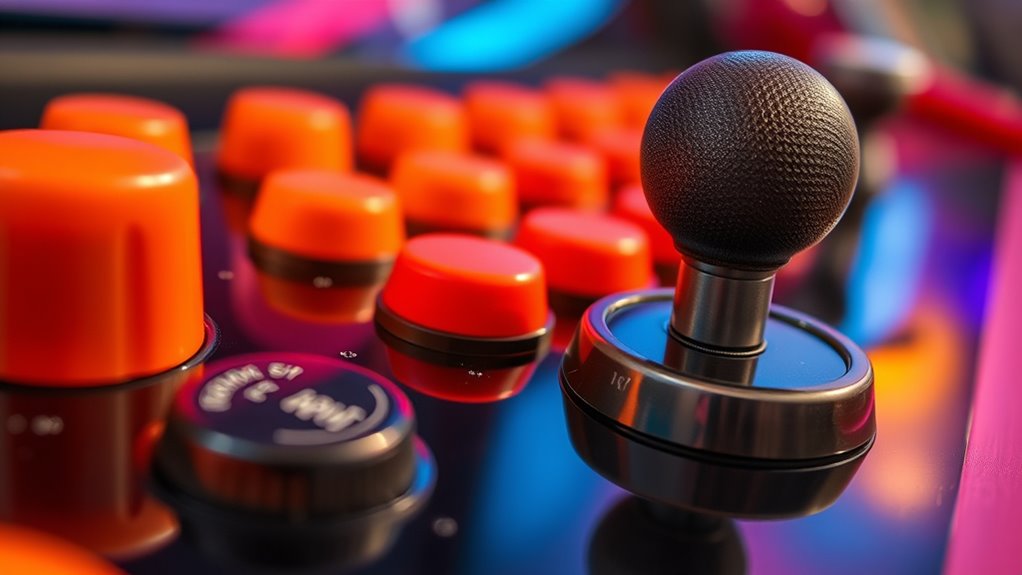
Regularly cleaning and maintaining your arcade buttons and joysticks is vital to guarantee they stay responsive and last longer. Over time, dirt, dust, and grime can accumulate inside the components, leading to sluggish responses or even mechanical failures. To prevent this, you should periodically remove the panel covers and give the buttons and joysticks a thorough clean. Use compressed air to blow out debris and a soft cloth dampened with isopropyl alcohol to wipe down surfaces. This simple step keeps everything moving smoothly and reduces the risk of sticky or unresponsive controls.
Regular cleaning keeps arcade buttons and joysticks responsive and prevents mechanical failures.
One key aspect of maintenance is button lubrication. Applying a small amount of silicone-based lubricant or a specialized contact cleaner to the button mechanisms can markedly improve responsiveness. Be careful not to over-lubricate, as excess lubricant can attract dirt and cause more problems. Instead, focus on the pivot points and springs where friction occurs. Proper lubrication ensures that your buttons return quickly after each press, giving you a more precise and satisfying gaming experience. Regularly inspecting these parts and reapplying lubricant as needed helps maintain their peak function over time.
Joystick calibration is another critical maintenance task. If your joystick feels off-center or doesn’t respond accurately, calibration can fix the issue. Many arcade controllers have built-in calibration options accessible through the settings menu or software interface. Follow the manufacturer’s instructions to recalibrate your joystick, ensuring it registers movements correctly and consistently. Calibration helps eliminate drift and dead zones, which can be frustrating during gameplay. If the calibration options are limited or unavailable, you might need to manually adjust the internal components or replace worn-out parts. Keeping the joystick properly calibrated ensures precise control and enhances your overall gaming performance.
Additionally, it’s important to be aware that regional differences can influence the types of replacement parts available, which may affect maintenance routines. Besides lubrication and calibration, it’s also wise to check the wiring and connections regularly. Loose or corroded contacts can cause intermittent issues or complete failure of inputs. Tighten loose screws, clean contact points with a contact cleaner, and replace damaged wires as needed. Doing so prevents small issues from escalating into major repairs. Additionally, consider investing in protective covers or dust shields for your arcade panel to keep out dust and moisture, which can accelerate wear and corrosion.
Frequently Asked Questions
Can I Use Household Cleaning Products on Arcade Components?
You shouldn’t use household cleaners on arcade components because they can cause circuit damage. Many common cleaning products contain chemicals that aren’t safe for electronic parts, risking corrosion or short circuits. Instead, use a damp cloth with isopropyl alcohol or a specialized electronics cleaner. This way, you protect your arcade buttons and joysticks from damage while keeping them clean and functioning properly.
How Often Should I Perform Deep Cleaning on My Arcade Controls?
You should perform deep cleaning on your arcade controls every 3 to 6 months, depending on how often you play. Regularly maintaining your controls helps prevent dirt buildup and prolongs their lifespan. Establish a consistent cleaning schedule, especially if multiple players use the arcade. Investigating this frequency ensures your controls stay responsive and clean. Don’t wait until they’re sticky or unresponsive—stick to your maintenance routine for ideal performance.
Are There Any Risks of Damaging the Circuitry During Cleaning?
Yes, there are cleaning risks that can lead to circuitry damage if you’re not careful. You might accidentally short-circuit components or cause corrosion if liquids seep into the electronics. To prevent this, use minimal liquid, apply cleaning solutions carefully, and avoid excessive force. Always disconnect power before cleaning, and make sure everything is dry before reconnecting. Taking these precautions helps prevent circuitry damage during cleaning.
What Tools Are Safest for Disassembling Arcade Buttons and Joysticks?
Think of disassembling arcade buttons and joysticks like opening a delicate gift. Use a screwdriver that matches the compatibility of the screws—usually Phillips or flat-head—and guarantee it fits snugly to avoid stripping. Always wear anti-static precautions, like grounding yourself, to prevent static damage to sensitive parts. These tools are safest because they provide control and minimize risk, keeping your components intact while you work carefully through the disassembly process.
How Do I Replace Worn or Broken Arcade Buttons and Joysticks?
To replace worn or broken arcade buttons and joysticks, start by unplugging your arcade cabinet. Use the proper tools for button replacement and joystick repair, like a screwdriver and pliers. Carefully remove the damaged components, disconnect wiring, and install new buttons or a joystick. Make sure everything is securely connected and test your setup before reassembling fully. This process keeps your arcade gaming experience smooth and responsive.
Conclusion
By regularly cleaning and maintaining your arcade buttons and joysticks, you keep your setup in top shape and extend its lifespan. Don’t wait for things to go south—take action now to prevent issues before they start. Remember, a stitch in time saves nine, so stay proactive and attentive. With a little effort, you’ll enjoy smooth gameplay and avoid costly repairs down the line. Keep your arcade gear in prime condition, and it’ll reward you with countless hours of fun.