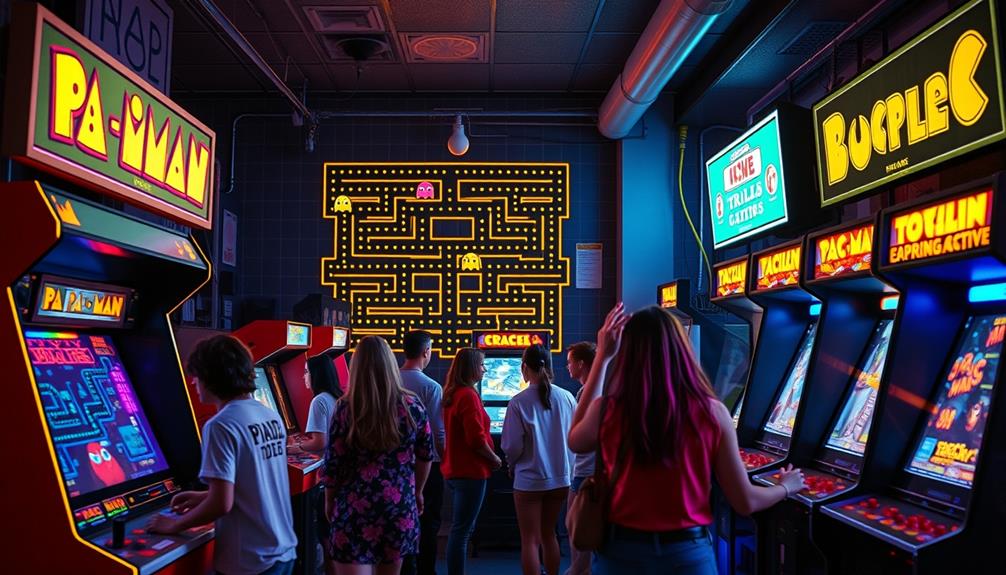
Using a Raspberry Pi for emulation in arcade cabinets is a popular choice thanks to its affordability and versatility. You can customize hardware with controls, cooling, and cases to match your style. Pair it with emulation software like RetroPie or Batocera, and tweak the settings for smooth gameplay. Optimizing both hardware and software guarantees high performance and an authentic retro experience. Keep exploring to discover how to build your perfect arcade system from start to finish.
Key Takeaways
- Raspberry Pi offers a cost-effective, compact solution for running multiple arcade game emulators with high efficiency.
- Hardware customization, such as controls and cooling, enhances gameplay experience and system reliability.
- Software platforms like RetroPie simplify setup, providing pre-configured emulators and user-friendly interfaces.
- Performance can be optimized by adjusting emulator settings, removing background processes, and customizing configurations.
- Integrating hardware and software modifications results in a cohesive, high-performance arcade cabinet setup.
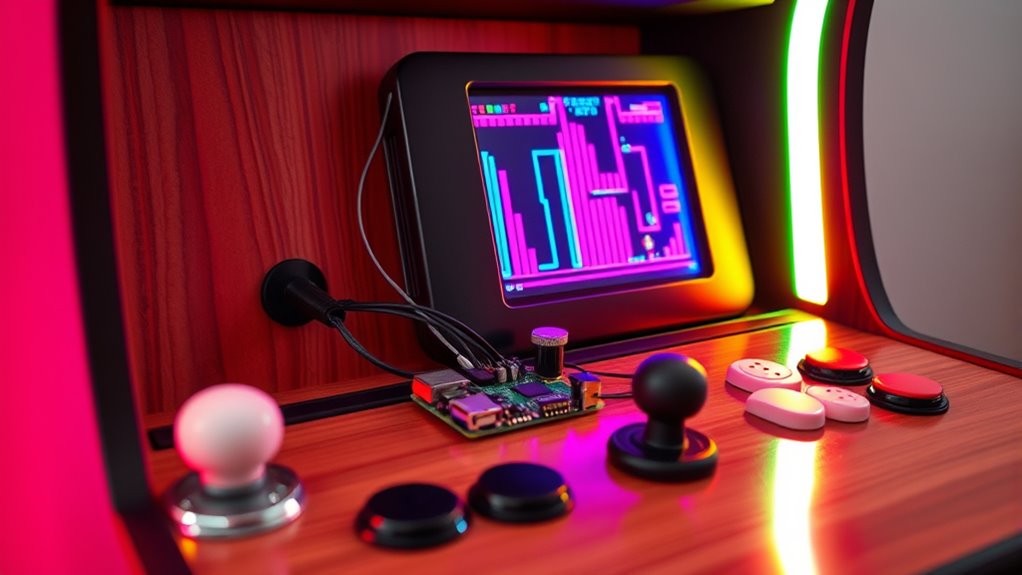
If you’re looking to bring classic arcade games back to life, using a Raspberry Pi for emulation in your arcade cabinet is an excellent choice. This small, affordable computer packs enough power to run a variety of retro games, making it a popular option among hobbyists and enthusiasts alike. One of the key advantages is the ability to perform hardware customization, allowing you to tailor the setup to match your specific needs. You can add custom controls, upgrade cooling solutions, or even modify the case to create a truly unique arcade experience. This flexibility guarantees your cabinet not only functions well but also reflects your personal style.
On the software side, optimized emulation is vital. You’ll want to select the right emulator software that works seamlessly with the Raspberry Pi hardware. Popular choices like RetroPie, Recalbox, or Batocera come pre-configured with a range of emulators, making setup straightforward. These platforms are designed to maximize performance through software optimization, ensuring games run smoothly without lag or glitches. Tweaking emulator settings, such as adjusting frame rates or input lag, can further enhance gameplay, providing an experience as close to the original as possible. The open-source nature of these platforms also means you can customize user interfaces, add custom artwork, or tweak configurations to improve the overall aesthetic and usability of your arcade cabinet. Additionally, understanding the emulation performance and how to optimize it can significantly improve your gaming experience.
Combining hardware customization with software optimization allows you to create a cohesive and high-performance arcade system. For example, you might choose a case with better airflow to keep your Raspberry Pi cool during extended gaming sessions or add a dedicated sound card to improve audio quality. On the software side, you can streamline your setup by removing unnecessary background processes or configuring hotkeys for quick access to system functions. This level of control guarantees your arcade cabinet runs efficiently and reliably, with minimal downtime.

Hikig 2 Player led arcade buttons and joysticks DIY kit 2x joysticks + 20x led arcade buttons game controller kit for MAME and Raspberry Pi – Red + Blue Color
New Style DIY Arcade Kit, LED arace game DIY MAME parts DIY Accessories.
As an affiliate, we earn on qualifying purchases.
As an affiliate, we earn on qualifying purchases.
Frequently Asked Questions
Can Raspberry Pi Run All Arcade Game Emulators Flawlessly?
You won’t find that the Raspberry Pi can run all arcade game emulators flawlessly. Performance limitations may cause lag or glitches, especially with more demanding titles. Emulator compatibility varies; some games run perfectly, while others encounter issues or don’t work at all. To get the best results, choose a Raspberry Pi model suited to your emulator’s requirements, and be prepared to troubleshoot or make compromises with performance and compatibility.
What Are the Power Requirements for a Raspberry Pi Arcade Setup?
You’ll need a reliable power supply, ideally a 5V micro USB or USB-C adapter, depending on your Raspberry Pi model. The energy consumption is relatively low, typically around 2-4 watts, making it energy-efficient for arcade setups. Make sure your power supply provides at least 2.5A to 3A to avoid performance issues. Proper power management keeps your emulation smooth and your system stable during extended gaming sessions.
How Do I Ensure Legal ROM Usage With Raspberry Pi Emulators?
To make certain legal ROM usage with your Raspberry Pi emulator, you need to prioritize ROM copyright compliance and understand legal considerations. Only use ROMs you own physically or those released legally for free. Avoid downloading ROMs from unauthorized sources to prevent copyright infringement. Always verify the source’s legitimacy, and consider creating backups of your original games. This way, you stay within legal boundaries and respect intellectual property rights.
Is It Possible to Connect Multiple Raspberry Pis for Network Gaming?
Yes, you can connect multiple Raspberry Pis for network gaming, but you need to manage network latency and hardware synchronization carefully. Use a wired Ethernet connection for reduced latency, and consider syncing timestamps or using dedicated synchronization software to keep gameplay smooth. This helps guarantee that actions are consistent across devices, giving you a better multiplayer experience. Proper setup minimizes lag and keeps your gaming sessions seamless.
What Are the Best Accessories for a Raspberry Pi Arcade Cabinet?
You’ll want a sturdy arcade cabinet frame, a good quality display, and a reliable power supply. For controller options, consider arcade sticks or gamepads that connect via USB for authentic gameplay. A responsive touchscreen can enhance user interaction, while extra buttons or a coin door add authenticity. Don’t forget ventilation fans to keep your Raspberry Pi cool. These accessories create an immersive, functional arcade experience that’s both fun and reliable.

Rocket Cade 128GB Preloaded MicroSD Card for Raspberry Pi 5 – Batocera + RetroPie Emulator with 19,000+ Retro Games Across 30+ Classic Systems & RGSX Game Library – Plug-and-Play Retro Gaming Card
🎮 PLUG-AND-PLAY GAMING FOR RASPBERRY PI 5 Fully preconfigured 128GB microSD card designed specifically for the Raspberry Pi…
As an affiliate, we earn on qualifying purchases.
As an affiliate, we earn on qualifying purchases.
Conclusion
By choosing a Raspberry Pi, you simplify setup, save costs, and enjoy endless gaming possibilities. You can customize your arcade cabinet, enhance your gaming experience, and explore classic titles. With a Raspberry Pi, you gain flexibility, affordability, and fun—all in one package. Embrace the DIY spirit, unleash your creativity, and bring your arcade vision to life. Ultimately, using a Raspberry Pi makes your arcade dreams achievable, enjoyable, and uniquely yours.
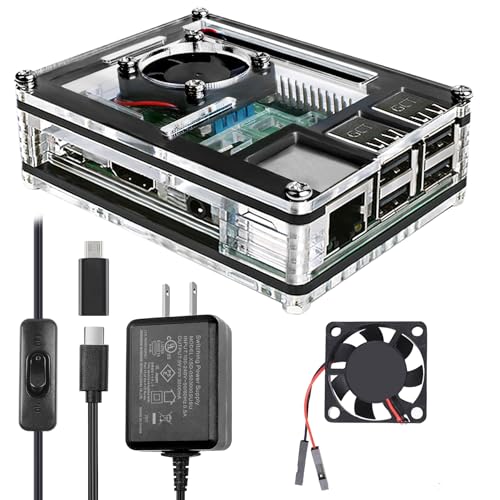
Miuzei Case for Raspberry Pi 3 with Fan Cooling Pi 3B Case with 3 Pcs Heat-Sinks 5V 3A Power Supply Compatible with Raspberry Pi 3 (B Plus)
Clear Case for Raspberry Pi 3 – Miuzei Clear Acrylic Pi 3 B Case is Only designed for…
As an affiliate, we earn on qualifying purchases.
As an affiliate, we earn on qualifying purchases.

Geekworm for Raspberry Pi 4 Aluminum Case, Heavy Duty Passive Cooling Metal Case/Housing with Heatsink Pillar Compatible with Raspberry Pi 4 Model B Only-Black (P173)
Compatibility: Compatible with Raspberry Pi 4 Model B 1GB/2GB/4GB/8GB computer only, Model: P173; Case Dimensions: 90 x 65…
As an affiliate, we earn on qualifying purchases.
As an affiliate, we earn on qualifying purchases.