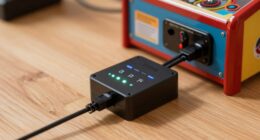
To dial in a fair but not soft tilt, start by carefully adjusting your tilt bob position and checking the sensitivity threshold. Test your setup by gently nudging the machine and observing the ball response, making incremental tweaks to balance sensitivity and prevent false triggers. Confirm your tilt sensor is properly calibrated and mounted steadily. Regular testing and fine-tuning will help you maintain consistent gameplay. Keep exploring for more tips to perfect your tilt and optimize your gaming experience.
Key Takeaways
- Adjust the tilt bob position for optimal sensitivity, ensuring it reacts accurately to nudges without false triggers.
- Fine-tune the tilt threshold to balance responsiveness, preventing both missed tilts and accidental activations.
- Conduct regular tilt tests by gently shaking the cabinet to observe consistent ball responses.
- Ensure proper sensor placement and mounting stability to maintain accurate and reliable tilt detection.
- Continuously calibrate and verify the tilt sensor to prevent drift, maintaining a fair yet responsive gameplay experience.
Why Your Pinball Tilt Matters and How to Get It Right

Your pinball tilt is essential because it directly affects gameplay fairness and the machine’s responsiveness. Tilt mechanisms are designed to detect when the machine is being shaken or tilted too much, preventing unfair advantages. If your tilt is too sensitive, innocent bumps can cause the ball to drain prematurely, frustrating players. Conversely, if it’s too lax, players might exploit the tilt to manipulate ball behavior. Proper adjustment guarantees game balance, making sure the tilt activates only during deliberate moves or excessive shaking. This balance keeps gameplay fair and challenging while preventing cheating or accidental tilts. By understanding your tilt mechanism’s sensitivity, you can set it correctly, ensuring that your game remains fun, competitive, and accurately reflects skill. Additionally, regularly testing the tilt sensitivity helps maintain consistent gameplay and prevents unexpected issues. Adjusting the tilt properly also involves understanding the sensitivity settings, which vary depending on the machine and can be fine-tuned for optimal performance.
How Tilt Bobs Impact Your Pinball Machine’s Sensitivity

Your tilt bob directly influences the sensitivity of your pinball machine’s tilt sensor. When you modify the tilt threshold, you regulate how much movement activates a tilt warning or penalty. Properly setting the tilt sensor guarantees fair gameplay without false triggers or missed signals. Adjusting the Free Floating tilt mechanism can help prevent unnecessary tilt alerts caused by minor vibrations or bumps. Additionally, understanding sensor calibration techniques can ensure your tilt system responds precisely to intended movements. Regularly inspecting and maintaining the tilt components can further improve accuracy and reliability. Incorporating adjustable thresholds into your setup allows for customized sensitivity levels tailored to your gameplay style.
Tilt Sensor Sensitivity
Have you ever wondered how tilt sensor sensitivity affects your pinball machine’s performance? It all starts with proper sensor calibration, which ensures the sensitivity range matches your play style. If the sensor is too sensitive, even minor jolts might trigger unwanted tilt warnings, disrupting gameplay. Conversely, if it’s not sensitive enough, legitimate tilts might go unnoticed, compromising fairness. Adjusting the sensitivity range involves fine-tuning the tilt sensor settings so that it responds appropriately to typical play. This calibration helps you find that perfect balance—preventing false triggers while catching genuine tilts. Remember, each machine and playing environment is different, so take the time to test and refine the sensitivity to achieve the ideal tilt response without sacrificing playability. Additionally, understanding sensor calibration techniques can help you optimize performance further. Proper energetic alignment of your machine and environment can also influence sensor responsiveness and overall gameplay experience.
Adjusting Tilt Threshold
Adjusting the tilt threshold directly influences how tilt bobs impact your pinball machine’s sensitivity. When you calibrate the sensor, especially the tilt switch, you set the point at which the machine registers a tilt. A higher threshold makes it less sensitive, requiring more force to trigger tilt, while a lower threshold increases sensitivity. Visualize this with the following:
| Threshold Level | Impact on Tilt Bobs | Player Experience |
|---|---|---|
| Low | Very sensitive | Frequent false tilts |
| Moderate | Fair balance | Optimal sensitivity |
| High | Less sensitive | Risk of missing tilt |
| Very High | Almost insensitive | Rarely tilts triggered |
| Max | No tilt detection | Machine ignores tilt |
Proper sensor calibration ensures your tilt switch triggers accurately, providing fair gameplay without false alarms.
How to Test Your Tilt Settings and Spot Problems
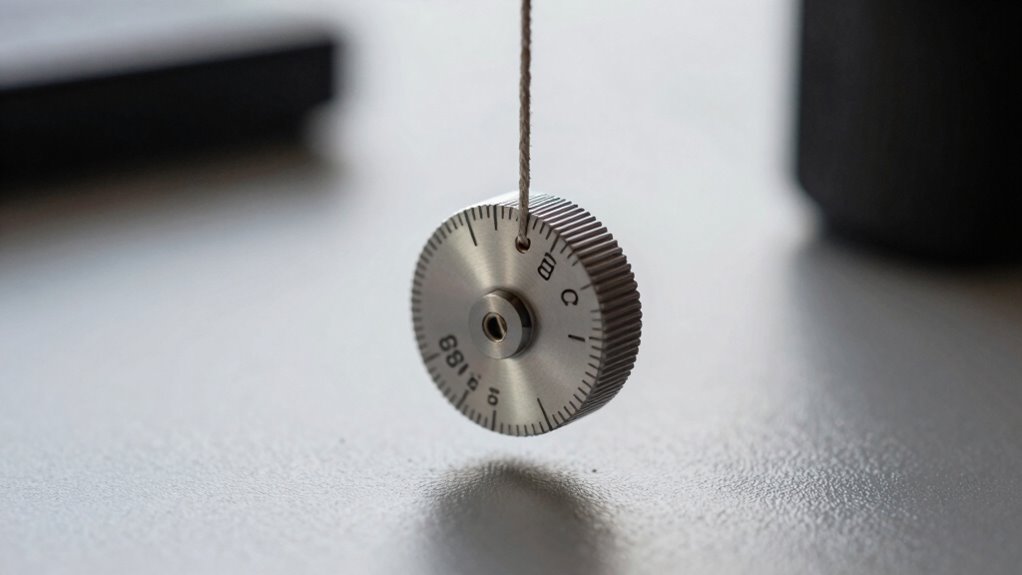
Wondering if your tilt settings are working correctly? The best way to test is by observing ball sway during gameplay. If the ball moves excessively or seems too stiff, your tilt calibration might be off. To check, gently shake the pinball cabinet and watch how the ball reacts. A properly calibrated tilt should prevent ball sway from causing unintended nudges but still allow natural gameplay. Also, look for uneven tilt angles that might cause unpredictable ball behavior. Adjust your tilt bob and re-test until you find a balance that discourages intentional tilt but avoids overly sensitive settings. Understanding pinball tilt calibration and how it affects gameplay can help you fine-tune your settings for optimal performance. Regularly inspecting tilt sensitivity ensures consistent and fair game play, preventing false triggers or overly soft responses. Spotting these issues early helps ensure your game plays smoothly and fairly, without false tilt triggers or overly soft responses. Maintaining proper tilt settings is essential for a fair and enjoyable gaming experience. Additionally, understanding how game mechanics respond to tilt adjustments can help optimize your setup for different play styles.
The Main Components to Adjust for Better Tilt Control

To improve your tilt control, focusing on the main components that influence sensitivity is essential. These components directly affect pinball physics and tilt calibration, shaping how the game responds to slight nudges. Key elements include the tilt bob’s position, sensitivity threshold, and mounting stability. Adjusting these ensures you avoid false triggers while catching genuine tilts. Consider this table:
| Component | Impact on Tilt Control |
|---|---|
| Tilt Bob Position | Alters sensitivity to nudges |
| Mounting Stability | Prevents inconsistent tilt responses |
| Sensitivity Threshold | Sets the tilt activation point |
| Tilt Sensor Quality | Ensures accurate tilt detection |
| Calibration Settings | Fine-tunes responsiveness and fairness |
Additionally, regularly checking and maintaining the tilt sensor can significantly improve overall accuracy. Proper adjustment of the tilt bob’s position can greatly influence how sensitive the system is to movement. Understanding how calibration settings interact with other components allows for more precise control tailored to your gameplay style. It’s also helpful to understand how mounting stability contributes to consistent tilt detection, reducing false alarms. Proper maintenance and understanding of the sensor quality can also help prevent erratic tilt detection. Focusing on these components helps you master tilt calibration, creating a fair yet responsive gameplay experience.
Step-by-Step: Fine-Tuning Your Tilt Bob for a Fair Game

Fine-tuning your tilt bob starts with a clear understanding of its current position and how it responds to nudges. Observe how the ball physics influence the tilt, noting whether the ball moves smoothly or jerks when you adjust the tilt mechanisms. To begin, gently nudge the tilt bob and watch for its reaction—does it return to center quickly, or does it stay tilted? Adjust the tilt mechanisms gradually, making small changes to achieve a balanced response. Focus on maintaining a tilt that’s enough to challenge the ball physics without causing unfair pinball behavior. Test repeatedly after each adjustment, ensuring the tilt remains consistent across different angles. This methodical approach helps dial in a tilt that’s fair, responsive, and optimized for accurate gameplay. Recognizing the vintage audio/vinyl revival can also inspire a more nostalgic approach to tuning, emphasizing the importance of balance and harmony in your setup.
Mistakes That Make Your Tilt Too Sensitive or Too Loose: and How to Fix Them
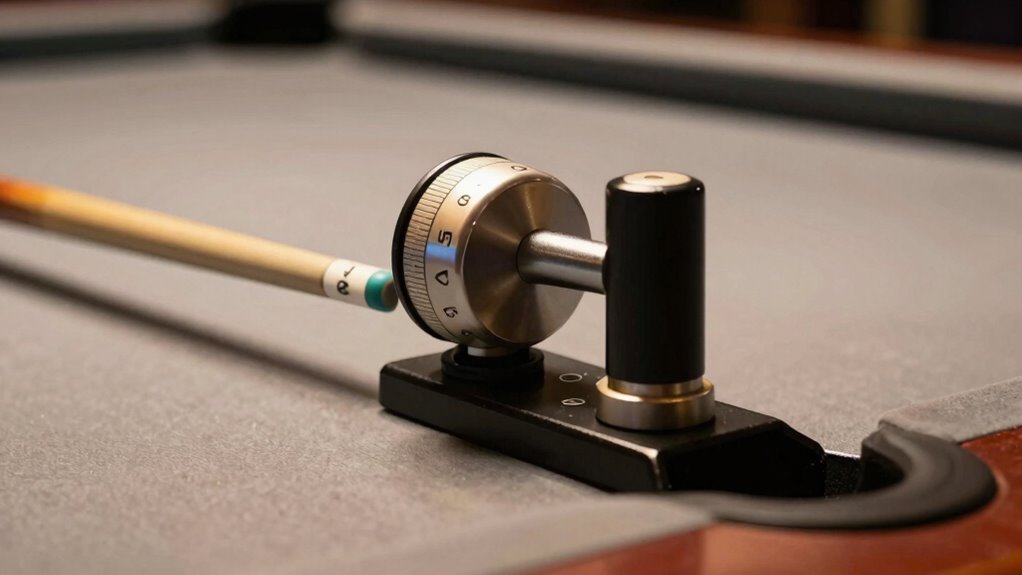
If your tilt feels too sensitive or too loose, it’s often due to common setup mistakes that can be easily corrected. The key is understanding your tilt sensor and making proper sensitivity adjustments. When the tilt is too sensitive, it may be due to an overly tight tilt sensor or incorrect calibration. Conversely, if it’s too loose, the sensor might be too slack or improperly aligned. Use the following table to troubleshoot:
| Issue | Cause | Fix |
|---|---|---|
| Tilt too sensitive | High sensitivity setting | Lower sensitivity adjustment |
| Tilt too loose | Loose tilt sensor | Tighten or reposition the tilt sensor |
| Unpredictable tilt | Misaligned sensor | Realign for consistent response |
| No tilt response | Faulty sensor or wiring | Replace or repair the tilt sensor |
Additionally, understanding sensor calibration can help ensure your adjustments are accurate and effective. Proper calibration techniques can prevent sensor drift, which may cause inconsistent tilt responses over time. Regularly checking and maintaining the sensor alignment can also improve overall tilt performance. Recognizing the importance of sensor maintenance can extend the lifespan of your tilt mechanism and keep it functioning reliably.
Using a Tilt Test to Confirm Your Settings Are Just Right
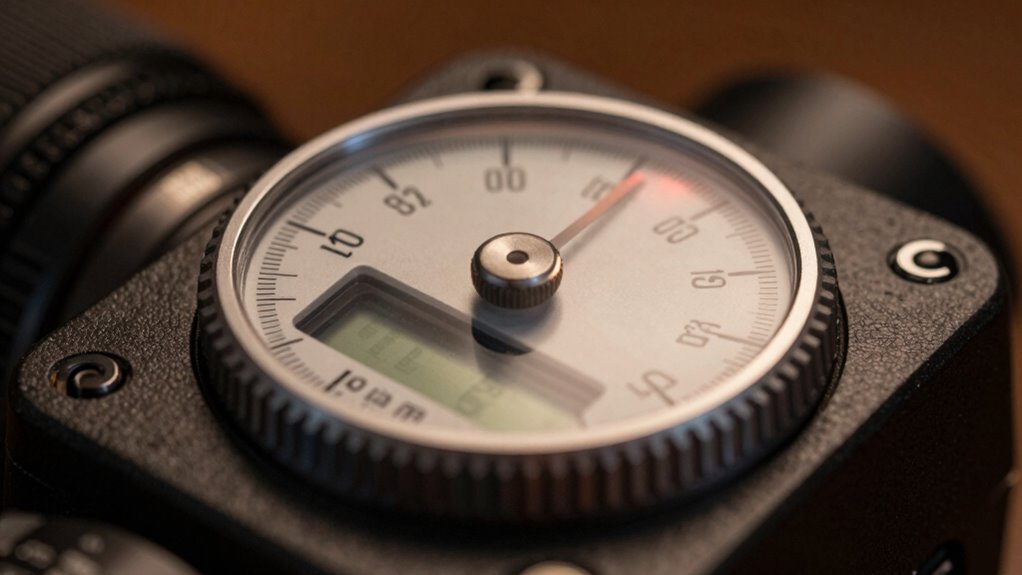
To confirm your tilt bob settings are spot-on, start by observing how the ball responds during a test. Adjust the tension until the response remains consistent across different tests. Once you’re satisfied, verify your settings with multiple tests to ensure stability and accuracy. Additionally, proper calibration is essential for maintaining reliable tilt responses over time.
Observe Ball Response
Performing a tilt test is an effective way to observe your ball’s response and guarantee your settings are dialed in. Carefully watch how the ball moves after a tilt, noting its speed and direction. Proper sensor placement is vital; it ensures accurate readings and consistent feedback. When conducting the test, pay attention to the responsiveness of the ball movement and whether it reacts smoothly or sluggishly. Adjust your tilt if the ball drifts too easily or feels overly stiff. Use this table to interpret your observations:
| Observation | Possible Cause |
|---|---|
| Ball moves too much | Sensor too loose or tilt too high |
| Ball barely moves | Sensor too tight or tilt too low |
| Unpredictable response | Sensor misaligned or uneven placement |
| Slow ball movement | Excessive tilt or friction |
| Rapid drift or bounce | Too sensitive sensor or high tilt |
This helps fine-tune your settings for ideal play.
Adjust Until Consistent
Achieving the perfect tilt settings requires careful adjustment until your ball responds consistently. Begin with a balance adjustment, making small tweaks to ensure the tilt isn’t too sensitive or too sluggish. Use a tilt test by gently nudging the machine and observing the ball’s reaction. If the ball moves unpredictably or reacts too strongly, revisit your sensor calibration, ensuring the tilt sensor is properly aligned and functioning accurately. Repeat the test after each adjustment, aiming for a steady, predictable response. Consistency is key—your goal is a stable setting that reacts uniformly without overreacting. Fine-tuning via balance adjustment and sensor calibration helps you confirm that your tilt is just right, giving you confidence that your setup is reliable before moving on to further testing.
Validate With Multiple Tests
Once you’ve made initial adjustments, it’s important to verify that your tilt settings are truly consistent. Conduct multiple tilt tests to ensure your balance calibration is accurate and your sensor alignment is correct. Use a reliable tilt test method, like gently nudging the table or using a test device, to observe how the bob responds. If the bob wavers too much or remains stubbornly soft, revisit your adjustments. Confirm that each test produces similar results, indicating stable and reliable settings. Consistent results across multiple tests mean your calibration is solid, and your sensor alignment is correct. This process helps catch any discrepancies early, ensuring your tilt setup is precise and reliable for the best gameplay experience.
Adjusting Tilt Settings for Different Play Styles and Conditions

Adjusting tilt settings is essential because different play styles and conditions demand tailored configurations for ideal pinball performance. Whether your game room has a vintage vibe or a modern arcade design, customizing tilt can enhance your experience. For aggressive players, a slightly firmer tilt setting offers control and prevents reckless nudging. If you prefer casual, relaxed play, softer settings allow for more freedom without penalty. Environmental factors like lighting and flooring also influence tilt sensitivity—hard floors may require tighter adjustments, while carpeted rooms might need softer settings. Consider these key points:
- Feel confident in your control and prevent accidental tilt
- Customize settings for competitive or casual play
- Adapt to your specific game room environment for optimal performance
What to Do If Your Tilt Still Feels Off After Adjustment
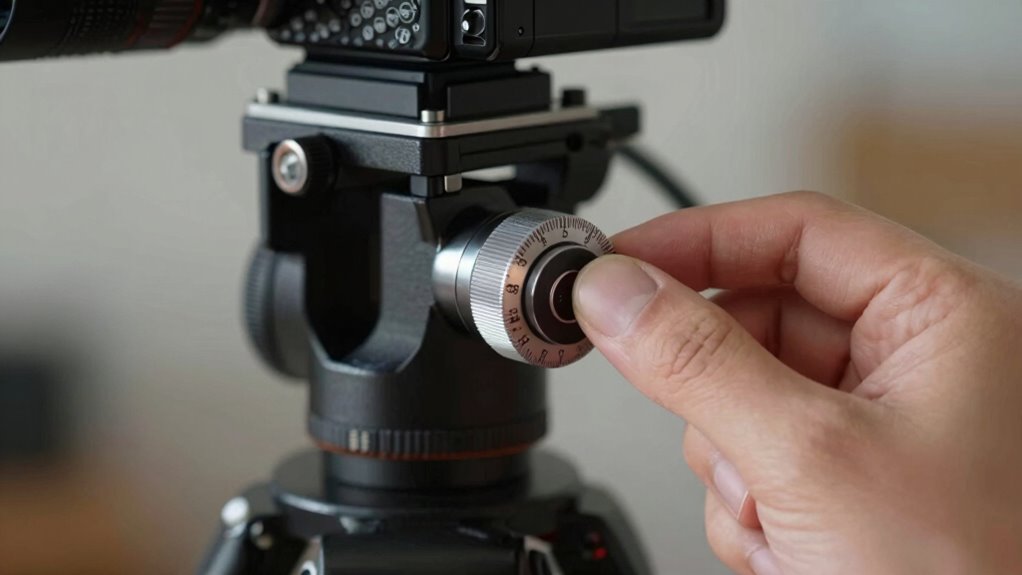
If your tilt still feels off after making adjustments, it’s time to look beyond the settings themselves. Sometimes, sensor calibration needs fine-tuning to match your specific setup and player preferences. Incorrect calibration can cause the tilt to feel inconsistent or off-balance, even if the settings seem right. Double-check that the sensor is properly aligned, clean, and calibrated. Consider these factors:
| Factor | What to Check | Why It Matters |
|---|---|---|
| Sensor Calibration | Recalibrate regularly | Ensures accurate tilt detection |
| Player Preferences | Adjust sensitivity to comfort | Helps match your play style and expectations |
| Hardware Condition | Inspect for damage or wear | Affects overall tilt accuracy |
| Environment Factors | Minimize vibrations or interference | Stabilizes sensor readings |
Addressing these areas can help you achieve a more consistent, fair tilt experience.
Tips for Maintaining Proper Tilt Settings Over Time
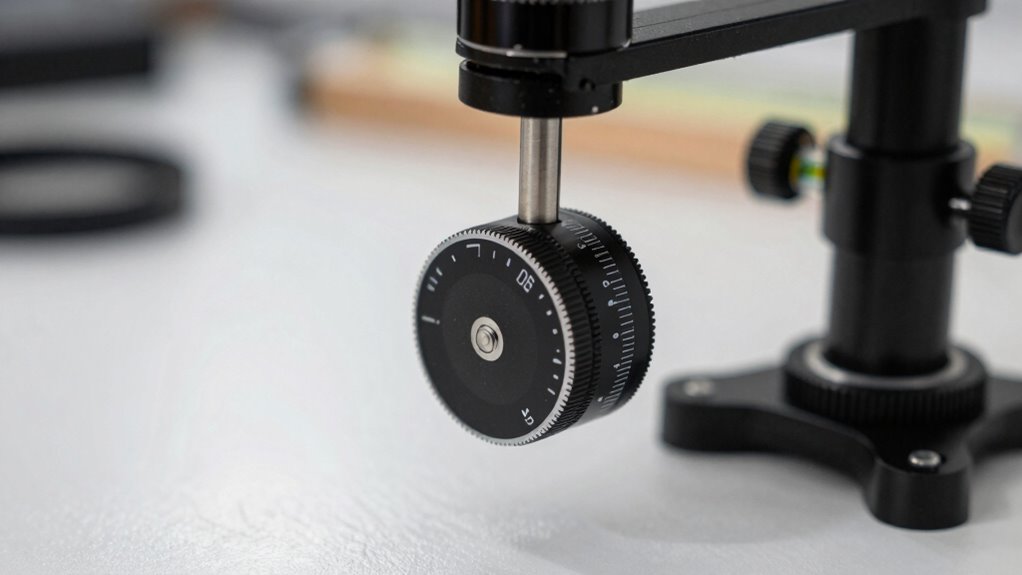
Maintaining proper tilt settings over time requires regular attention to guarantee your gaming experience remains consistent. To do this, prioritize sensor calibration to ensure your tilt sensors stay accurate. Incorporate simple maintenance routines, like checking for dust or debris that can affect performance. Regularly verify your tilt angle and adjust if needed to prevent drift. Keep your components clean and well-lubricated to avoid unnecessary wear.
- Stay vigilant with sensor calibration to catch small changes before they impact gameplay
- Schedule routine maintenance to keep all parts functioning smoothly
- Monitor tilt consistency, making adjustments as necessary to preserve that perfect ‘fair but not soft’ feel
Frequently Asked Questions
Can Tilt Sensitivity Be Customized for Multiplayer Versus Single-Player Games?
Yes, you can customize tilt sensitivity for multiplayer and single-player games. Use calibration techniques to adjust tilt sensitivity settings specifically for each mode, ensuring ideal control. Many controllers or devices allow you to save different profiles, so you can switch easily between them. This way, you get the right feel for competitive multiplayer matches and a more relaxed experience in single-player games, enhancing your overall gameplay.
How Do Environmental Factors Affect Tilt Calibration Over Time?
Environmental factors can impact your tilt calibration over time by affecting environmental stability. Changes in temperature, humidity, or vibrations can cause your device to shift slightly, leading to calibration inconsistencies. To maintain calibration consistency, regularly check and adjust your tilt settings, especially after significant environmental changes. Ensuring a stable environment helps keep your tilt calibration accurate, providing smooth and reliable gameplay or control experience.
Is There a Recommended Frequency for Rechecking Tilt Settings?
You should perform tilt sensor maintenance and check calibration frequency regularly, ideally every 3 to 6 months. Environmental factors like temperature changes, humidity, and vibrations can affect tilt accuracy over time. By scheduling routine calibration checks, you ensure your tilt stays precise, preventing drift that could impact your measurements. Consistent maintenance helps maintain a fair but not soft tilt, ensuring reliable results in your applications.
Are There Safety Precautions When Adjusting Tilt Components?
Safety protocols are essential when adjusting tilt components, even though it might seem straightforward. You should always unplug the equipment first, then carefully inspect each component for wear or damage before making adjustments. Use proper tools, wear safety gloves, and follow manufacturer guidelines. Remember, taking these precautions helps prevent injuries and ensures your equipment functions perfectly, so don’t skip component inspection or safety steps—they’re your best defense.
Can Aftermarket Tilt Bobs Improve Gameplay Compared to Stock Parts?
Yes, aftermarket tilt bobs can improve your gameplay by offering better customization options and more precise control. These upgrades often feature enhanced materials and adjustable settings, allowing you to fine-tune tilt sensitivity to match your style. Installing aftermarket tilt bobs can make your pinball machine more responsive and consistent, giving you an edge. Just make certain you follow safety precautions during installation to avoid damage or injury.
Conclusion
Remember, mastering your tilt is like steering a ship through calm yet unpredictable waters. With patience and precision, you’ll strike the perfect balance—fair but not soft—ensuring every game feels just right. Trust your instincts, keep fine-tuning, and don’t let the chaos of the game throw you off course. Stay vigilant, and soon you’ll find your rhythm, turning every tilt into a testament of your skill and control.