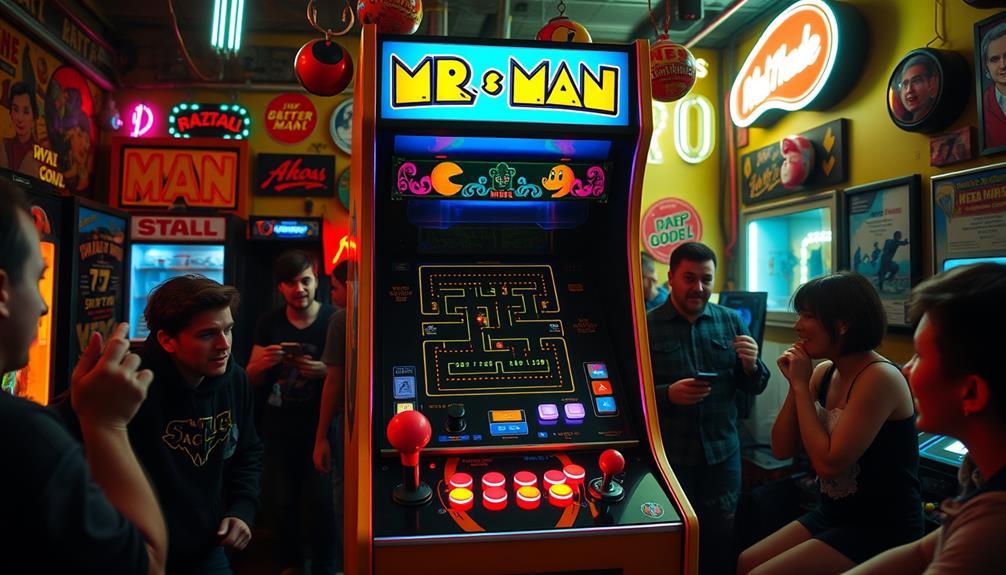
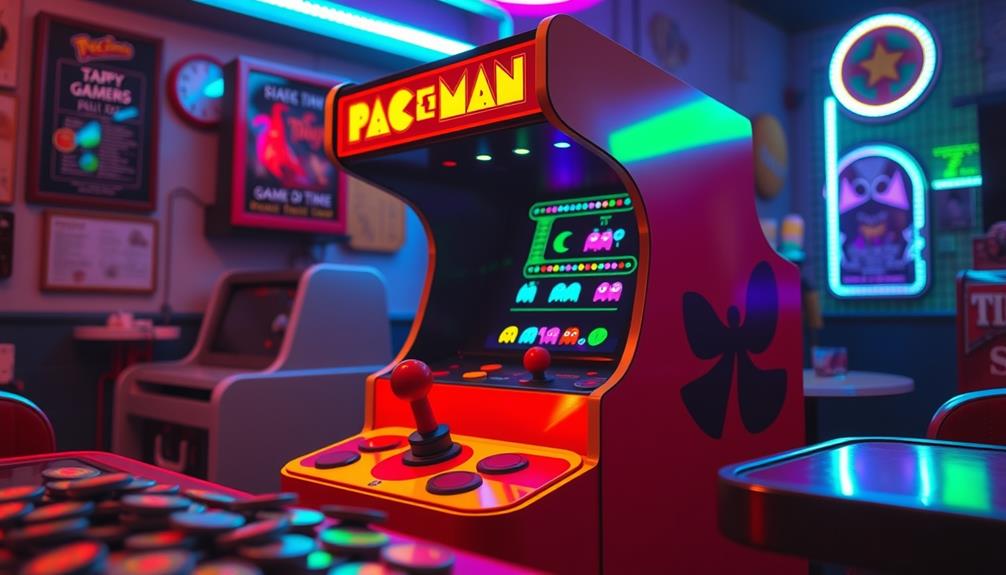
If you’re exploring classic arcade hardware, understanding JAMMA systems and PCB boards is key. JAMMA provides a standard wiring interface that makes swapping games easier, while PCB boards house the game’s main logic and graphics. Knowing how these components interact helps you maintain, troubleshoot, and upgrade your arcade machines effectively. Stay tuned, as you’ll discover more about how these parts work together and how to keep your arcade running smoothly.
Key Takeaways
- JAMMA is a standard connector system that simplifies arcade hardware wiring and component compatibility.
- PCB (Printed Circuit Boards) in arcade machines house game logic, graphics, and sound circuitry.
- Understanding JAMMA and PCB interactions is essential for troubleshooting and repairing arcade systems.
- Upgrading or replacing PCBs can enhance performance and support modern hardware integration.
- Proper maintenance of JAMMA connections and PCB cleanliness ensures reliable gameplay and hardware longevity.
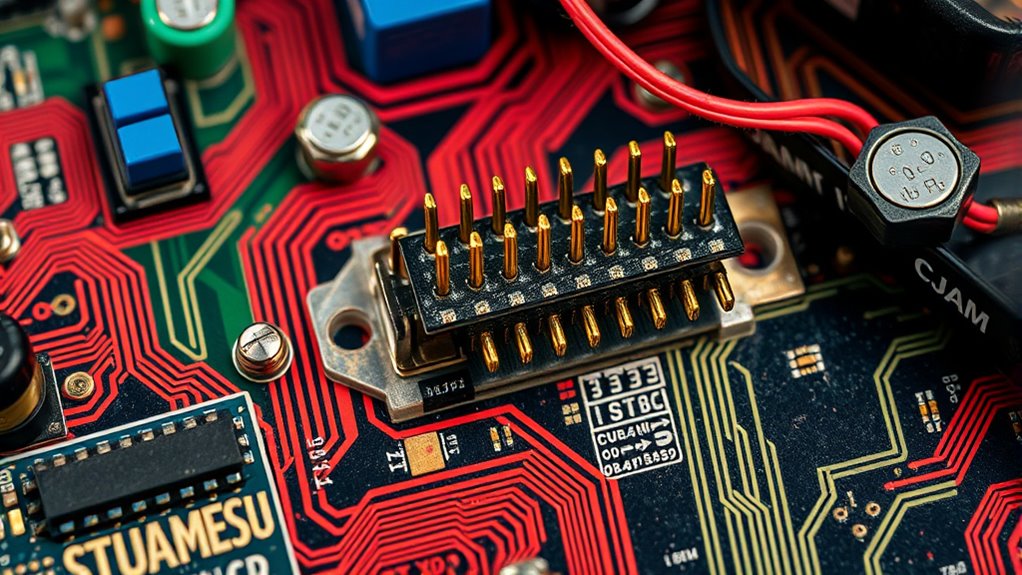
Arcade hardware has evolved markedly over the years, with JAMMA and PCB boards playing pivotal roles in this development. When you work with classic arcade setups, understanding how these components interact is essential for optimal gameplay and maintenance. One of the most crucial aspects of preserving arcade hardware performance is monitor calibration. Over time, screens can drift out of alignment, leading to blurry images, miscolored displays, or distorted visuals. Regularly calibrating your monitor ensures that the graphics appear sharp, colors are accurate, and gameplay remains visually appealing. This process involves adjusting the contrast, brightness, and geometric settings to match the original specifications, which can substantially enhance the gaming experience and reduce eye strain during extended play sessions.
Regular monitor calibration enhances image clarity, color accuracy, and overall arcade gameplay experience.
Alongside monitor calibration, upgrading the power supply is often necessary to keep the hardware running smoothly. Older arcade machines may have power supplies that can’t handle modern enhancements or the increased demand of certain components. A reliable, high-quality power supply upgrade not only provides stable voltage and current but also helps prevent unexpected shutdowns or hardware failures. When you replace or upgrade the power supply, make sure it matches the voltage requirements of your PCB and other components, reducing the risk of damage caused by power fluctuations. Proper power management also ensures longevity for your arcade hardware, conserving energy and minimizing heat generation within the cabinet.
In addition to these upgrades, understanding how to troubleshoot and maintain the system is critical. For instance, if you notice flickering screens or inconsistent colors, it might be due to a miscalibrated monitor or insufficient power delivery. Regularly inspecting connections, replacing aging components, and performing routine maintenance can extend the life of your arcade setup and keep it performing like new. When working with PCB boards, ensure that they are clean and free of corrosion, as dust or grime can interfere with electrical contacts. Additionally, sourcing authentic or high-quality replacement parts can prevent compatibility issues and reduce downtime.
Mastering the proper power management techniques and understanding how to maintain your hardware are essential for preserving the authentic look and feel of vintage arcade games. These steps not only ensure that your gaming experience remains smooth, vibrant, and reliable but also help you protect your investment over time. Whether you’re a collector, operator, or enthusiast, paying attention to these details helps honor the craftsmanship behind arcade machines and guarantees they continue to entertain for years to come.
Frequently Asked Questions
Can JAMMA Connectors Support Modern Arcade Games?
JAMMA connectors mainly support classic arcade hardware, so they aren’t ideal for modern arcade games. While some adapters exist for arcade compatibility, most modern titles require different connector standards and more advanced hardware interfaces. If you want to run newer games, you’ll likely need to upgrade to contemporary hardware that supports modern connector standards, ensuring compatibility and peak performance. Using JAMMA for modern games isn’t generally practical or reliable.
What Are the Common Issues With PCB Board Connections?
Did you know that over 60% of arcade repair issues stem from connection problems? You often face circuit troubleshooting challenges like loose or corroded connections, which affect circuit stability. Common issues include broken solder joints, damaged pins, or worn-out connectors, leading to game malfunctions. To fix this, inspect and clean connectors regularly, ensure tight connections, and replace damaged parts promptly, maintaining your arcade hardware running smoothly.
How Do I Upgrade My Arcade Hardware Easily?
To upgrade your arcade hardware easily, start by researching compatible systems to maintain your arcade nostalgia. Choose modern replacements that match your current setup’s hardware compatibility, like JAMMA or PCB boards. Use adapters if needed, and follow step-by-step guides for installation. Keep your workspace organized, and test thoroughly after upgrading to guarantee everything functions smoothly. This approach makes upgrades straightforward and keeps your arcade running great.
Are There Universal Adapters for Different Arcade Hardware?
Yes, there are universal adapters that can help with retro arcade hardware compatibility. You might think they’re unreliable, but many are designed to connect different arcade systems seamlessly. These adapters allow you to upgrade or swap hardware without extensive rewiring, making your arcade setup more flexible. Just make certain you check compatibility with your specific hardware, as some older systems may still require specialized adapters for peak performance.
What Maintenance Is Required for Long-Term PCB Board Use?
You need to perform regular maintenance routines like cleaning contacts and checking for corrosion to guarantee your PCB board lasts. Keep connections secure and inspect for damaged components. Troubleshooting tips include testing power supplies and replacing faulty chips or connectors promptly. By staying proactive with these maintenance routines, you’ll prevent issues and extend the lifespan of your PCB board, keeping your arcade setup running smoothly for years.
Conclusion
Understanding JAMMA and PCB boards is like holding the key to endless arcade possibilities. While JAMMA offers simplicity and compatibility, PCB boards bring advanced customization and power. Together, they form the foundation of arcade gaming—one timeless, the other innovative. Just as classic games endure and evolve, so too does your ability to build and modify arcade machines. Embrace both, and you open a world where nostalgia meets modern creativity.