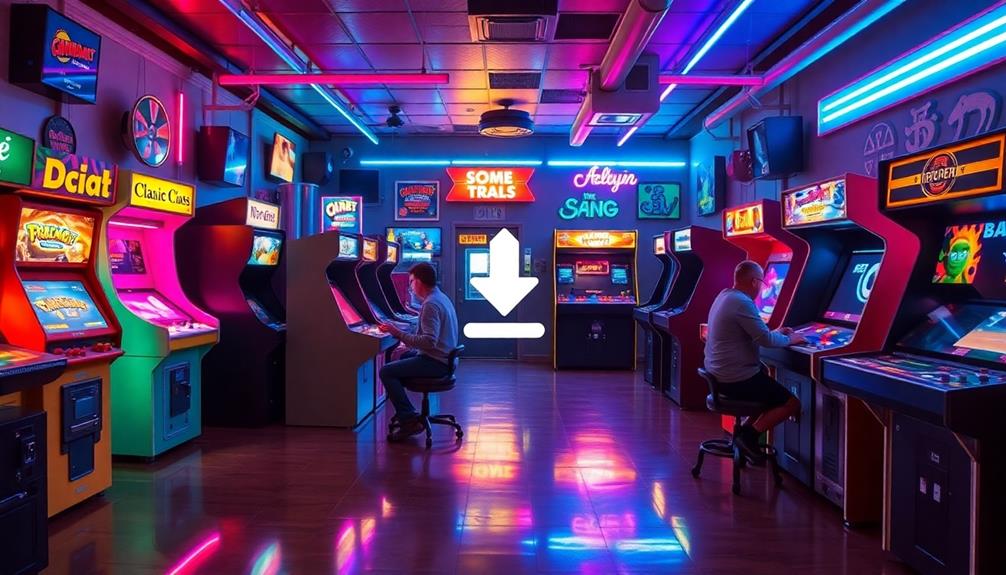

To prevent your arcade cabinet from overheating, regularly check for signs like flickering screens, strange noises, or hot exterior surfaces. Improve airflow with properly placed vents, clean dust from fans and filters, and consider installing quality fans or exhaust systems. Monitor temperatures with sensors or software tools to catch issues early. If problems persist despite these efforts, seeking professional help guarantees your cabinet stays cool and lasts longer—keep going to discover more tips.
Key Takeaways
- Regularly clean vents, fans, and filters to prevent dust buildup and maintain optimal airflow.
- Use appropriate intake and exhaust vents near heat sources to promote effective cooling.
- Monitor internal temperatures with thermal sensors and software to detect overheating early.
- Choose high-quality fans with suitable CFM ratings and ensure they operate quietly and reliably.
- Seek professional help for persistent overheating, faulty sensors, or malfunctioning cooling hardware.

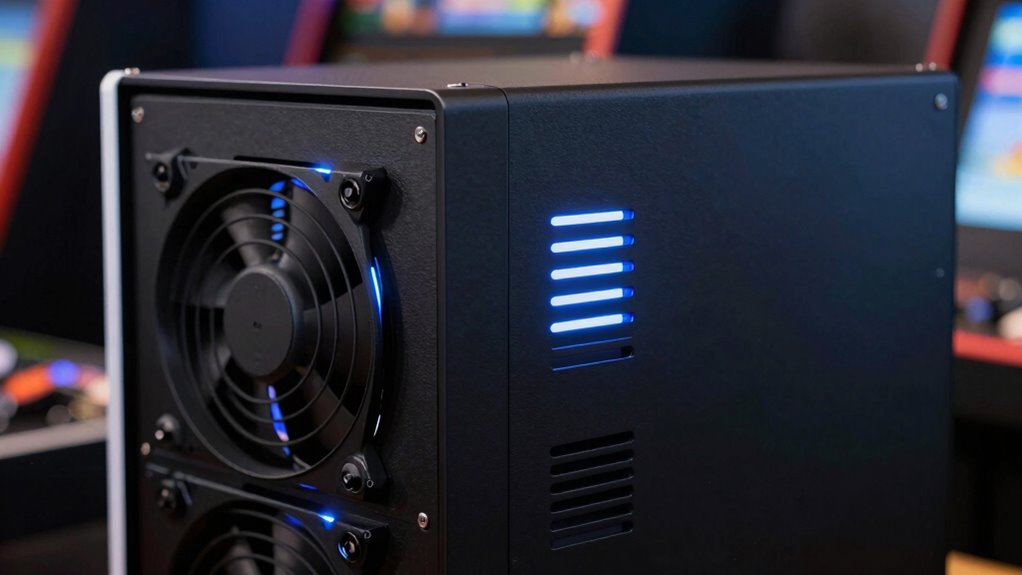
AC Infinity MULTIFAN S7, Quiet Dual 120mm USB Fan, UL-Certified for Receiver DVR PlayStation Xbox Computer Cabinet Cooling
Ultra-quiet UL-certified USB fans designed to cool various electronics and components.
As an affiliate, we earn on qualifying purchases.
As an affiliate, we earn on qualifying purchases.
How to Recognize Signs of Overheating in Your Arcade Cabinet
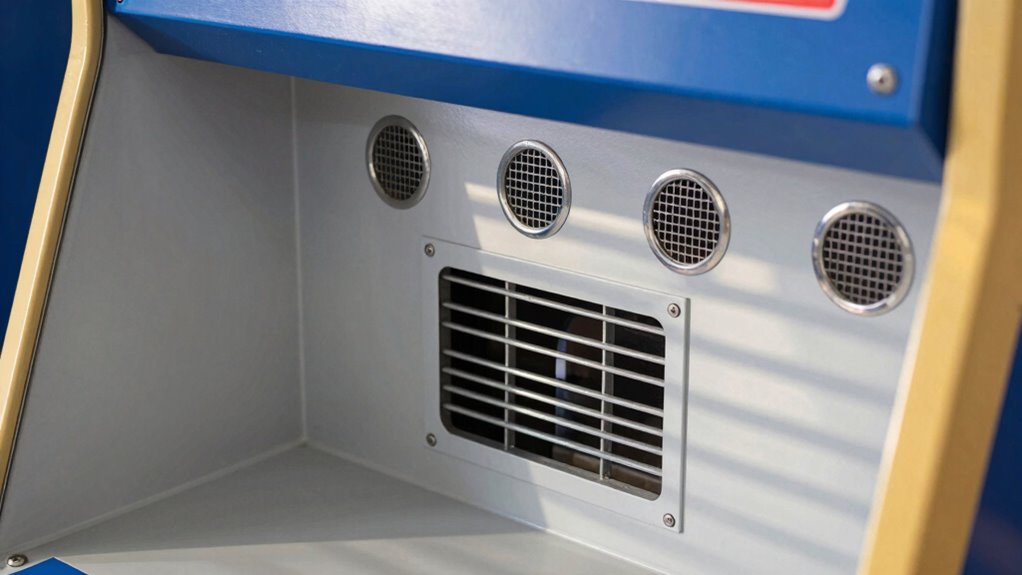
Overheating in your arcade cabinet can cause serious damage if not caught early. Many people believe ventilation myths, thinking that simply opening the cabinet or placing fans nearby is enough. However, overheating myths often lead to overlooking the real signs of trouble. You should watch for symptoms like strange noises, flickering screens, or unexpected shutdowns, which indicate components are struggling with heat. Feel the cabinet’s exterior—if it’s unusually hot, that’s a clear warning sign. Keep an eye out for increased fan activity, as fans may run constantly when cooling isn’t sufficient. Recognizing these signs early helps prevent hardware failure. Don’t fall for ventilation myths that downplay the importance of proper airflow—being aware of real overheating signs is your first step in protecting your arcade investment. Proper airflow management is essential in preventing overheating issues and ensuring longevity of your equipment. Additionally, understanding airflow optimization can significantly improve cooling efficiency and reduce the risk of component damage. Implementing proper ventilation techniques ensures that heat is effectively dissipated, helping to maintain safe operating temperatures. To further enhance cooling, consider regular maintenance of fans and vents to keep airflow unobstructed and functioning properly.

AMG8833 Infrared Thermal Imaging Camera Array Temperature Sensor Module 8X8 Pixels for IR Thermal Imager Module With 60 Degree Field Of View For Electronic Products Inspection
High-Precision Thermal Detection: Experience advanced infrared thermal imaging with 8*8 resolution and detection range up to 7 meters…
As an affiliate, we earn on qualifying purchases.
As an affiliate, we earn on qualifying purchases.
Quick DIY Solutions to Keep Your Arcade Cooler
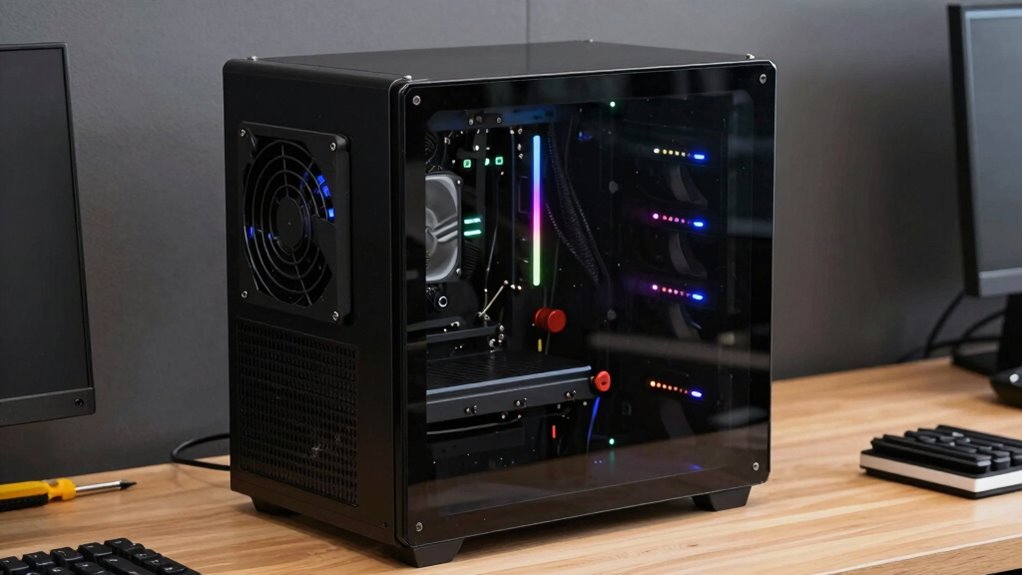
To keep your arcade cabinet cooler with quick DIY solutions, start by improving airflow around and inside the unit. Proper ventilation helps dissipate heat and prevents overheating. Consider adding thermal insulation around heat-sensitive components to reduce heat transfer. Use foam or reflective materials to insulate hotspots. To minimize fan noise, choose quieter fans or add rubber mounts to dampen vibrations. Here are some quick fixes:
Improve your arcade cabinet’s cooling: boost airflow, add thermal insulation, and quiet fans for longer, cooler gameplay.
- Enhance airflow with small, strategically placed intake and exhaust vents.
- Install thermal insulation to keep internal heat from spreading.
- Use anti-vibration mounts to reduce fan noise.
- Clear dust and debris from existing fans and vents regularly.
- Incorporate proper ventilation techniques to optimize airflow efficiency and further prevent overheating. Additionally, selecting an appropriate cooling system can significantly improve temperature management for your arcade cabinet. Ensuring good airflow management can make a noticeable difference in heat dissipation and device longevity. Maintaining proper ventilation also helps prevent dust buildup, which can further impede cooling performance.
These simple steps can remarkably improve cooling efficiency without complex modifications, helping your arcade stay cool and operational longer.

Panasonic WhisperCeiling Bathroom Exhaust Fan, 290 CFM, FV-30VQ3 B00084ZQA2 Panasonic Installation Kit for In-line Fans & ERVs, 6" Duct Single Inlet with Grille, FV-NLF06G
Ceiling Mount Bathroom Ventilation Fan: Designed to give you continuous, trouble-free operation for many years, this fan features…
As an affiliate, we earn on qualifying purchases.
As an affiliate, we earn on qualifying purchases.
Choosing the Best Fans and Cooling Parts for Your Arcade
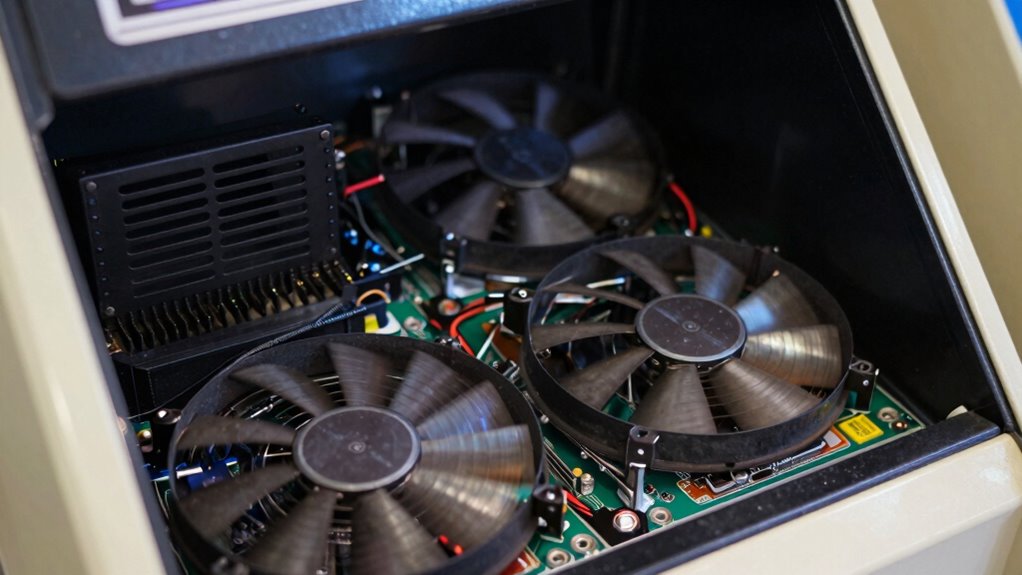
Are you selecting the right fans and cooling parts to keep your arcade cabinet running smoothly? Fan selection plays a vital role in airflow optimization, guaranteeing heat dissipates effectively without creating noise or turbulence. Look for fans with a suitable CFM (cubic feet per minute) rating that match your cabinet’s size and heat output. Consider axial or blower fans depending on your space constraints and airflow needs. Quality fans with durable bearings and quiet operation will last longer and reduce distractions during gameplay. Additionally, check compatibility with your existing hardware and power supply. Properly chosen fans and cooling components help maintain ideal temperatures, preventing overheating and prolonging your arcade’s lifespan. Investing in the right parts ensures your arcade remains cool, quiet, and reliable. Always prioritize proper ventilation techniques to enhance overall cooling performance and ensure compliance with safety standards and approvals. Incorporating environmentally friendly cooling solutions can further improve energy efficiency and sustainability. Ensuring your cooling system is properly maintained also contributes to consistent performance and avoids unexpected failures. Regular cleaning and inspection of cooling components can prevent dust buildup that impairs airflow and heat dissipation.
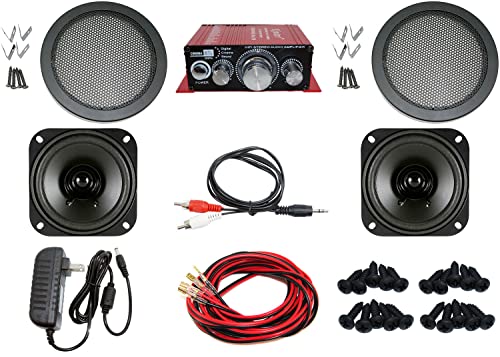
Audio Kit for Arcade Game, MAME Cabinet, or Virtual Pinball Machine
1 Kinter Stereo Audio Amplifier (18w per channel, Bass & Treble adjustments)
As an affiliate, we earn on qualifying purchases.
As an affiliate, we earn on qualifying purchases.
Easy Ways to Improve Ventilation and Prevent Overheating
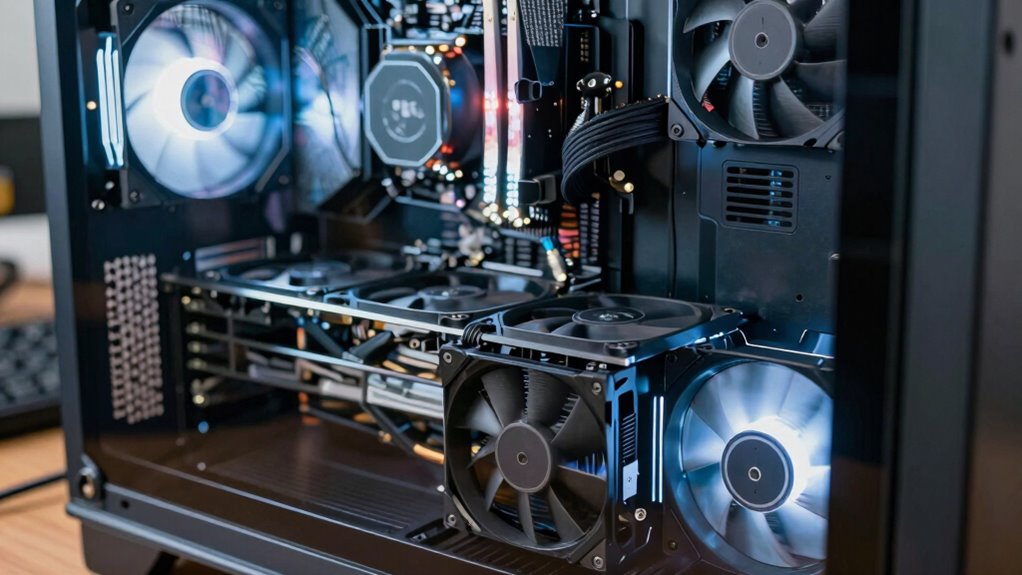
Upgrading your fan setup is a great way to improve ventilation and keep your arcade cabinet cool. Many ventilation myths suggest that more fans always mean better cooling, but the truth is smarter cooling technology makes a difference. To prevent overheating, consider these simple strategies: 1. Use high-quality, properly placed exhaust fans to remove hot air efficiently. 2. Incorporate vents or louvers to facilitate natural airflow. 3. Install temperature sensors to activate cooling systems only when needed. 4. Regularly clean dust from fans and vents to maintain ideal airflow. Additionally, choosing essential oils for respiratory health can provide a soothing environment and help reduce stress during long gaming sessions. Understanding thermal management principles can further optimize your cooling setup for consistent performance and effective heat dissipation. Proper airflow design is essential for preventing the buildup of heat and ensuring your arcade remains functional and enjoyable for hours, especially when considering ventilation efficiency and how it impacts overall system longevity.
Best Practices for Maintaining Your Arcade’s Cooling System
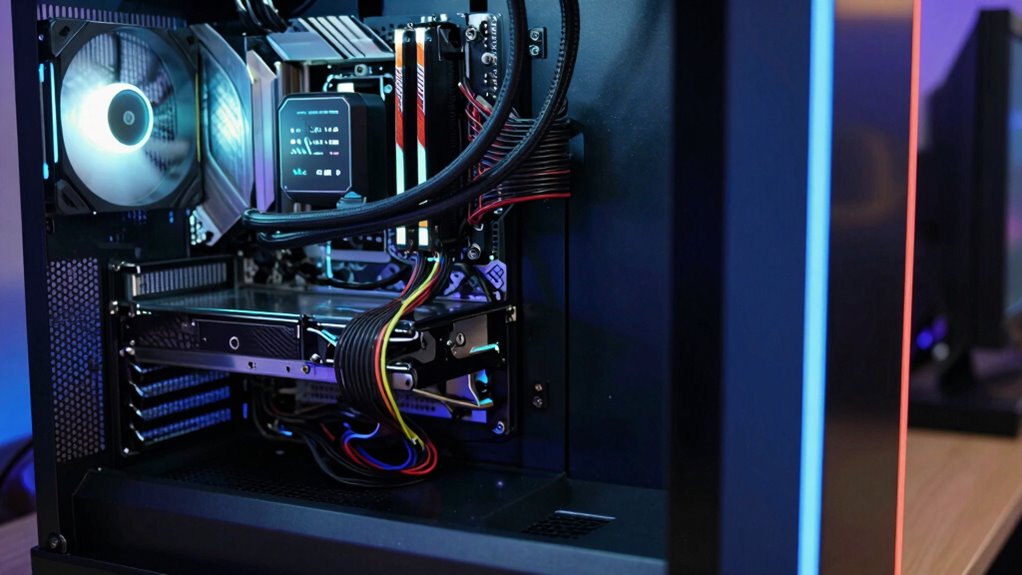
To keep your arcade cool, start by placing ventilation outlets and fans in ideal locations to promote airflow. Make sure to regularly remove dust from vents and equipment to prevent blockages, and keep an eye on temperature levels to avoid overheating. Consistently applying these practices will help your cooling system run efficiently and keep your space comfortable. Additionally, monitoring airflow efficiency can help identify potential problem areas before they lead to equipment failure. Proper ventilation and airflow are essential components in maintaining optimal cooling performance over time. Remember that proper maintenance and cleaning are essential for sustaining optimal cooling performance over time. Incorporating regional airflow patterns can further enhance overall ventilation effectiveness, especially in spaces with unique architectural features. Regularly inspecting and adjusting ventilation layouts can also optimize airflow distribution for better cooling results.
Proper Ventilation Placement
Proper ventilation placement is crucial for keeping your arcade’s cooling system effective and reliable. To guarantee optimal airflow, you need to position vents strategically. Correct vent placement promotes airflow enhancement, preventing heat buildup inside your cabinet. Here are four tips to achieve this:
- Place vents near heat-generating components like power supplies and processors.
- Ensure intake vents are unobstructed for fresh air entry.
- Position exhaust vents at the top or rear to allow hot air to escape naturally.
- Maintain adequate space around vents to prevent airflow blockage.
Regular Dust Removal
Have you ever overlooked dust buildup inside your arcade’s cooling system? Dust can clog vents and block airflow, reducing cooling efficiency. Regular dust removal is essential for airflow optimization and dust prevention. Use compressed air to blow out dust from vents, fans, and filters—doing this weekly helps keep components cool. Avoid vacuuming directly on sensitive parts, as static can cause damage. Keeping the interior clean prevents overheating and extends your cabinet’s lifespan. Make it a routine to check and clean air intakes and exhausts, especially in dusty environments. Proper dust management guarantees your cooling system works at peak performance, preventing costly breakdowns and overheating issues. Staying proactive with dust removal safeguards your arcade investment and keeps gameplay smooth.
Monitor Temperature Levels
Monitoring temperature levels is essential for maintaining your arcade’s cooling system and preventing overheating. By regularly checking the temperature, you can identify early signs of airflow issues or component stress. To effectively monitor temperature, consider these best practices:
- Install digital thermometers or thermal sensors near heat-generating parts.
- Use software tools to keep an eye on internal temperatures remotely.
- Check temperature readings frequently, especially during high-traffic or extended gaming sessions.
- Adjust airflow optimization strategies based on temperature data, ensuring cool air reaches critical components.
Keeping a close eye on temperature levels helps you maintain ideal airflow and prevent overheating, extending your arcade cabinet’s lifespan and ensuring smooth gameplay.
When Overheating Persists : Troubleshooting and When to Call a Pro
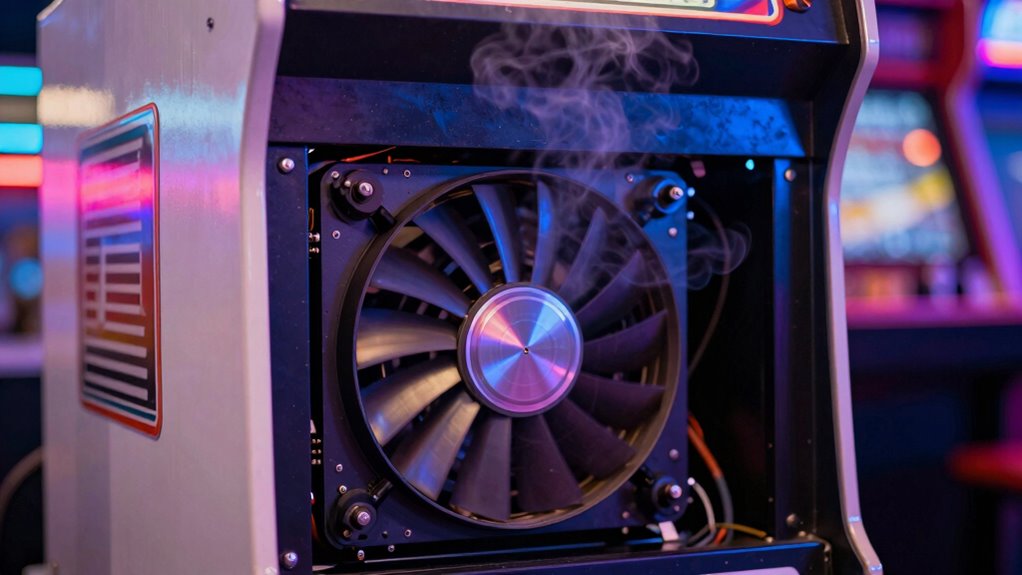
When your cooling system continues to overheat despite basic troubleshooting, it’s time to dig deeper and consider professional help. Persistent overheating may stem from issues like faulty sensor calibration or degraded thermal paste. A technician can accurately calibrate sensors for proper temperature readings and reapply thermal paste to improve heat transfer. Before calling a pro, check these:
| Issue | Solution | When to Call a Pro |
|---|---|---|
| Faulty temperature sensor | Recalibrate or replace sensor | Sensor constantly reports wrong temps |
| Old thermal paste | Professionally reapply thermal paste | Temperatures remain high despite cleaning |
| Blocked airflow | Clear vents and fans | Obstructions persist after cleaning |
| Malfunctioning fan | Test and replace if needed | Fan doesn’t spin or spins irregularly |
| Heat sink issues | Inspect and secure heat sink | Heat sink is loose or damaged |
Frequently Asked Questions
What Are the Safest Materials to Use for Custom Cooling Modifications?
You should use fire-resistant materials like mineral wool or ceramic-based insulations for custom cooling mods. These materials offer excellent thermal insulation while reducing fire risks. Avoid plastics or flammable foams that can ignite under high heat. Always prioritize fire-resistant options, ensuring safe heat dissipation without compromising safety. Properly installed, these materials help keep your arcade cabinet cool and protect your investment from overheating or potential fire hazards.
How Often Should I Replace or Upgrade My Arcade’s Cooling System?
You should replace or upgrade your arcade’s cooling system every 1 to 3 years, depending on usage and environmental conditions. Follow a regular maintenance schedule, inspecting fans and vents for dust or damage and ensuring proper airflow. The cooling system lifespan varies, but proactive upgrades prevent overheating and extend your cabinet’s longevity. Keep an eye on performance signs, like overheating or noise, to stay ahead of potential issues.
Can Ambient Room Temperature Affect My Cabinet’s Cooling Efficiency?
Did you know that higher ambient temperatures can reduce your cabinet’s cooling efficiency by up to 30%? Ambient room temperature definitely affects your arcade’s cooling efficiency—hotter rooms make it harder for fans and vents to keep your components cool. When the room’s warm, your system overheats more easily, risking damage and downtime. Keep your room cool and well-ventilated to guarantee ideal cooling and prevent overheating.
Are There Specific Brands or Models of Fans Recommended for Arcades?
You should look for fans with appropriate specifications like CFM (cubic feet per minute) and noise levels to guarantee effective cooling. Popular cooling system brands such as Noctua, Cooler Master, and Corsair offer reliable options. Choose fans designed for continuous use, with good airflow and durability. Matching the fan specifications to your arcade cabinet’s needs is vital, so check reviews and compatibility before purchasing to prevent overheating and maintain peak performance.
How Do I Prevent Dust Buildup From Hampering My Cooling System?
Dust prevention is your secret weapon against overheating disasters in your arcade cabinet. Regularly clean filters, fans, and vents with compressed air, and avoid leaving the cabinet open to the dust gods. Implement cooling maintenance routines like vacuuming dust buildup and inspecting airflow paths. Remember, a dust-free environment isn’t just tidy — it’s your arcade’s armor against thermal meltdown. Keep it clean, keep it cool, and let your game run forever.
Conclusion
By staying vigilant and following these tips, you can prevent your arcade cabinet from turning into a fiery inferno. Regular maintenance and smart cooling choices will keep your game running smoothly and save you from a meltdown that could fry your entire setup. Don’t let overheating turn your arcade into a scorching wasteland—act now and keep your gaming sanctuary cool, safe, and ready for endless hours of fun!