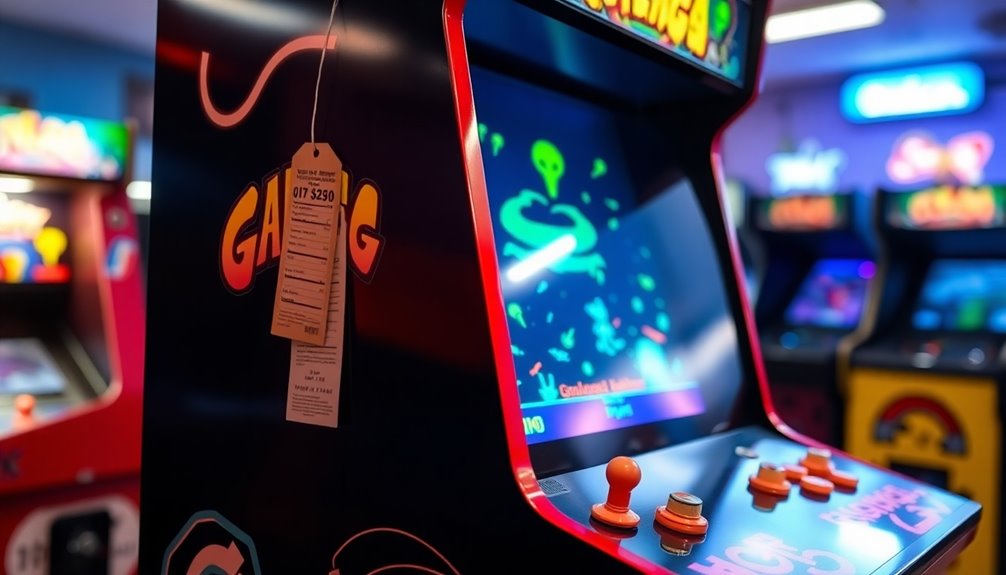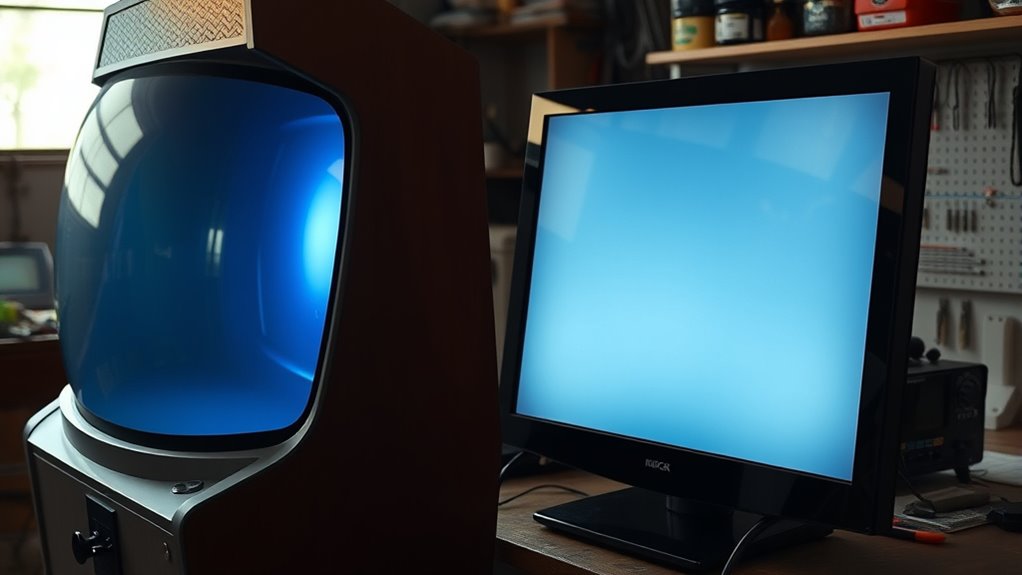

Converting a CRT arcade machine to LCD offers clearer visuals, vibrant colors, and easier compatibility with modern hardware, making setup and maintenance simpler. LCDs are thinner, more durable, and save space, which improves overall functionality. However, you might lose the authentic vintage look and nostalgic atmosphere of the original CRT display. Installation can be complex, and the aesthetic change may impact the arcade’s classic charm. Keep going to discover more about the pros and cons of this upgrade.
Key Takeaways
- LCDs offer sharper visuals, vibrant colors, and easier compatibility with modern devices, enhancing gameplay experience and setup simplicity.
- Replacing CRTs with LCDs reduces maintenance, fragility, and repair costs, increasing overall durability and long-term reliability.
- Upgrading to LCD can diminish the authentic vintage aesthetic and nostalgic atmosphere of original arcade cabinets.
- LCDs are thinner, lighter, and more space-efficient, improving cabinet design and airflow but often involve higher initial costs and complex installation.
- Environmental factors and static images can cause burn-in or image retention on LCDs, requiring careful calibration and maintenance to ensure longevity.
Improved Visual Clarity and Image Quality
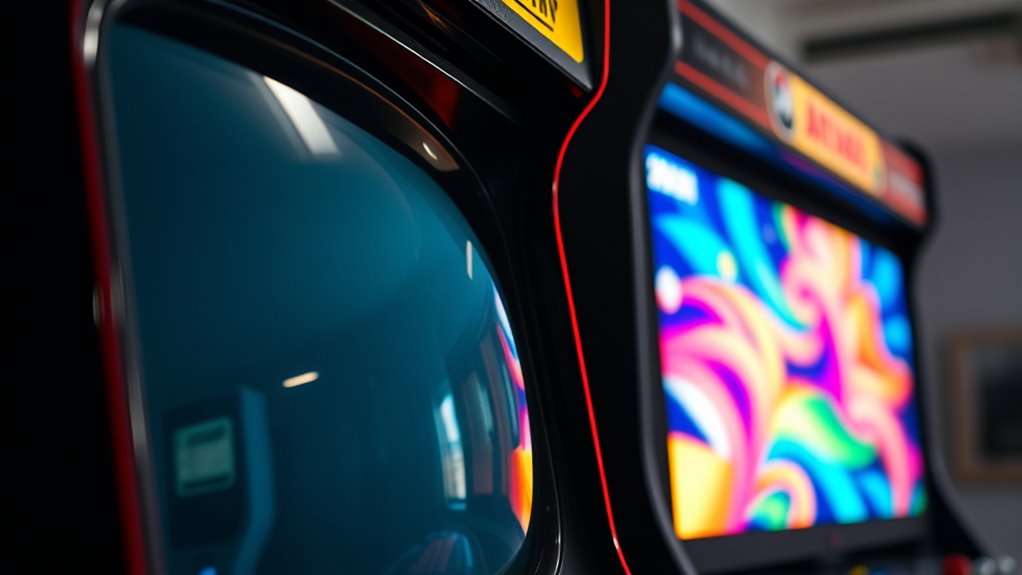
Converting a CRT arcade monitor to an LCD substantially enhances visual clarity and image quality. You’ll notice sharper details and more vibrant colors, thanks to improved color accuracy. LCD screens provide crisper images, making gameplay more immersive and visually appealing. Unlike CRTs, which often produce motion blur during fast-paced action, modern LCDs have faster response times that minimize this issue, ensuring smoother motion. This reduction in motion blur allows you to track fast-moving objects more easily, giving you a competitive edge. Overall, switching to an LCD results in clearer, more accurate visuals, making your arcade experience more enjoyable. The upgrade not only improves image sharpness but also enhances your ability to perceive fine details during gameplay, especially when considering display technology advancements.
Enhanced Compatibility With Modern Hardware

Upgrading to an LCD makes your arcade setup more compatible with modern hardware and gaming systems. This change simplifies hardware compatibility, allowing you to connect newer consoles, computers, and streaming devices seamlessly. You’ll also experience smoother software integration, making it easier to run emulators or custom control interfaces. Additionally, an LCD can help improve emotional support during setup by reducing frustration with connectivity issues, making the transition more enjoyable. With an LCD, you can:
Upgrading to an LCD enhances compatibility with modern hardware and streamlines your arcade setup.
- Connect via HDMI, DisplayPort, or USB-C without adapters
- Use modern controllers and input devices directly
- Integrate with custom software for game management
- Stream content or gameplay easily on a single screen
This upgrade minimizes compatibility issues, streamlines setup processes, and ensures your arcade can keep pace with current technology trends. It’s a practical way to future-proof your gaming experience and enhance overall usability.
Reduced Maintenance and Easier Repairs

Switching to an LCD considerably reduces the maintenance requirements of your arcade setup. Unlike CRTs, LCD screens don’t need frequent screen calibration, saving you time and effort. They’re also less fragile, so you’re less likely to deal with broken tubes or internal components. Repairing an LCD usually involves replacing the entire panel rather than troubleshooting complex circuitry, making repairs simpler and quicker. Additionally, LCDs don’t require extensive cabinet modifications; they’re designed to fit into standard arcade enclosures without significant structural changes. This streamlined setup means fewer parts to check or replace over time, reducing downtime and ongoing costs. Overall, shifting to LCDs simplifies maintenance routines and repairs, allowing you to keep your arcade running smoothly with less hassle.
Space-Saving Design Benefits
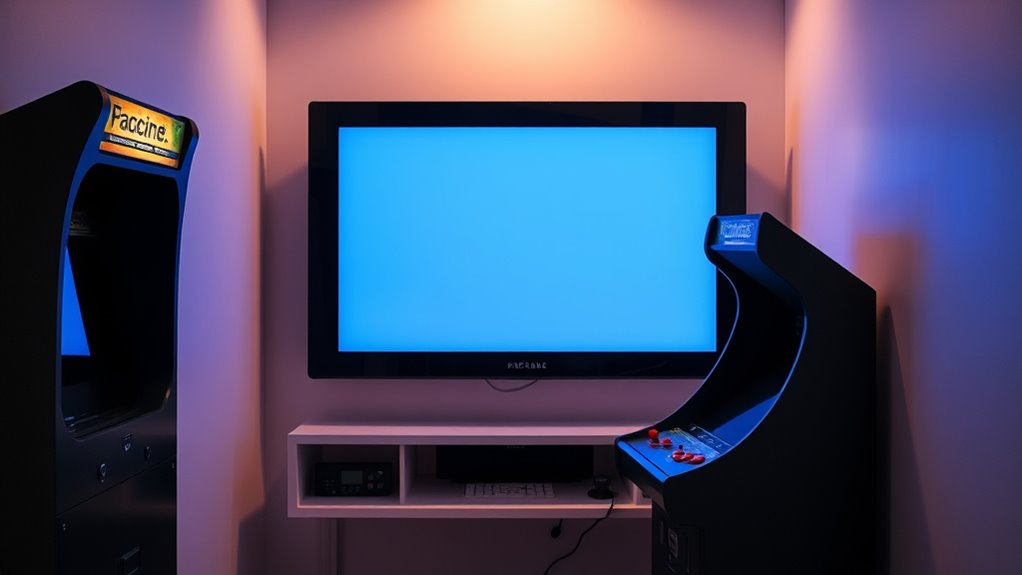
Because LCD screens are thinner and more compact than traditional CRTs, they free up valuable space in your arcade cabinet. This increased space efficiency allows you to optimize your interior organization, making your setup cleaner and more functional. With less bulk, you can:
- Install additional hardware or accessories without crowding.
- Improve airflow and cooling inside the cabinet.
- Create a sleeker, modern look that’s easier to access and maintain.
- Reduce the overall footprint of your arcade machine, freeing up room for other projects.
- Incorporate natural materials like wood or stone to enhance the aesthetic appeal of your setup.
This space-saving design not only enhances the visual appeal but also simplifies maintenance and upgrades. By shifting to an LCD, you maximize your cabinet’s interior organization, making your arcade more efficient and enjoyable to operate.
Cost Considerations and Budget Impact

Converting your arcade from a CRT to an LCD involves upfront costs that can vary depending on the quality of the display and additional components needed. You’ll need to contemplate your budget flexibility, as choosing a higher-quality LCD or custom mounting options increases expenses. The upfront investment can be significant, especially if you opt for professional installation or specialized equipment. However, the long-term savings on maintenance and electricity might offset initial costs. It’s vital to evaluate these expenses against your available funds and how much you’re willing to spend. While cheaper options exist, they may compromise display quality or durability. Ultimately, understanding the upfront investment helps you plan your budget wisely, ensuring you make a cost-effective decision aligned with your arcade’s needs. Additionally, considering sound quality and compatibility can enhance the overall gaming experience when upgrading your setup.
Potential Loss of Authenticity and Nostalgic Value
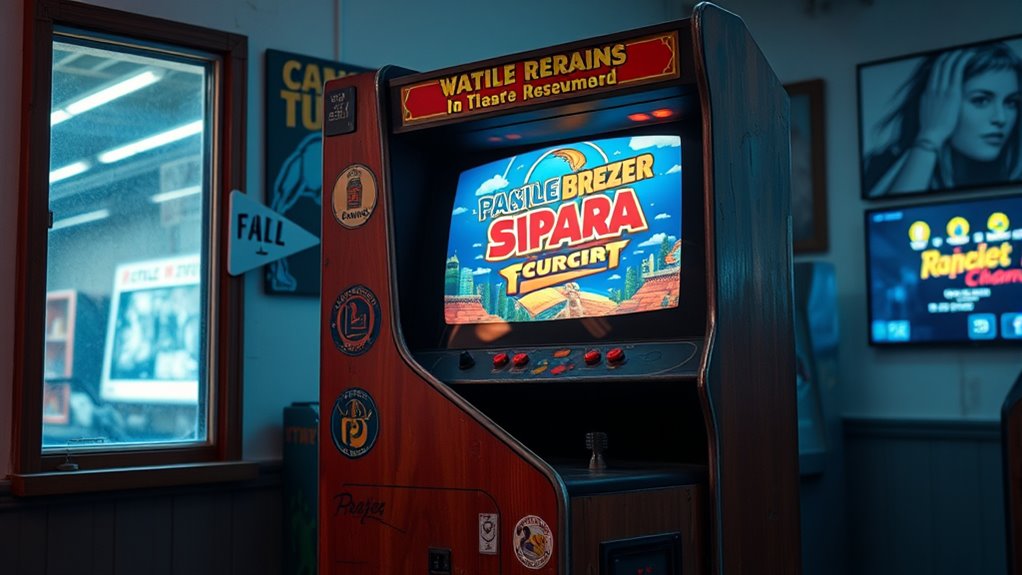
Replacing the CRT with an LCD can diminish the authentic arcade experience that many enthusiasts cherish. You might feel a loss of nostalgic authenticity that makes vintage arcade machines special. The visual charm of a CRT, with its unique glow and curvature, is hard to replicate on LCD screens. This change can affect your sense of vintage preservation and the overall atmosphere. Additionally, building plans and resources available for restoring arcade machines often emphasize maintaining the original display type to preserve authenticity. Imagine:
Replacing CRT with an LCD can lessen the authentic vintage arcade feel and nostalgic charm.
- Missing the original display’s warmth and glow
- Losing the authentic curvature that adds character
- Altering the color vibrancy and contrast
- Diminishing the tactile connection to the past
These factors can make your arcade machine feel less genuine, impacting its nostalgic value. While LCDs offer convenience, they may compromise the true vintage arcade experience you’re seeking to preserve.
Technical Challenges and Installation Complexity
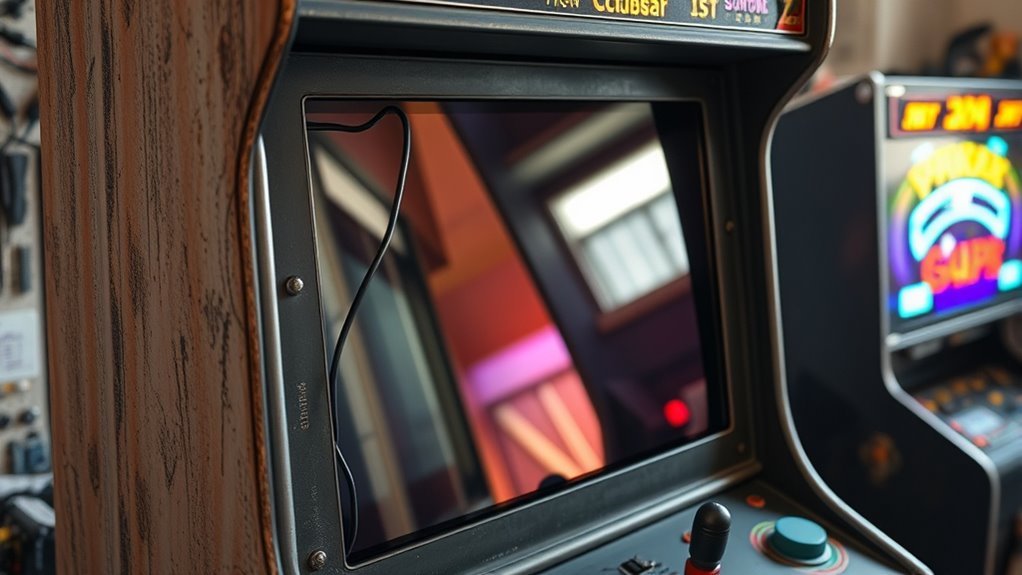
Switching from a CRT to an LCD involves several technical challenges and installation complexities that can catch many enthusiasts off guard. One major hurdle is calibration difficulties, as you need to fine-tune the LCD to display the arcade game’s resolution and aspect ratio accurately. This process can be tricky, especially if your hardware isn’t compatible or lacks adjustable settings. Wiring complexity also poses a challenge; you’ll often need to modify or replace existing connections, which requires a good understanding of circuitry and connectors. Additionally, integrating the LCD into the original cabinet may involve custom mounting solutions and power considerations. Properly managing Glycolic Acid Benefits for Skin during the process can also impact the longevity of the display components. Overall, the installation demands patience, technical skills, and careful planning to guarantee the display functions correctly without damaging your arcade machine.
Impact on Arcade Cabinet’s Original Aesthetic
When you install an LCD in your arcade cabinet, it inevitably alters the original aesthetic that many enthusiasts cherish. The retro charm of the CRT, with its curved screen and distinctive glow, gets replaced by a flat, modern display that can feel out of place. This change impacts the visual authenticity that makes arcade cabinets unique. You might notice:
- The loss of the authentic, vintage look of the original monitor
- A more streamlined, minimalist appearance that’s less nostalgic
- Reduced thickness and weight, affecting how the cabinet feels
- Altered color reproduction, which can diminish the vintage display’s charm
- The visual authenticity that contributes to the overall nostalgic experience may be compromised.
While an LCD offers convenience and sharper visuals, it may sacrifice the nostalgic atmosphere that defines classic arcade aesthetics. This trade-off impacts how authentically your cabinet reflects its original era.
Long-Term Durability and Reliability
When considering a switch to an LCD, you’ll want to think about how long the screen will last and what maintenance it might need. LCDs generally require less upkeep than CRTs, but factors like backlight lifespan and environmental conditions can influence durability. Staying aware of these points helps ensure your arcade setup remains reliable over time. Additionally, understanding Required Minimum Distributions (RMDs) can be important for managing your retirement assets effectively.
Screen Longevity Factors
The long-term durability and reliability of an LCD screen in a converted arcade cabinet depend on several key factors. Your screen brightness settings directly impact pixel lifespan; higher brightness can accelerate pixel degradation over time. Proper calibration helps balance visibility with longevity. Additionally, consistent use at moderate brightness levels reduces stress on the display. Factors like exposure to static images or prolonged displays can also affect durability, causing burn-in or image retention. Ambient temperature and humidity influence component stability, so keeping the environment controlled is essential. Ultimately, quality manufacturing ensures better resilience; investing in a reputable LCD reduces the risk of premature failure. Being mindful of these factors helps maximize the display’s lifespan, ensuring your arcade remains vibrant and reliable for years to come. Regular maintenance and avoiding static images further contribute to the long-term performance of your screen.
Maintenance Requirements
Maintaining your LCD arcade screen requires regular attention to make certain it stays reliable over time. You should routinely clean the screen to prevent dust, fingerprints, and grime from affecting image quality. Use a soft, lint-free cloth and avoid harsh chemicals to prevent damage. Monitoring the internal components is also essential; over time, you may need component replacements like backlight bulbs or power supplies to ensure consistent performance. Unlike CRTs, LCDs generally require less maintenance, but neglecting cleaning and necessary repairs can lead to reduced image clarity or even hardware failure. Staying proactive with screen cleaning and timely component replacements helps extend the lifespan of your LCD setup, ensuring it remains a dependable part of your arcade experience for years to come. Additionally, understanding the weight and installation considerations can help prevent damage during setup or relocation.
Frequently Asked Questions
How Does LCD Conversion Affect the Arcade Machine’S Resale Value?
Converting your arcade machine to LCD can impact its market value by potentially lowering its appeal to traditional collectors who value authenticity. While an LCD might attract more casual buyers due to ease of use, serious collectors often prefer original CRTs. This change can reduce collector interest, which may decrease the machine’s resale value. However, for some buyers, the modern display might make the arcade more appealing, possibly offsetting the loss.
Are There Specific LCD Models Recommended for Arcade Conversions?
Imagine finding the perfect fit for your arcade upgrade. When choosing LCD models, look for those with excellent arcade compatibility and a screen resolution that matches your games’ original display quality. Brands like ASUS and Dell often offer monitors with low input lag and adjustable settings, making your conversion seamless. Prioritize screens with a compatible aspect ratio and reliable performance to make sure your arcade experience remains vivid and authentic.
Can I Revert Back to the Original CRT After Converting to LCD?
You can revert back to the original CRT if you keep the original parts and connections intact. This allows you to preserve the CRT and maintain its nostalgic appeal, especially for collectors or enthusiasts valuing CRT preservation. However, it may require some technical skill to reconnect everything properly. Keep in mind, switching back might not be as seamless as the initial conversion, but it’s definitely possible if you want to relive that authentic arcade experience.
What Safety Precautions Should I Consider During Installation?
Oh, safety first—because risking electrical safety or handling fragile components without care is just what everyone dreams of! When installing, you should always unplug the machine, wear insulated gloves, and work in a dry environment. Use proper tools and double-check connections to avoid shocks or damaging delicate parts. Remember, rushing can turn a fun project into a dangerous disaster, so take your time and prioritize safety at every step.
How Long Does an LCD Conversion Typically Take?
The installation timeframe for converting your CRT arcade machine to LCD depends on your skill requirements and experience. If you’re familiar with electronics and have the right tools, it could take a few hours to a day. However, if you’re new to this, expect it to take longer, possibly a weekend. Be patient, follow instructions carefully, and guarantee you have all necessary components to avoid delays.
Conclusion
Switching from a CRT to an LCD in your arcade machine offers clear benefits like sharper visuals and easier maintenance, making your gaming experience more modern and reliable. However, you might miss the authentic charm that only a CRT can provide—it’s like trading your vintage vinyl for digital downloads. Weigh the pros and cons carefully; after all, preserving that nostalgic magic is worth more than just pixels. Sometimes, embracing change feels like stepping into a new frontier, just like the pioneers of old.