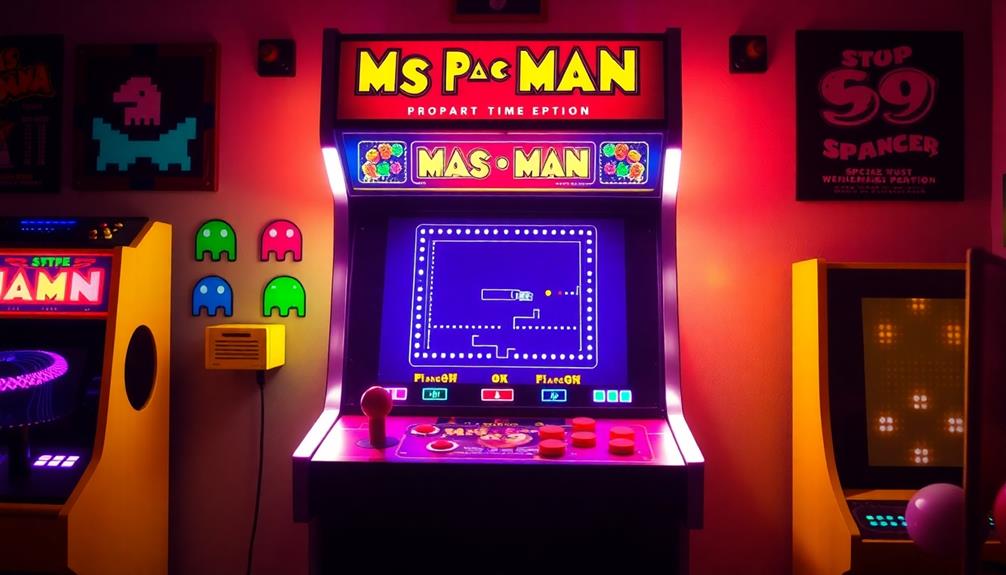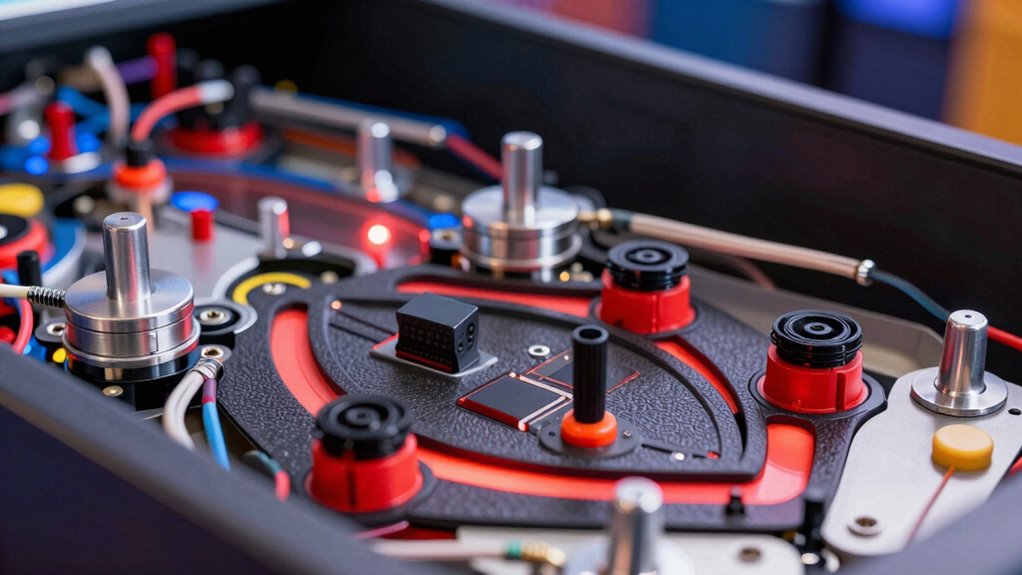
To make your digital pinball feel truly real, you need to strategically use solenoids, haptic feedback, and shakers. Solenoids create sharp, accurate impacts similar to real pinball impacts. Haptic feedback adds tactile sensations that enhance immersion, while shakers produce powerful vibrations to mimic collisions and ramps. Combining these components carefully improves responsiveness and authenticity. Keep exploring to discover how proper setup and calibration can elevate your game experience even further.
Key Takeaways
- Proper placement and timing of solenoids create realistic impacts and responsive gameplay effects.
- Haptic feedback enhances immersion by providing tactile responses synchronized with on-screen events.
- Shakers add depth by producing vibrations that simulate collisions, ramps, and flipper actions.
- Selecting durable, suitable tactile components ensures long-term performance and authentic sensations.
- Troubleshooting system issues, such as wiring and calibration, maintains consistent and realistic pinball feel.
How Do Solenoids Create Realistic Pinball Effects?
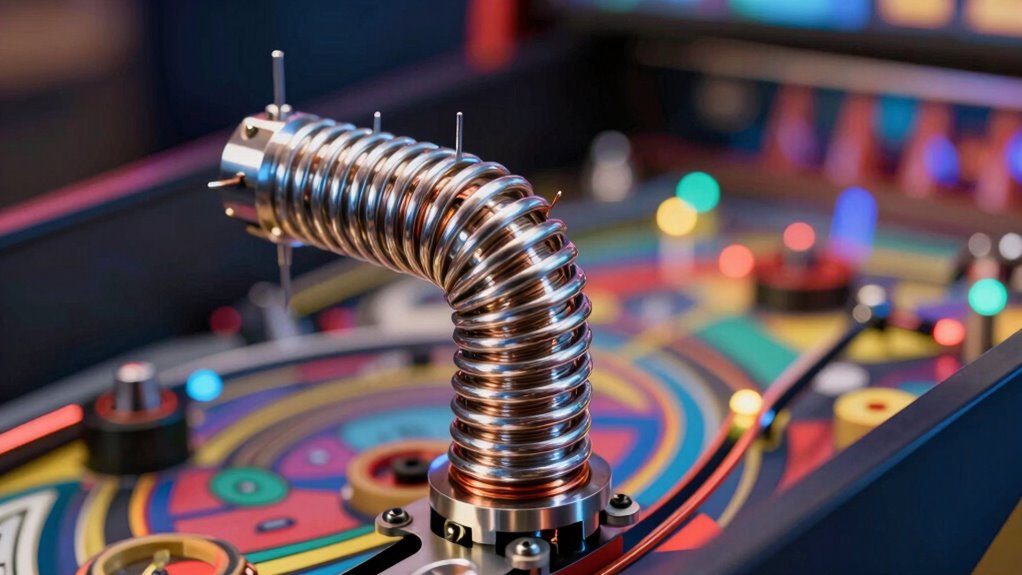
Have you ever wondered how pinball machines produce those sudden, realistic impacts? It all comes down to the strategic placement of solenoids and precise effect timing. Solenoid placement is vital because it determines how forcefully and accurately the impact feels. When a ball hits a bumper or targets, the solenoid activates instantly, delivering a quick punch that mimics real-world interactions. Effect timing is equally important; if the signal is delayed or mistimed, the impact feels off or less convincing. By carefully synchronizing solenoid activation with gameplay events, designers create a seamless, immersive experience. Proper placement and timing ensure each hit is sharp and responsive, making the digital pinball feel remarkably authentic to players. Additionally, understanding Color accuracy principles helps optimize the responsiveness and visual cues of the effects, enhancing the overall realism. Mastering the timing and placement of effects is essential for creating a convincing and engaging digital pinball experience, and paying attention to feedback mechanisms further enriches the tactile sensation of hits.
The Role of Haptic Feedback in Enhancing Player Immersion
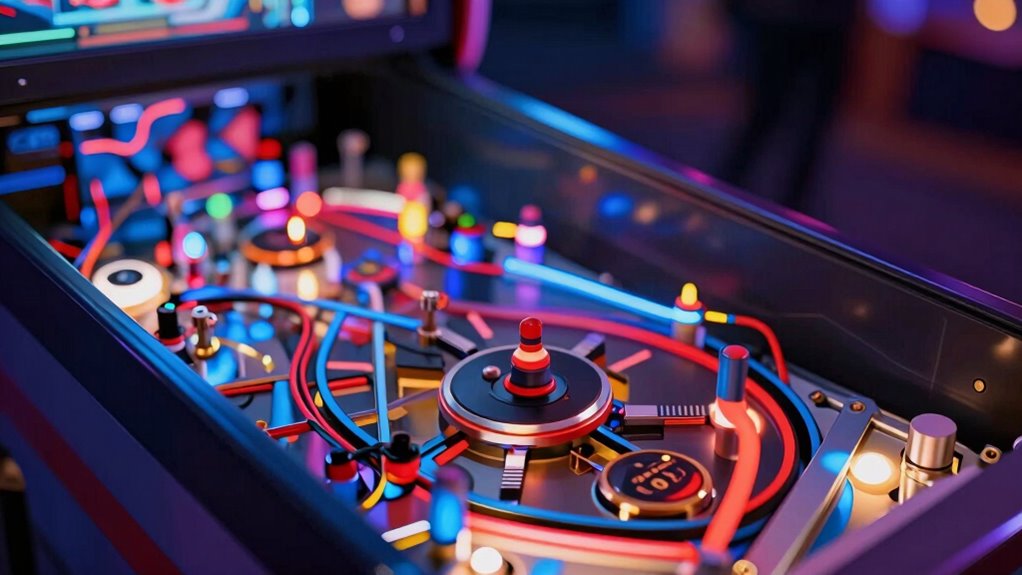
Haptic feedback plays a essential role in immersing players by providing tactile sensations that complement visual and auditory cues. This sensory integration helps create a more convincing and engaging experience, making you feel connected to the game environment. When you hit a bumper or a spinner, the haptic responses mimic real-world vibrations and impacts, increasing user engagement. These tactile cues reinforce the game’s physicality, making actions feel more authentic and satisfying. By adding a layer of sensory feedback, haptics bridge the gap between digital and physical, heightening your immersion. Incorporating practical safety considerations in designing haptic systems can also improve reliability and user trust. Additionally, understanding user comfort and safety standards ensures that haptic devices do not cause discomfort or injury during extended gameplay sessions. Furthermore, considering power capacity and proper system integration can enhance the overall performance and durability of haptic feedback mechanisms, ensuring consistent device longevity. Attention to system integration techniques can optimize overall responsiveness and user experience, making the tactile feedback more seamless and realistic.
How Shakers Add Impact and Depth to Virtual Pinball Experiences?
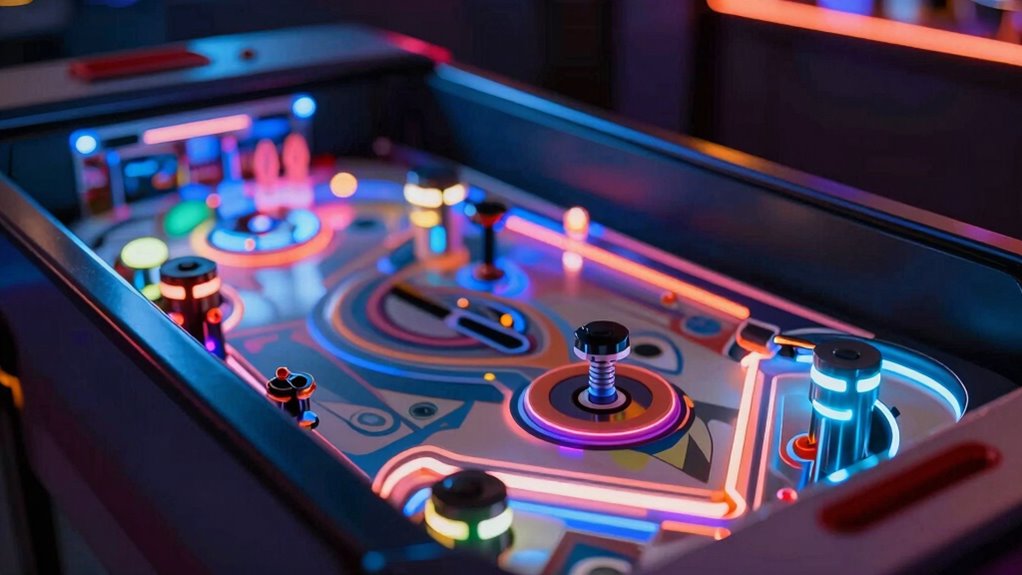
Shakers take the tactile experience of virtual pinball to the next level by adding powerful vibrations that resonate through the cabinet. These vibrations follow specific patterns that mimic the impact of real pinball collisions, ramps, and flippers. By carefully controlling vibration patterns, shakers deliver a sense of impact, adding depth to the gameplay. This sensory enhancement makes you feel the force of a ball hitting a bumper or bouncing off targets, creating a more immersive experience. The dynamic vibrations align with on-screen events, reinforcing the action and heightening excitement. Additionally, feedback mechanisms allow for precise adjustments, ensuring the vibrations complement the visual cues perfectly. Proper maintenance and understanding of air purifier operation, such as monitoring filters and ensuring proper airflow, can help keep your gaming environment fresh and comfortable, enhancing the overall experience. Regularly calibrating and testing your shakers can optimize their performance, providing consistent and realistic tactile feedback. Overall, shakers transform a purely visual and auditory experience into a multi-sensory adventure, making your virtual pinball setup feel more authentic and engaging.
Choosing the Right Tactile Components for Your Digital Pinball Setup

Selecting the right tactile components for your digital pinball setup is essential to creating an immersive gaming experience. Your choices influence the realism of pinball sound, the responsiveness of haptics, and how well the cabinet design complements your play style. Consider how different components sync with your overall theme and layout. For example, strong solenoids deliver impactful feedback, while subtle haptics enhance delicate interactions. Use the table below to compare options:
| Component | Best Use |
|---|---|
| Solenoids | Flippers, bumpers, and kickers |
| Vibration Motors | Gentle feedback for light touches |
| Shakers | Enhancing sound and cabinet immersion |
Matching these components to your cabinet design guarantees a seamless, realistic experience. Incorporating indoor air quality considerations, such as proper ventilation and dust management, can also help maintain your equipment and ensure a healthier environment during long gaming sessions. Additionally, selecting components with durability and reliability is crucial for long-term performance and consistent feedback. Moreover, paying attention to noise levels can help keep your setup comfortable in shared spaces or noise-sensitive environments.
Troubleshooting Common Issues With Solenoids, Haptics, and Shakers
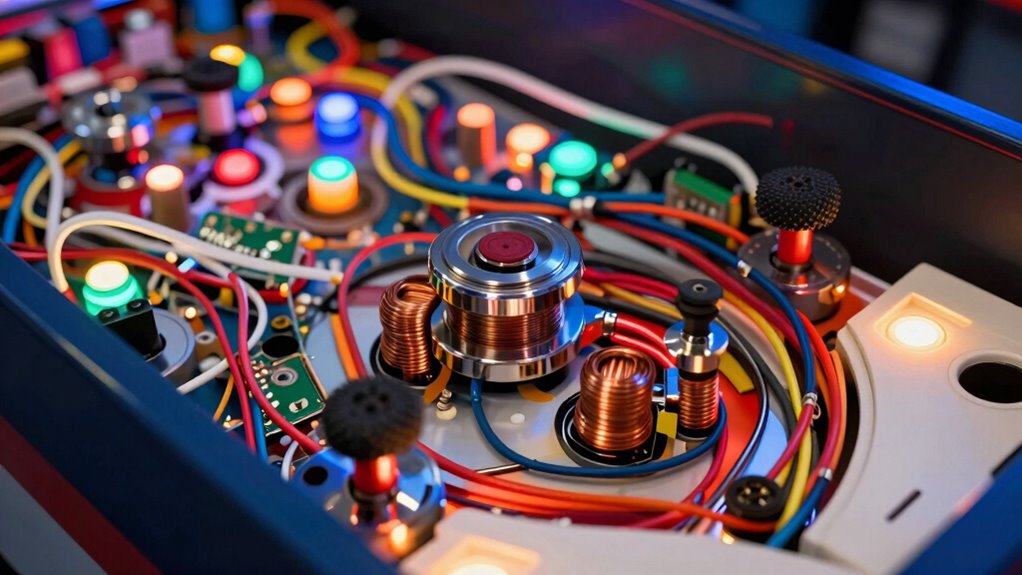
When your solenoids, haptics, or shakers aren’t functioning properly, pinpointing the root cause can be challenging but essential for restoring your setup’s performance. Start by checking sensor calibration; misaligned or uncalibrated sensors can cause inconsistent activation. Next, examine your power supply issues—ensure your power source provides stable voltage and current. Fluctuations or insufficient wattage often lead to unresponsive or weak effects. Verify all connections and wiring for loose contacts or damage. If components still malfunction, test each part individually to identify faulty units. Updating firmware or drivers can also resolve compatibility problems. Addressing sensor calibration and power supply issues systematically will help you troubleshoot effectively, restoring the realistic feel of your pinball experience. Additionally, reviewing cabling solutions and ensuring proper cable management can prevent signal interference and improve overall system reliability. Ensuring that your power supply meets the necessary voltage and current requirements is also crucial for consistent performance. Furthermore, inspecting component compatibility can help prevent issues caused by mismatched parts or outdated hardware. Regularly checking for hardware wear and tear can also prolong the lifespan of your components and maintain optimal operation.
Frequently Asked Questions
How Do I Calibrate Solenoids for Optimal Performance?
To calibrate your solenoids for ideal performance, start with solenoid tuning by adjusting the power supply and timing settings. Use calibration tools like a multimeter or oscilloscope to measure response and guarantee consistent actuation. Test each solenoid individually, noting any delays or weak responses, then fine-tune the settings until you achieve reliable, quick, and strong activation. Regular calibration keeps your digital pinball feeling authentic and responsive.
Can Haptic Feedback Be Synchronized With Game Sound Effects?
Yes, you can synchronize haptic feedback with game sound effects through sound integration. To achieve this, use software that allows haptic synchronization, ensuring the feedback matches key sound cues. You might also need compatible hardware that supports precise timing. By adjusting settings and timing in your setup, you’ll create a more immersive experience, making the haptic responses feel seamlessly integrated with the game’s audio, heightening realism and player engagement.
What Safety Precautions Should I Take When Installing Shakers?
When installing shakers, prioritize electrical safety by disconnecting power before starting, and double-check your wiring for proper insulation. Use appropriate mounting techniques to secure the shakers firmly, preventing movement or damage during operation. Make sure all connections are tight and protected from accidental contact. Always follow manufacturer instructions and local electrical codes to guarantee safe installation, minimizing the risk of shorts or electrical hazards.
Are There Specific Power Requirements for Different Tactile Components?
Think of tactile components as the engines powering your pinball machine’s heartbeat. They each have specific power consumption and voltage needs, like a car requiring different fuel types. Check the manufacturer’s specs to guarantee you match the voltage needs and avoid overloading. Proper power supply ensures smooth operation and prevents damage, so always match the component’s requirements with your power source for a safe, reliable setup.
How Do I Program Custom Effects for Solenoids and Shakers?
To program custom effects for solenoids and shakers, you need to focus on custom effect programming within your control software. Start by defining the specific responses you want, then use your microcontroller’s programming language or dedicated software to send precise signals. For effective solenoid integration, guarantee your code controls the timing, duration, and intensity of each activation, creating realistic tactile feedback that enhances your digital pinball experience.
Conclusion
Don’t let technical doubts hold you back from creating an authentic pinball experience. With the right solenoids, haptics, and shakers, you can transform your setup into a thrilling, immersive arcade. Sure, troubleshooting can seem intimidating, but the payoff—feeling every bump and hit like a real game—is worth it. Dive in, experiment, and watch your digital pinball come alive with excitement and realism you’ll love sharing.