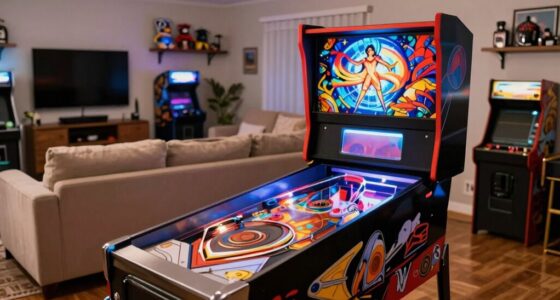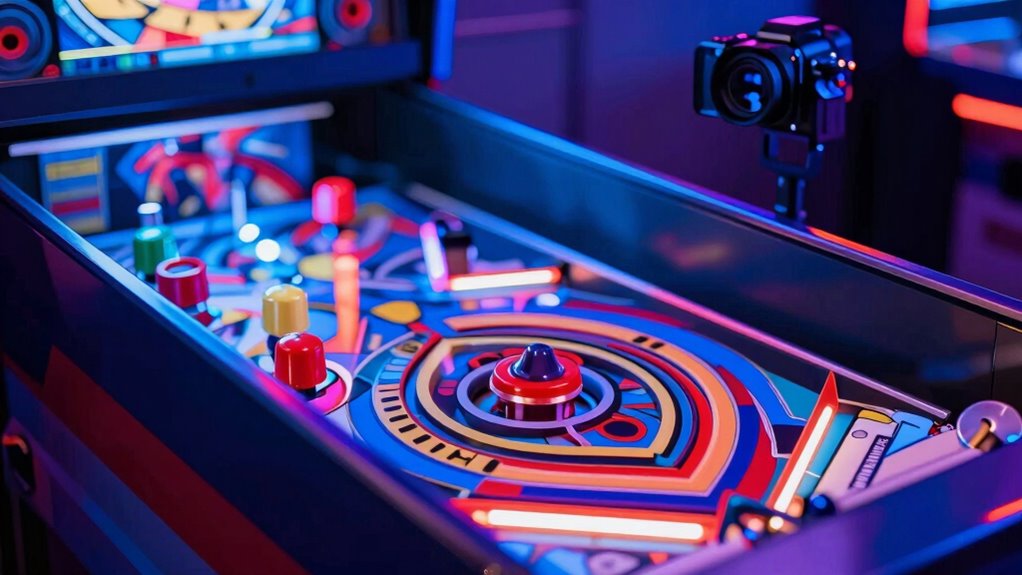

Choosing between 1080p and 4K for digital pinball depends on your hardware and what you want in visuals. If your system can handle high-resolution rendering, 4K offers sharper images, finer details, and more vibrant colors, making gameplay more immersive. However, if your hardware isn’t top-tier, 1080p still provides clear, smooth visuals that are plenty sharp for most players. To find out the best option for your setup and how to optimize your experience, keep exploring the details ahead.
Key Takeaways
- 1080p is sufficient for most gameplay, especially on smaller screens or limited hardware setups.
- 4K provides sharper details and more vibrant visuals, ideal for detailed artwork and fast-paced scenes.
- Hardware capabilities and performance impact whether 4K benefits can be fully realized without lag or frame drops.
- Smaller screens at close viewing distances benefit from 1080p sharpness, while larger displays showcase 4K’s detailed clarity.
- Upgrading to 4K is worth it only if your system can handle high resolution, refresh rates, and color fidelity without sacrificing performance.
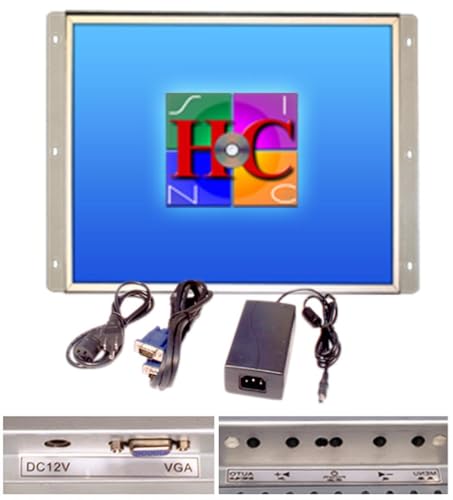
19 Inch Arcade Game LED Monitor, Jamma Monitor MAME and Cocktail Game cabinets
As an affiliate, we earn on qualifying purchases.
As an affiliate, we earn on qualifying purchases.
Why Does Resolution Matter in Digital Pinball Visuals?
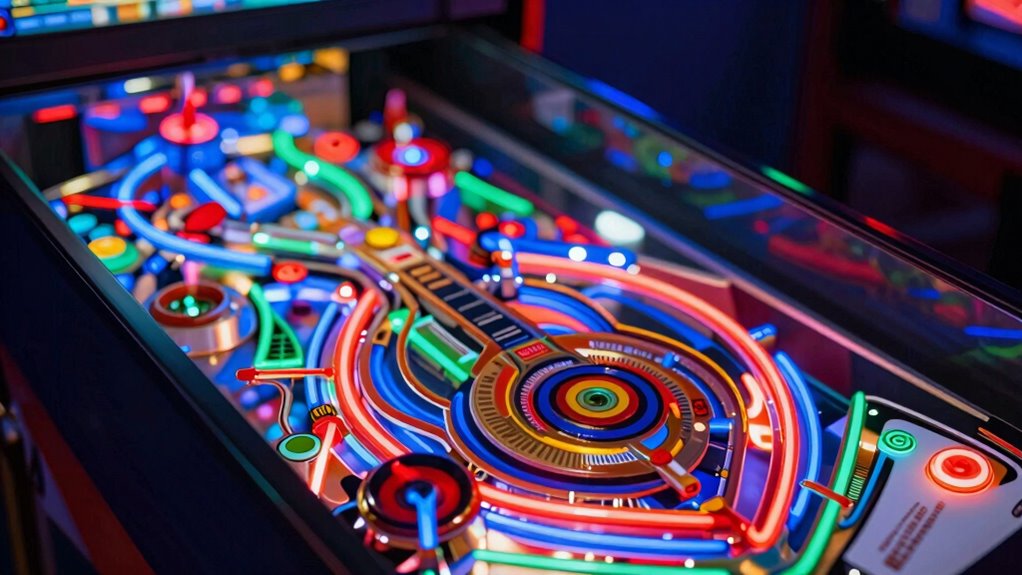
Resolution plays a crucial role in how realistic and immersive your digital pinball experience feels. Higher resolution increases pixel density, which directly enhances visual fidelity by making images sharper and more detailed. When the pixel density is higher, the game’s graphics appear smoother, with crisp lines and clearer textures, bringing the virtual environment closer to real life. This improved clarity helps you better see subtle details like the ball’s surface or intricate artwork on the pinball machine. Without sufficient resolution, visuals can look blurry or pixelated, diminishing realism and reducing immersion. Additionally, understanding display resolution principles can help optimize your display setup for the best possible visual clarity and visual fidelity. Recognizing how contrast ratio influences image depth can further improve your overall visual experience, especially in darker scenes.

Arcade Alley Games Table Top Pinball Fun Family Indoor Playroom Game
Battle your friends head-to-head with the Arcade Alley Head to Head Pinball Game!
As an affiliate, we earn on qualifying purchases.
As an affiliate, we earn on qualifying purchases.
Comparing 1080p and 4K: What’s the Difference in Visual Quality?
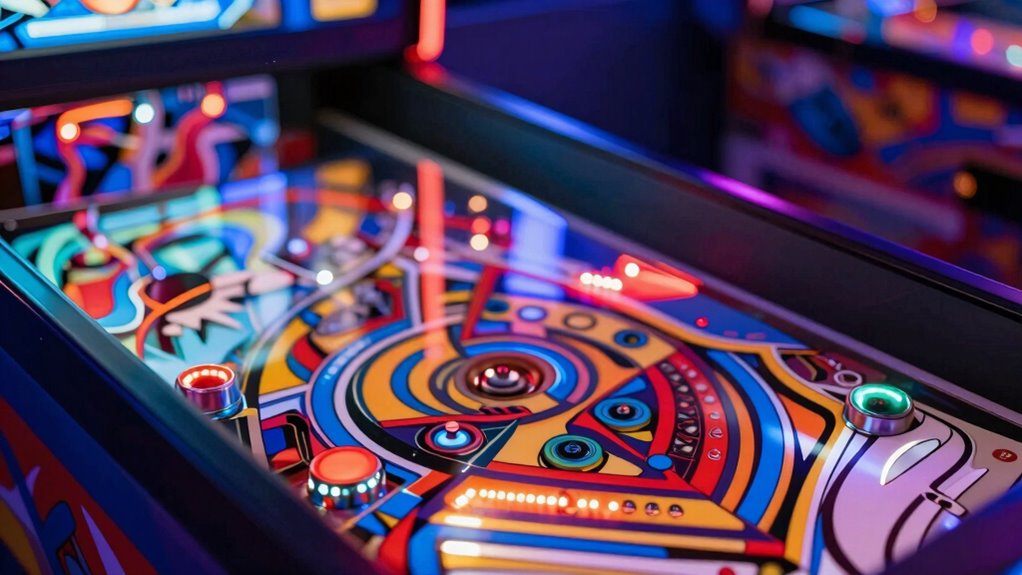
Have you ever wondered how 4K compares to 1080p in digital pinball visuals? The main differences lie in clarity and detail. With 4K, your screen displays:
- Sharper images with crisper lines
- More vibrant, true-to-life colors
- Finer details on the pinball and table elements
- Improved color accuracy for realistic visuals
- Higher refresh rates that reduce motion blur
While 1080p still offers decent quality, 4K enhances immersion by making every feature pop. The increased resolution ensures more precise visuals, especially during fast-paced gameplay. Keep in mind, higher refresh rates in 4K screens contribute to smoother motion, reducing flicker and lag. Overall, 4K provides a noticeable upgrade in visual quality, but the benefits depend on your display’s refresh rates and color capabilities.

acer Nitro 27” 4K UHD 3840 x 2160 Gaming IPS Monitor | AMD FreeSync Premium | Up to 160Hz Refresh Rate with DFR to FHD 320Hz| Up to 0.5ms | 1 x Display Port 1.4 & 2 x HDMI 2.1 Ports | VG270K V4bmiipx
Quality Visuals: The VG270K 27" IPS monitor with 3840 x 2160 UHD resolution in a 16:9 aspect ratio…
As an affiliate, we earn on qualifying purchases.
As an affiliate, we earn on qualifying purchases.
When Does 4K Resolution Make a Noticeable Difference?

You’ll notice a clear difference with 4K resolution when you’re playing fast-paced pinball scenes or exploring highly detailed table designs. Higher pixel density means sharper images and finer details, making animations smoother and more immersive. When the resolution increases, the display can also support greater color depth, resulting in richer, more nuanced colors that enhance realism. This visual clarity is especially noticeable during quick shots or intricate table artwork, where clarity is vital. If your display and graphics card can fully utilize 4K’s benefits, you’ll see sharper lines, more vibrant hues, and smoother motion. Additionally, hardware capabilities play a crucial role in realizing these enhancements, so having compatible and powerful equipment ensures you get the most out of 4K. Proper resolution support is essential to unlock the full potential of 4K displays and avoid performance issues. Without adequate graphics processing, the benefits of 4K may not be fully realized, leading to potential performance bottlenecks. Also, display calibration can influence how effectively 4K’s advantages are perceived, ensuring colors and sharpness are optimized for the best experience. However, if your hardware struggles or the scene isn’t highly detailed, the improvements might be less apparent. For the best experience, both pixel density and color depth need to work together effectively.

GIGABYTE Radeon RX 9060 XT Gaming OC 16G Graphics Card, PCIe 5.0, 16GB GDDR6, GV-R9060XTGAMING OC-16GD Video Card
Powered by Radeon RX 9060 XT
As an affiliate, we earn on qualifying purchases.
As an affiliate, we earn on qualifying purchases.
Is 1080p Good Enough for Most Players?
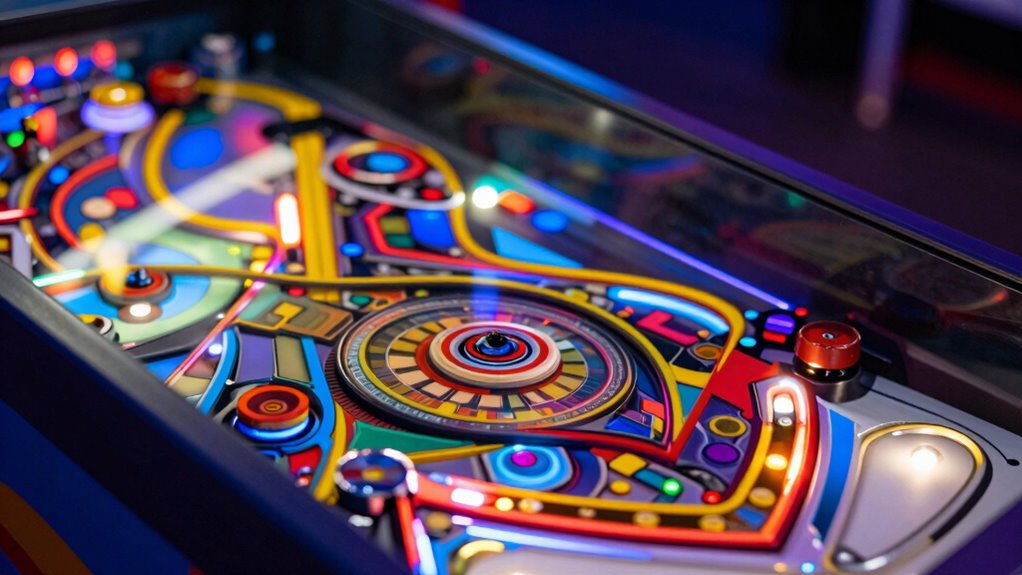
For most players, 1080p offers sharp enough visuals to enjoy the game without missing details. However, performance and hardware limits can influence whether higher resolutions improve your experience. Consider whether the immersive feel you want outweighs the technical benefits of 4K. Additionally, easy homemade flautas can be an excellent way to enjoy a quick and flavorful meal after long gaming sessions.
Visual Clarity for Most
While 4K displays offer stunning detail, many players find that 1080p resolution still provides sharp, clear visuals for most pinball games. At this level, you’ll notice:
- Crisp images that make bumpers and targets stand out
- Smooth motion thanks to high refresh rates
- Accurate colors that enhance the game’s vibrancy
- Clear text and score displays without blurring
- Sufficient detail for immersive gameplay
- High-quality visuals at 1080p ensure an enjoyable experience without the need for 4K. The visuals remain sharp and vibrant, ensuring you can track fast-moving balls and read scores easily. Unless you’re a pixel perfectionist or display enthusiast, 1080p still offers excellent visual clarity for digital pinball.
Performance and Hardware Limits
Since most gaming hardware can easily handle 1080p resolution, it remains a practical choice for digital pinball players. Higher resolutions like 4K demand more processing power, which can strain hardware constraints, leading to dropped frames or lag. At 1080p, you benefit from smoother gameplay and stable performance without sacrificing too much graphical fidelity. This performance balance ensures that your system’s resources are focused on delivering responsive controls and fluid animations, vital for an engaging pinball experience. While some high-end setups can push 4K, many players find 1080p offers the best compromise between visual quality and performance. If your hardware is limited, sticking to 1080p prevents performance bottlenecks, keeping your game running seamlessly and avoiding frustration during critical moments. Additionally, understanding your hardware limits can help you optimize your setup for an optimal gaming experience performance and hardware limits. Being aware of graphics capabilities can guide you in making informed decisions about resolution settings and hardware upgrades, especially considering how sound vibrations influence overall system performance.
Immersive Experience Considerations
Many players find that 1080p resolution delivers a sufficiently immersive experience in digital pinball. The visual immersion and sensory engagement you get at this level can feel quite realistic, especially with well-designed graphics and sound effects. You might imagine yourself:
- Watching the shiny pinball gliding smoothly across vibrant, detailed artwork
- Hearing the satisfying click of bumpers and the hum of the machine
- Feeling the tension as the ball races toward targets
- Seeing flashing lights and animated effects that heighten excitement
- Experiencing a sense of presence, as the game’s atmosphere pulls you in
While 4K offers more detail, many players find that 1080p creates an engaging, responsive environment that’s perfect for most gameplay sessions.
What Hardware Do You Need for 4K Digital Pinball?
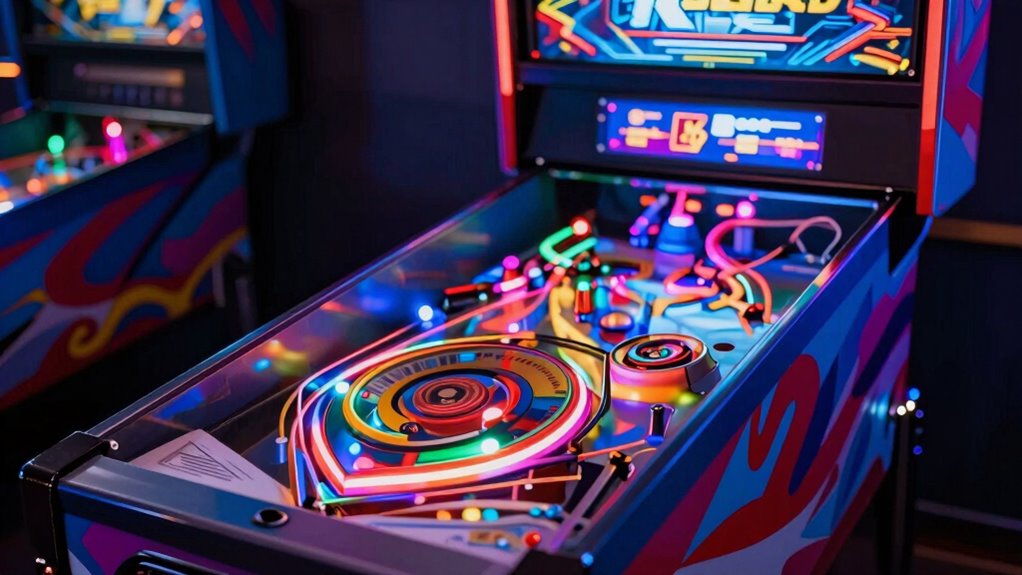
To enjoy a smooth and vibrant 4K digital pinball experience, you’ll need the right hardware components. First, guarantee your display hardware is compatible with 4K resolution, offering good hardware compatibility with your graphics card and gaming setup. A 4K monitor or TV with a high refresh rate and low input lag enhances playability. Pay attention to viewing angles; wide viewing angles prevent color distortion and brightness loss when viewing from different positions. Your graphics card must support 4K output at high frame rates, so check its specifications. Additionally, a powerful CPU and sufficient RAM help maintain smooth gameplay. Proper cabling, like HDMI 2.0 or DisplayPort 1.4, is essential for transmitting 4K signals without issues. Ensuring your setup includes comfort and safety features can help prevent eye strain and physical discomfort during extended play sessions. Incorporating cabling standards ensures reliable high-resolution signal transmission. To maximize performance, consider hardware compatibility between your components, which is crucial for a seamless experience. Paying attention to visual fidelity settings can further enhance your gaming experience and image quality. With the right hardware, you’ll get crisp visuals and seamless action.
Should You Upgrade to 4K? How to Decide If It’s Worth It
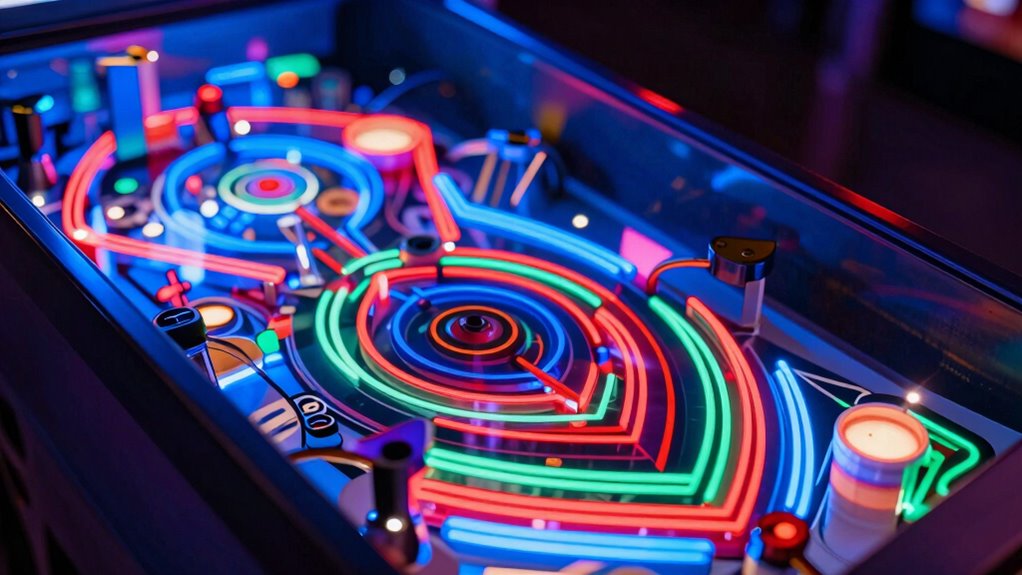
Deciding whether to upgrade to 4K for your digital pinball setup depends on how much you value visual clarity and gameplay experience. If sharp images, vivid colors, and smooth motion matter to you, a 4K display can elevate your game. Consider how improvements in refresh rate and color accuracy can make gameplay feel more immersive and fluid. Picture:
- Crystal-clear pinball details bouncing on the screen
- Bright, true-to-life colors that make artwork pop
- Faster refresh rates reducing motion blur
- Better contrast for shadows and highlights
- Enhanced visual fidelity for a more realistic experience
Additionally, transaction security measures in digital displays can help protect user data and ensure a trustworthy gaming environment. If these aspects considerably enhance your enjoyment, upgrading could be worthwhile. But if your current setup already delivers satisfying visuals, staying with 1080p might be sufficient. It’s also worth noting that cost considerations play a significant role in the decision, especially when weighing the benefits against the investment. Ultimately, it depends on how much you prioritize visual quality versus cost.
What Are the Costs of Moving to 4K vs. Staying With 1080p?

Upgrading to a 4K display involves significant costs, both upfront and ongoing. When considering the cost comparison, you’ll need to account for the hardware investment required to run 4K smoothly. A 4K monitor or projector typically costs more than a 1080p counterpart, often doubling or tripling in price. Additionally, your graphics card must be more powerful, increasing your overall hardware expenses. Keep in mind, you might also need better cabling and possibly a more advanced sound system to fully enjoy the higher resolution. Staying with 1080p minimizes these costs, but if you want sharper visuals and future-proofing, the investment in 4K can be justified. Still, weigh these costs carefully against the benefits to determine if the upgrade makes sense for you. Also, consider that panel snow management techniques can help maintain display quality over time, especially in colder environments, and understanding display calibration can optimize your viewing experience. Proper hardware compatibility checks are essential to ensure your existing setup can handle the increased demands of 4K content.
Common Mistakes to Avoid When Choosing Your Resolution
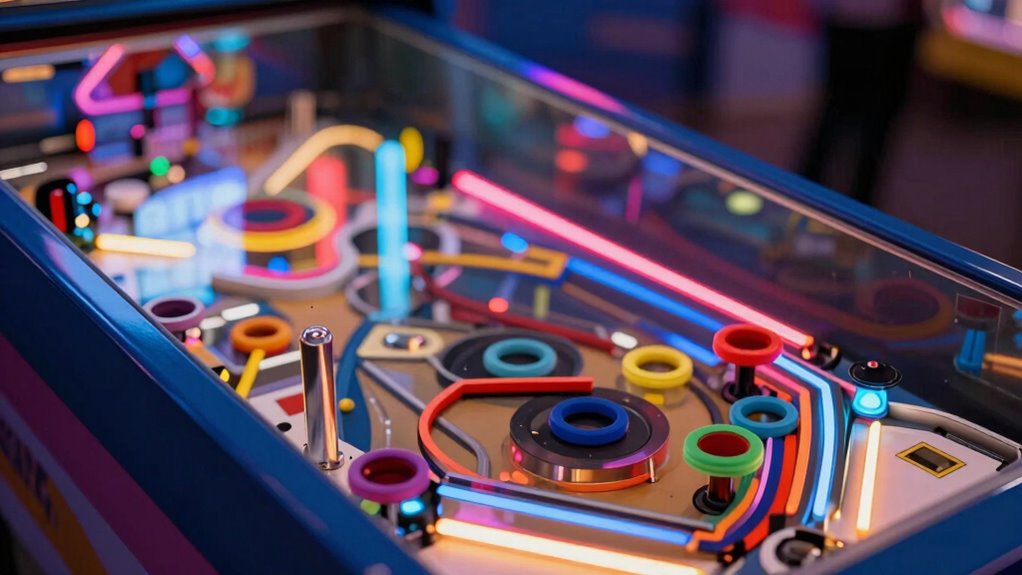
When selecting your resolution, don’t forget to verify if your screen size supports 4K properly. Overlooking hardware limitations can lead to lag or poor performance, even with a 4K setup. Also, consider your content requirements to ensure your display enhances your gaming experience rather than complicates it.
Ignoring Screen Size Compatibility
Ignoring screen size compatibility can lead to a distorted or stretched image, even if your resolution looks impressive on paper. When the aspect ratio doesn’t match your screen size, visuals can appear warped or squashed. You might see:
- Characters stretched unnaturally
- Rounded objects appearing oval
- Text unreadable due to distortion
- Wide screens showing black bars
- Smoother motion disrupted by improper scaling
These issues occur because the resolution isn’t aligned with your display’s aspect ratio and screen size. To avoid this, always verify that your chosen resolution fits your monitor’s dimensions. Proper matching ensures crisp, proportionate images without unwanted stretching, creating a true-to-life digital pinball experience. Remember, clarity depends not just on resolution but on compatibility with your screen’s size and aspect ratio.
Overlooking Hardware Limitations
Choosing a resolution that exceeds your hardware’s capabilities can lead to poor performance, even if the visuals look impressive on paper. If your system struggles, you might experience lag, dropped frames, or stuttering, which ruin the gaming experience. Also, don’t overlook the importance of proper screen calibration—incorrect calibration affects color accuracy and can distort your pinball visuals. Make sure your hardware can handle higher resolutions comfortably; otherwise, you risk sacrificing smooth gameplay for sharp images. Here’s a quick comparison:
| Hardware Capability | Recommended Resolution | Focus Point | Calibration Tip | Performance Impact |
|---|---|---|---|---|
| Low | 1080p or below | Maintain smoothness | Fine-tune color settings | Frame drops, lag |
| Moderate | 1440p | Balance quality | Adjust for accurate colors | Slight performance hit |
| High | 4K or higher | Max detail | Regular calibration checks | Optimal performance |
| Future-ready | 8K+ | Ultra-realistic visuals | Professional calibration | Demanding hardware |
| Budget-conscious | 720p or 1080p | Performance over detail | Basic calibration | Best for limited hardware |
Neglecting Content Requirements
Have you considered whether your content truly benefits from a higher resolution? Many fall for resolution myths, believing that cranking up the pixels automatically improves visual quality. But if your gameplay or visuals don’t demand it, you might just be wasting resources. When choosing your resolution, think about your content’s requirements:
- Do detailed textures or fine text demand higher clarity?
- Is smooth motion essential, or can lower refresh rates suffice?
- Are your gaming peripherals optimized for higher resolutions?
- Will increased resolution strain your hardware unnecessarily?
- Does the extra detail enhance your experience, or is it overkill?
Ignoring these factors can lead to wasted investment and diminished performance. Remember, higher resolution isn’t always better—it depends on your content’s needs, not just the resolution myths circulating in the gaming community.
How Can You Enhance Your Visual Experience Beyond Resolution?
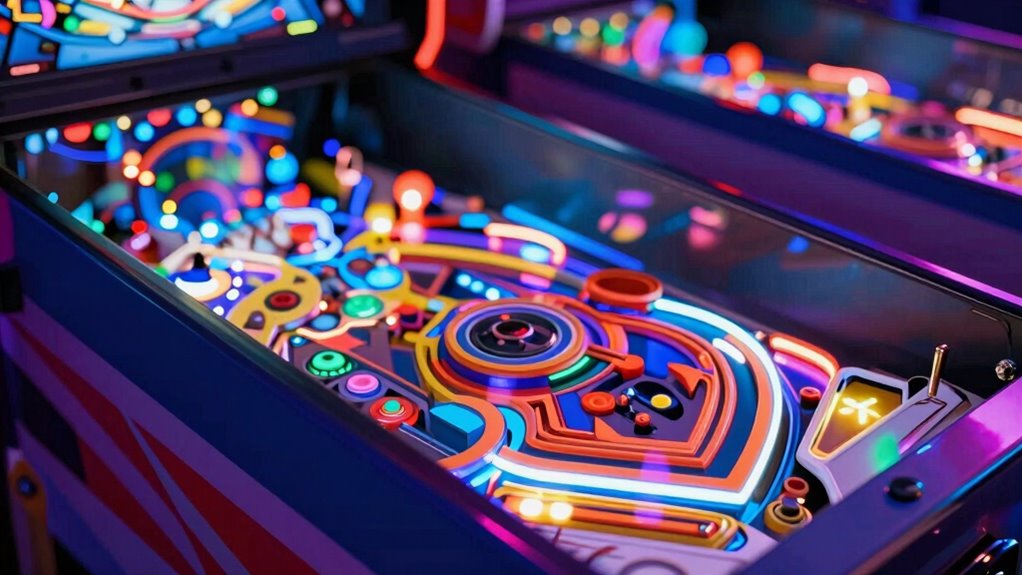
While increasing resolution markedly improves visual clarity, you can further elevate your digital pinball experience by focusing on other display enhancements. Higher pixel density makes images sharper and more detailed, so choose a monitor with a high pixel density for crisper visuals. Additionally, increasing color depth enriches the vibrancy and realism of the colors, making the game environment more immersive. Adjust your display settings to maximize both pixel density and color depth, ensuring smooth gradients and accurate color reproduction. These enhancements help your pinball visuals pop without necessarily upgrading to 4K. By paying attention to these aspects, you create a more vibrant, detailed experience that complements your resolution choices and makes gameplay more engaging.
Final Tips: When to Stick With 1080p and When to Go 4K

Deciding whether to stick with 1080p or upgrade to 4K depends on your gaming setup, budget, and how you prioritize visual quality. If your monitor has a high pixel density, you’ll notice sharper images at 1080p, especially on smaller screens. When considering 4K, guarantee your system supports a high refresh rate; otherwise, you might sacrifice smooth gameplay. Go for 4K if you crave detailed visuals and your hardware can handle the extra load. However, stay with 1080p if your setup struggles with performance or if the difference in clarity isn’t noticeable at your typical viewing distance. Visualize crisp pinball tables with tiny, vibrant details or broad, fluid motions without tearing. Your choice hinges on balancing pixel density and refresh rate for the best experience.
Frequently Asked Questions
How Does Resolution Affect Gameplay Responsiveness in Digital Pinball?
Resolution doesn’t directly affect gameplay responsiveness in digital pinball, but refresh rate and input lag do. A higher refresh rate provides smoother visuals, making gameplay feel more responsive. Lower input lag ensures your actions register instantly, which is vital for precise control. While resolution enhances visual clarity, focusing on a high refresh rate and minimal input lag will give you a more responsive, enjoyable pinball experience.
Can Upgrading to 4K Improve Other Visual Effects Besides Clarity?
Upgrading to 4K is like painting with a broader palette—you’ll notice more vibrant visual effects and richer color accuracy. It enhances not just clarity but also the depth and realism of lighting, reflections, and textures, making your pinball game more immersive. With sharper visuals, the intricate details of bumpers, flippers, and backgrounds pop, giving you a more engaging experience that 1080p can’t quite match.
What Are the Common Performance Issues With 4K Digital Pinball Setups?
You might face performance issues with 4K digital pinball setups due to hardware compatibility problems and latency issues. Higher resolution demands more from your GPU and CPU, which can cause lag or stuttering if your hardware isn’t up to par. Additionally, delays in rendering or input response can occur if your system isn’t optimized for 4K. To avoid these problems, make sure your components meet the necessary specs and minimize latency.
How Does Screen Size Influence the Perceived Benefits of 4K Resolution?
Your screen size greatly influences how you perceive the benefits of 4K resolution. Larger screens enhance visual immersion, making every detail sharper and more vivid, which really stands out in bigger displays. On smaller screens, the difference between 1080p and 4K becomes less noticeable, so you may not see much added value. Choose a bigger screen if you want to maximize the immersive experience that 4K resolution offers.
Are There Specific Brands or Models Best Suited for 4K Digital Pinball?
You should look for models like Samsung Q90T or LG CX OLED, which are known for their excellent 4K clarity and brand compatibility with digital pinball setups. These models offer vibrant colors and smooth refresh rates, making gameplay more immersive. Stick to reputable brands with good reviews and dedicated gaming features, and you’ll enjoy sharp visuals and reliable performance for your digital pinball experience.
Conclusion
So, whether you’re ready to splurge on a 4K setup or happily sticking with 1080p, remember: it’s all about what impresses your eyes—and your wallet. If you enjoy pixel-perfect pinball visuals that make you feel like you’re in the game, go big. But if you’re content with good enough, don’t let tech hype pressure you. After all, who needs clarity when you’ve got skills—and maybe a few well-placed bumpers?