
For a home arcade cabinet, a 24 to 27-inch screen often feels most authentic and fits well in most spaces. Smaller screens provide that classic arcade vibe and reduce eye strain, especially at close distances. Larger screens, around 32 inches, enhance immersion for racing or fighting games, especially if you have more room. The ideal size balances your available space, comfort, and game type, and exploring these options further can help you create the perfect setup.
Key Takeaways
- Choose 24 to 32 inches for a balance between immersion and fitting space constraints.
- Smaller screens (around 24 inches) offer a nostalgic arcade feel and are ideal for limited spaces.
- Larger screens (27-32 inches) enhance gameplay experience, especially for racing or fighting games.
- Consider your viewing distance; closer setups benefit from smaller screens for comfort.
- Ensure hardware supports your chosen resolution for smooth, authentic gameplay.
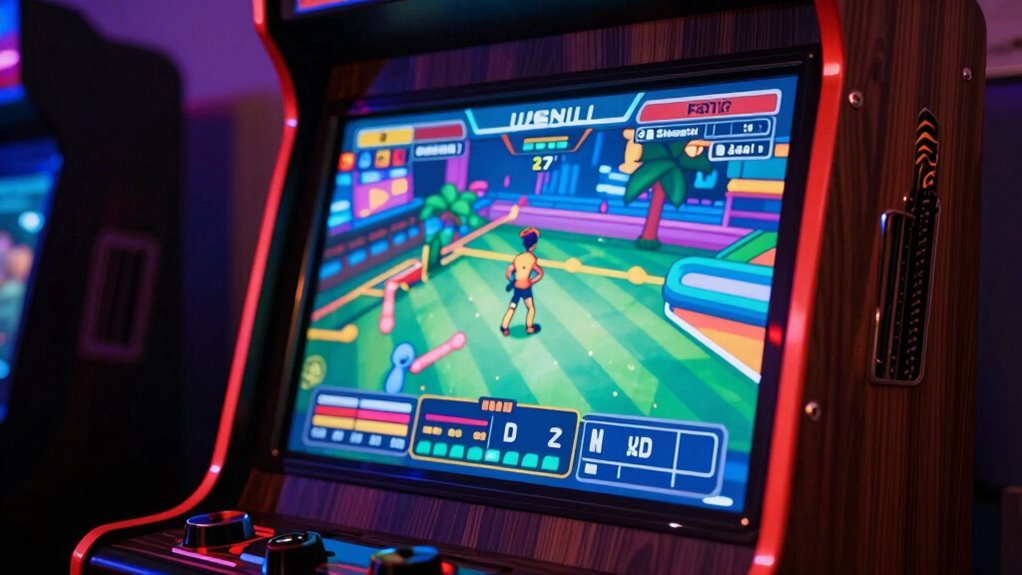
Choosing the right screen size for your home arcade cabinet is essential because it directly impacts your gaming experience. When it comes to retro gaming, the display size can make or break your immersion. You want a screen that’s large enough to enjoy the nostalgic visuals but not so big that it overwhelms your space or makes gameplay awkward. The key is finding a balance that feels natural for your setup and aligns with the games you love.
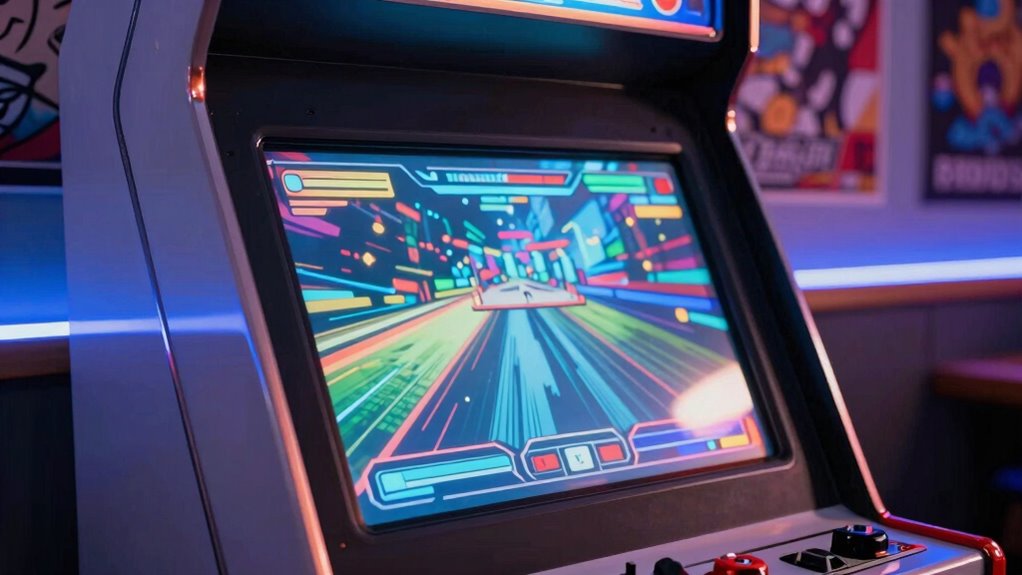
For most home arcade setups, a 24-inch to 32-inch display hits the sweet spot. A 24-inch screen offers a compact, classic arcade feel, perfect if you prefer a more authentic retro vibe or have limited space. It’s easy to view from a comfortable distance and maintains a nostalgic look reminiscent of original arcade monitors. On the other hand, a 27-inch or 32-inch display provides a more modern viewing experience without losing the retro charm. It offers a broader field of view, which can enhance gameplay, especially for titles that benefit from a larger display, like racing or fighting games.
Display resolution is another critical factor. For retro gaming, a resolution of 1080p (Full HD) is generally sufficient, as most classic games were designed with lower resolutions in mind. Higher resolutions, like 4K, can give modern clarity but might be overkill for older titles and require more powerful hardware to run smoothly. Plus, some emulators and arcade setups work best when scaled to their original resolution, so a display that can support multiple resolutions without losing image quality is ideal. Understanding display resolution can help you choose a screen that balances clarity and performance. Additionally, the compatibility of hardware and software should be considered to ensure smooth gameplay and easy setup. Selecting a display with adjustable settings can further optimize your visual experience and accommodate different types of games.
You should also consider the viewing distance. If you sit close to the screen, a smaller display might be more comfortable, preventing eye strain and making gameplay feel more authentic. If your setup allows for a longer viewing distance, a larger screen can fill your field of vision and make you feel more immersed in the game. Remember, the goal is to enhance your enjoyment, so choose a size that feels natural and comfortable without sacrificing visual clarity. Additionally, understanding display size and resolution can help you select the most suitable screen for your setup.
Ultimately, the best screen size for your home arcade cabinet depends on your space, preferences, and the types of games you want to play. Whether you opt for a smaller, nostalgic display or a larger, modern screen, focusing on the right display resolution and size will help you recreate that classic arcade feeling right in your home. The perfect screen size is the one that makes you feel like you’re stepping into an arcade every time you power up your cabinet.

UNICO 26 inch Arcade Monitor, 4:3 Ratio LCD Gaming Monitor for HDMI/VGA/CGA/EGA Arcade Machine
- Size Compatibility: Fits 99% 26-inch arcade machines
- Display Resolution: 1024×768 LCD screen with high quality
- Ease of Installation: Quickly removable and replaceable connectors
As an affiliate, we earn on qualifying purchases.
As an affiliate, we earn on qualifying purchases.
Frequently Asked Questions
How Does Screen Size Affect Gameplay Accuracy?
A larger screen size can improve your gameplay accuracy by providing better resolution clarity, making enemies and obstacles easier to spot. It also offers an immersive experience that helps you stay focused and engaged. However, if the screen is too big for your space or viewing distance, it might cause distortion or eye strain, reducing accuracy. Finding a balance between size and comfort guarantees ideal gameplay performance.
Can a Larger Screen Cause Eye Strain?
Yes, a larger screen can cause eye strain. When your eyes strain from excessive screen brightness or difficulty focusing, fatigue sets in. Bigger screens often mean more glare or reflections, which can worsen discomfort. To prevent this, adjust the brightness to comfortable levels, guarantee the cabinet’s aesthetics don’t distract or cause reflections, and take regular breaks. Proper setup helps you enjoy your arcade experience without eye strain.
What Is the Ideal Screen Size for Multiplayer Sessions?
For multiplayer sessions, a 32-inch or larger screen works best, offering enough space for everyone to see clearly. Make certain your game resolution matches the screen size for sharp visuals and smooth gameplay. Proper screen mounting is essential; position it at eye level to prevent strain and keep everyone comfortable. This setup enhances the experience, making multiplayer gaming more immersive and enjoyable for all players.
How Does Screen Size Impact Cabinet Space Requirements?
Think of your arcade as a canvas—larger screens demand more space, stretching your cabinet’s footprint and reshaping its aesthetics. A bigger display enhances immersion but increases installation complexity and crowding your room. If space is tight, a smaller screen keeps your arcade sleek and manageable, blending seamlessly into your environment. Ultimately, your choice balances visual impact with practical room considerations, shaping both the look and feel of your gaming haven.
Are There Screen Size Recommendations for Retro vs. Modern Games?
For retro games, a 19-24 inch screen with a 4:3 aspect ratio works best, preserving the original display feel. For modern games, opt for a larger screen, around 32 inches or more, with a 16:9 aspect ratio to match contemporary display standards. Make certain your chosen screen resolution complements the game’s graphics, providing sharp visuals without distortion, and enhances your gaming experience.
Conclusion
Imagine yourself stepping into your home arcade, the glow of the screen inviting you in like a portal to another world. With the perfect size—neither too tiny nor overwhelming—you’ll feel immersed, like you’re right there in the game. Whether it’s a crisp 24-inch or a bold 32-inch, your chosen screen becomes a window to endless adventures. So, pick what fits your space and style, and get ready to press start on countless unforgettable gaming sessions.