When working with arcade electronics, always unplug the power supply first to avoid shocks and discharge capacitors properly. Use insulated tools and wear rubber-soled shoes to prevent static and electrical hazards. Keep your workspace organized, well-lit, and free of liquids, and handle components gently. Wear safety gear like gloves and keep a fire extinguisher nearby. Following these safety tips helps protect you from harm; further advice awaits to help you stay safe during repairs.
Key Takeaways
- Always unplug and discharge the arcade machine before starting repairs to prevent electrical shocks.
- Use insulated tools and wear rubber gloves to minimize the risk of contact with live circuits.
- Work in a well-lit, organized environment, keeping liquids and clutter away from electronic components.
- Follow proper grounding procedures and use anti-static wrist straps to protect sensitive parts.
- Consult schematics and safety protocols regularly, and wear appropriate personal protective equipment during repairs.
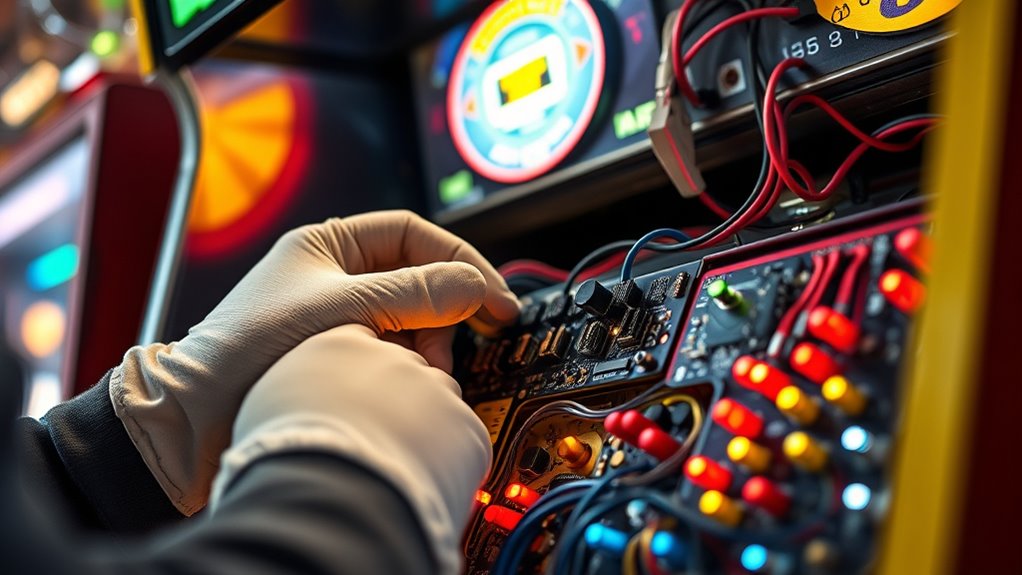
Working with arcade electronics can be rewarding, but it also involves risks if proper safety precautions aren’t followed. When you’re working on arcade machines, understanding power supply safety is vital to prevent electrical shocks, fires, or damage to components. Always make certain that the power supply is unplugged before you start any work. Use insulated tools to avoid accidental contact with live circuits, and double-check that capacitors are discharged—these components can hold charge even after unplugging. Handling power supplies with care minimizes the risk of electrocution and keeps your workspace safe. Additionally, familiarizing yourself with essential oils for safety and health can help promote a safer working environment, especially if you use aromatic oils to improve focus or reduce stress during repairs.
Troubleshooting is a common part of maintaining arcade electronics, but it can be dangerous if not approached cautiously. Before you begin troubleshooting, turn off and unplug the machine to avoid short circuits or electrical shocks. Wear rubber-soled shoes and gloves for added insulation, especially if you’re working in an environment prone to static electricity. Use a multimeter to test circuits, but always be aware of where live voltages may be present. Keep one hand behind your back or in your pocket to prevent completing a circuit through your body, reducing the chance of a shock. Never work on a live circuit unless absolutely necessary, and if you do, proceed with extreme caution and proper knowledge.
In addition to power supply safety and troubleshooting precautions, always work in a well-lit, organized space. Keep your workspace free of clutter and liquids that could cause short circuits or slips. When handling delicate electronic components, use anti-static wrist straps to prevent static discharge, which can damage sensitive parts. Remember that proper grounding of your tools and workspace also helps avoid static buildup. If you’re unsure about a procedure, consult the machine’s schematics or seek advice from experienced technicians. Never force components or wires, as this can cause damage or injury.
Finally, always prioritize your safety over rushing through repairs. Take your time to understand the circuit and follow established safety procedures. Keep a fire extinguisher nearby, especially when working with high-voltage parts, and know how to use it. Regularly inspect your tools and safety equipment to make certain they’re in good condition. Working with arcade electronics requires attention to detail, respect for electrical hazards, and adherence to safety protocols. By following these guidelines, you protect yourself and ensure the longevity of the arcade machines you maintain or repair. Incorporating safety awareness practices, such as using appropriate personal protective equipment, further enhances your safety during these tasks.
Frequently Asked Questions
What Are the Common Signs of Electrical Component Failure?
When you see signs of electrical failure, it usually indicates a component malfunction. Look for flickering screens, unusual sparks, or burning smells, which signal problems. If your arcade machine suddenly shuts down or shows inconsistent operation, it’s a clear sign of electrical failure. You should inspect connections and replace any damaged components promptly. Recognizing these signs helps prevent further damage and guarantees safe, smooth gameplay.
How Often Should Arcade Electronics Be Inspected for Safety?
You should inspect arcade electronics regularly to catch potential hazards early. Follow your maintenance schedules diligently, ideally performing detailed inspections every three to six months. During inspection procedures, look out for signs of damage, wear, or overheating that could jeopardize safety. Don’t wait for a problem to surface—proactive checks confirm your arcade stays safe and operational, keeping players and equipment protected from unexpected electrical failures.
Can I Upgrade Arcade Electronics Myself Safely?
Yes, you can upgrade arcade electronics yourself, but prioritize electrical safety and follow proper DIY repairs procedures. Always unplug the machine before starting, use insulated tools, and consult the manufacturer’s instructions. If you’re unsure about any step, seek guidance from a professional. Staying cautious guarantees you avoid electrical hazards and damage, making your upgrade safe and successful. Remember, safety comes first when working with arcade electronics.
What PPE Is Recommended When Working on Arcade Machines?
When working on arcade machines, you should always wear personal protective equipment and electrical safety gear. This includes insulated gloves, safety goggles, and anti-static wrist straps to prevent shocks and protect your eyes. Additionally, use insulated tools and make certain the machine is unplugged before starting any work. Wearing the right PPE not only keeps you safe from electrical hazards but also helps you work more confidently and efficiently.
How Do I Properly Dispose of Old or Damaged Electronics?
You should recycle old or damaged electronics through proper electronics recycling programs. Always check local regulations to make certain you’re disposing of hazardous waste properly, as many arcade electronics contain hazardous materials like lead or mercury. Never throw electronics in the trash. Instead, take them to certified recycling centers, which handle hazardous waste safely. This prevents environmental contamination and keeps you compliant with waste disposal laws.
Conclusion
Remember, working with arcade electronics isn’t just a task—it’s an adventure into a world of high-voltage chaos! One wrong move and you could unleash a lightning storm or blow a fuse that’s more powerful than a rocket. Stay alert, follow safety tips diligently, and treat every component like it’s guarding a treasure. By doing so, you’ll avoid turning your arcade project into a fireworks display or a trip to the emergency room. Stay safe and keep the game alive!