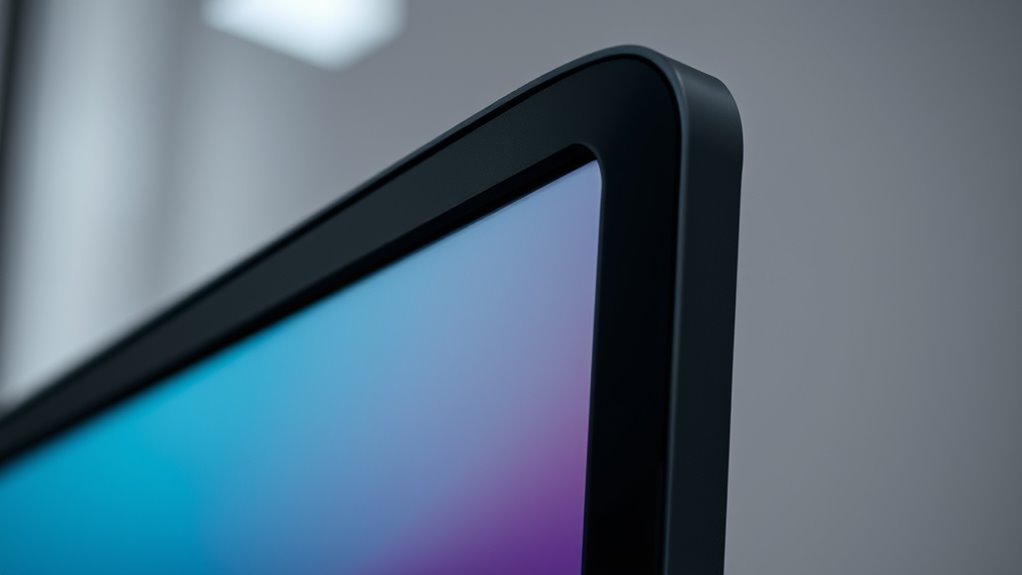

Monitor shields and bezels are crucial for protecting your display from bumps, scratches, and dust, ensuring your screen stays in top condition. They also help improve your monitor’s look, offering a sleek or durable frame that suits your setup. Thin bezels maximize your viewing area, while thick ones provide extra impact resistance. Material choices like tempered glass or polycarbonate boost protection without compromising clarity. Keep exploring to discover how these features can extend your monitor’s lifespan and style.
Key Takeaways
- Monitor shields and bezels protect displays from physical damage like scratches, bumps, and dust.
- They enhance monitor aesthetics by framing screens and influencing design style.
- Bezel design impacts durability, with thicker bezels offering increased impact resistance.
- Material choices such as tempered glass or polycarbonate ensure clarity and shock absorption.
- Additional features like anti-glare surfaces improve usability and reduce visual distractions.
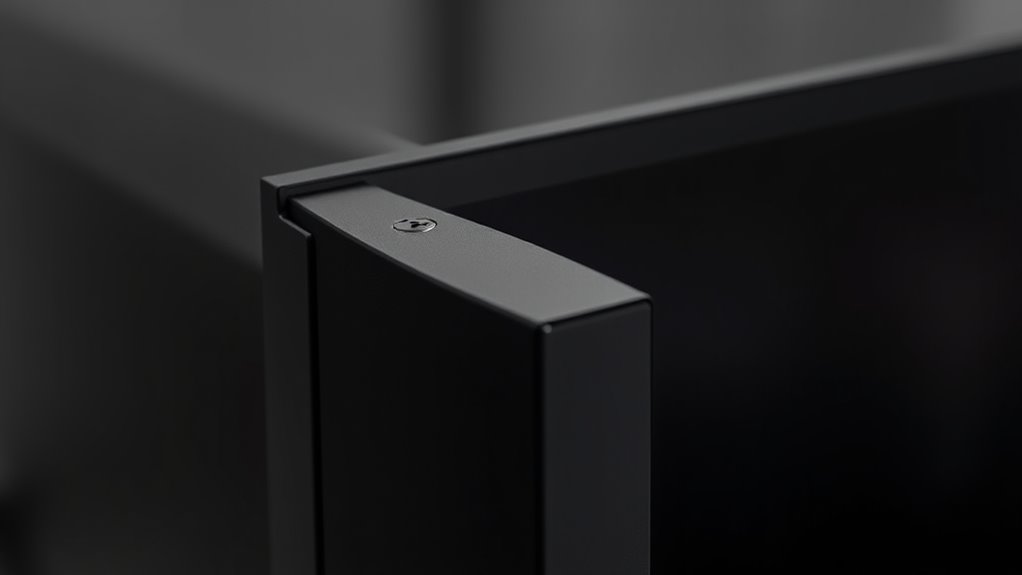
Monitor shields and bezels play a crucial role in protecting your display while enhancing its appearance. When you consider the visual protection of your monitor, the bezel design becomes a key factor. A well-designed bezel not only frames your screen neatly but also acts as a barrier against accidental bumps, scratches, and dust. This means your display remains clearer and more durable over time, reducing the risk of damage from everyday use.
The bezel design influences how you perceive your monitor’s overall look. If you prefer a sleek, modern aesthetic, you’ll want a thin bezel that maximizes screen real estate, giving you a more immersive viewing experience. Conversely, if durability and protection are your priorities, a thicker bezel can offer additional shielding, safeguarding the edges of your display from impacts. The right bezel strikes a balance between style and function, providing both a pleasing appearance and practical protection.
Monitor shields complement bezel design by offering an extra layer of defense. They can be made from various materials, such as tempered glass or polycarbonate, which absorb shocks and prevent scratches. When you install a monitor shield, you’re actively enhancing the visual protection of your screen. It acts as a safeguard against accidental spills, fingerprints, and even UV rays that can cause discoloration or damage over time. Plus, many shields are designed to be transparent and ultra-clear, so they don’t interfere with your viewing clarity or color accuracy.
In addition to physical protection, some bezel designs incorporate features that improve usability. For example, beveled edges can reduce the likelihood of chipping, while integrated anti-glare surfaces minimize reflections, making your display easier to view in bright environments. These thoughtful design elements contribute to a better visual experience while also adding to the shield’s protective qualities.
Ultimately, your choice of monitor shields and bezel design should align with your specific needs. If you’re working in a busy environment where accidental bumps are common, prioritize thicker bezels and robust shields. For a clean, modern look with an emphasis on maximizing screen space, opt for slim bezels paired with lightweight, clear shields. By understanding how these components work together, you can ensure your monitor remains visually protected, functional, and attractive for years to come.
Frequently Asked Questions
Do Monitor Shields Affect Screen Brightness or Color Accuracy?
Monitor shields can reduce screen glare and improve visibility, but they might slightly affect screen brightness or color accuracy. You may notice subtle color distortion or dimming, especially if the shield is opaque or poorly fitted. However, quality shields are designed to minimize these effects, helping you work comfortably without compromising too much on display quality. Adjust your monitor settings if you notice significant changes to guarantee ideal brightness and color fidelity.
Are Bezels Necessary for Touchscreen Monitor Functionality?
No, bezels aren’t necessary for touchscreen monitor functionality. They mainly provide bezel durability and protection, ensuring the screen isn’t easily damaged. While bezels can influence touchscreen sensitivity slightly, modern designs optimize sensitivity across the entire screen. If you’re concerned about durability or accidental presses, a sturdy bezel can help, but it’s not essential for the monitor to work properly. You can still enjoy smooth touchscreen experience without a thick bezel.
Can Monitor Bezels Be Customized or Replaced Easily?
Yes, monitor bezels can be customized or replaced easily, depending on your monitor model. You can explore monitor bezel customization options through third-party kits or DIY methods. If your bezel needs replacement, shield replacement options are often available from the manufacturer or specialized repair shops. Just guarantee you follow proper instructions and use compatible parts to avoid damaging your monitor. Customization allows you to enhance aesthetics or improve durability.
How Do Monitor Shields Impact Heat Dissipation?
Think of monitor shields as guardians that shape the battlefield of thermal management. They can slightly hinder airflow, creating a barrier that traps heat if not designed properly. However, with thoughtful placement, they help optimize airflow, directing cooling air where it’s needed most. While they might impede heat dissipation if poorly designed, a well-crafted shield enhances overall thermal management by channeling airflow efficiently around your monitor.
Are There Ergonomic Considerations When Using Monitor Bezels?
When using monitor bezels, ergonomic considerations focus on maintaining ergonomic comfort and reducing visual strain. You should position the bezels to minimize glare and avoid reflections that cause eye fatigue. confirm the screen is at eye level and the bezels don’t create gaps or distractions that force you to strain your neck or eyes. Proper placement enhances comfort, prevents discomfort, and helps you stay focused during long periods of screen time.
Conclusion
Now that you understand the importance of monitor shields and bezels, imagine what could happen if you neglect them. Small scratches or dust might seem harmless, but over time, they could lead to bigger issues. Will your screen withstand the test of daily wear? Protecting your monitor isn’t just about looks — it’s about safeguarding your investment. Stay vigilant, because the next surprise might be just around the corner, waiting to catch you off guard.