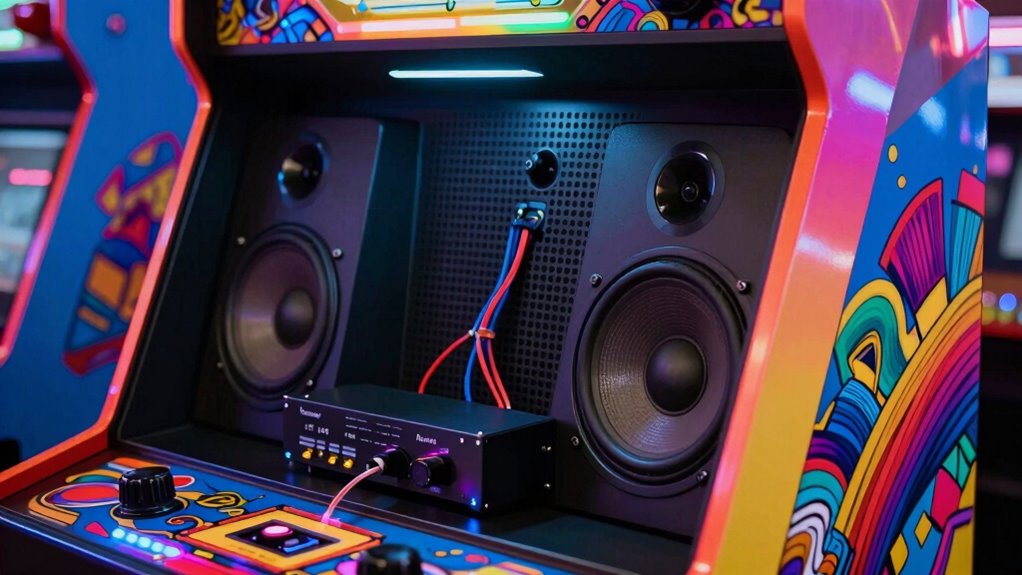

For a worthwhile upgrade, focus on soundproofing your cabinet with acoustic foam or dampening mats to block noise and improve clarity. Position quality coaxial or bookshelf speakers at ear level and aim them toward you for better immersion. Adding a dedicated subwoofer boosts bass, while a reliable amplifier ensures clear sound. Small adjustments in placement and proper insulation make a big difference. Stick around to discover proven tips that can transform your arcade sound experience.
Key Takeaways
- Use acoustic foam panels inside the cabinet to reduce echo and external noise interference.
- Mount speakers at ear level and angle them toward the listener for optimal sound clarity.
- Choose quality coaxial or bookshelf speakers paired with a reliable amplifier for clear audio reproduction.
- Incorporate a dedicated subwoofer to enhance bass depth and overall sound power.
- Implement soundproofing techniques to contain sound and minimize sound bleed for a more immersive experience.
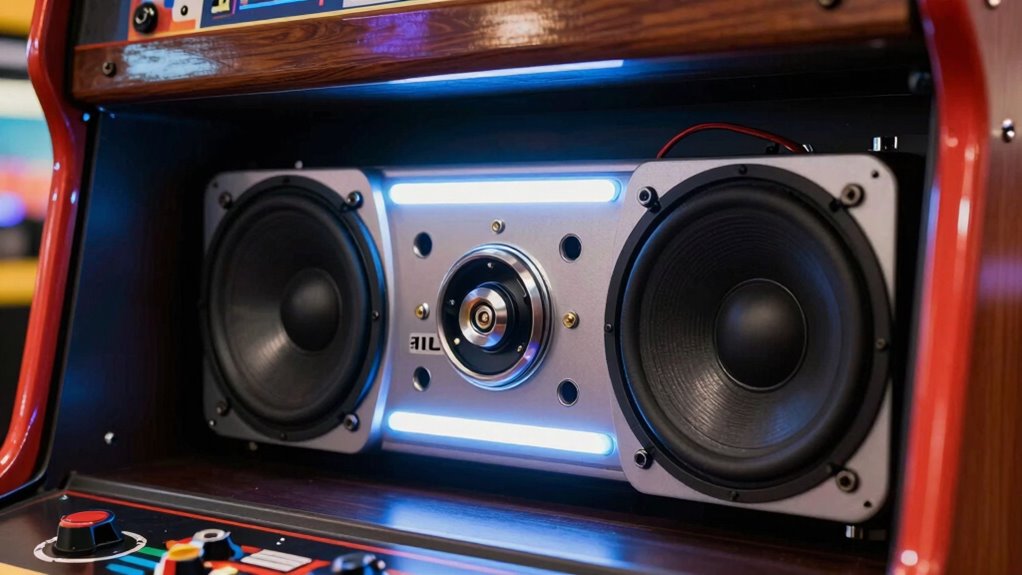
Upgrading the audio system in your arcade cabinet can considerably enhance your gaming experience by delivering richer, more immersive sound. If you’re serious about getting the most out of your games, investing in quality speakers and proper acoustic treatment makes a noticeable difference. One of the first steps is understanding soundproofing techniques. These methods help contain the sound within your cabinet, preventing noise from disturbing others and reducing external noise interference. Using acoustic foam panels or sound-dampening mats around the interior can cut down on vibrations and echo, ensuring the sound you hear is clear and focused. This not only improves audio clarity but also allows you to turn up the volume without worrying about sound bleed or disturbing neighbors.
Enhance your arcade experience with soundproofing and quality speakers for clearer, more immersive audio.
Equally important are speaker placement strategies. Positioning your speakers correctly within the cabinet is key to achieving balanced, immersive sound. Instead of placing speakers randomly, aim for a setup where they are directed toward your ears when you’re in your usual gaming position. Typically, mounting speakers at ear level or angling them slightly towards your head maximizes sound quality and stereo imaging. Avoid placing speakers behind or too far from you, as this can distort audio cues and diminish the experience. If your cabinet has space, consider adding a dedicated subwoofer to handle bass frequencies, which adds depth and power to explosions, engine roars, or musical scores.
You should also pay attention to the type of speakers you choose. Quality coaxial or bookshelf speakers tend to offer better sound reproduction than generic or built-in options. When combined with soundproofing techniques, these speakers can deliver crisp highs, punchy mids, and deep lows, creating a more engaging environment. Connect your upgraded speakers to a reliable amplifier that can handle the power output without distortion, and ensure all components are compatible to avoid issues like clipping or static noise. Additionally, selecting proper acoustic treatment can significantly reduce unwanted vibrations and improve overall sound quality. Proper placement and soundproofing techniques are essential for maximizing your audio experience and preventing sound bleed. Incorporating soundproofing materials can further enhance the clarity and focus of your audio setup.
To optimize your setup, consider experimenting with speaker positioning, as small adjustments can lead to a much more immersive experience. Paying attention to acoustic environment factors, such as room acoustics and background noise, can also help you achieve the best sound quality possible.

Focusound 52 Pack Acoustic Foam Panels 1" x 12" x 12" Sound Proof Foam Panles Soundproofing Noise Cancelling Wedge Panels for Home Office Recoding Studio with 300PCS Double-Side Adhesive
Soundproofing – Acoustic foam panels triangular grooves structure for better noise absorption, helps to reduce and absorb unwanted…
As an affiliate, we earn on qualifying purchases.
As an affiliate, we earn on qualifying purchases.
Frequently Asked Questions
Can I Upgrade Audio Without Modifying the Existing Cabinet?
Yes, you can upgrade your arcade cabinet’s audio without modifying the existing cabinet. You should focus on custom speaker placement, positioning speakers for ideal sound delivery. Additionally, employing soundproofing techniques around the cabinet helps improve sound quality and reduce noise leakage. These adjustments enhance audio performance without drastic modifications, making your upgrade straightforward and effective. Just guarantee your new speakers are compatible with your existing setup for the best results.
What Are the Best Budget-Friendly Audio Upgrade Options?
You don’t have to break the bank for better sound. Focus on optimizing speaker placement, as it can dramatically improve sound quality without extra costs. Consider upgrading to budget-friendly high-quality speakers or adding a small amplifier for richer audio. Sometimes, small tweaks make a big difference—think of it as hitting two birds with one stone. These simple upgrades keep your arcade sounds crisp and immersive without tearing your wallet apart.
How Do I Ensure Compatibility With My Arcade Cabinet’s Hardware?
To guarantee compatibility, start by checking your arcade cabinet’s existing hardware, especially speaker placement and power requirements. Measure available space for new speakers and match their impedance and wattage to your amplifier’s specifications. Confirm that your power supply can handle the upgraded system without overload. Read product descriptions carefully, and consult your cabinet’s manual or a professional if needed, to avoid mismatched components that could damage your setup.
Will Upgrading Audio Improve Gameplay Experience Significantly?
Upgrading audio can definitely improve your gameplay experience by enhancing sound quality and immersion. Better sound quality makes game sounds clearer, while optimized speaker placement guarantees even, powerful audio across the cabinet. This makes each explosion, voice, and music note more impactful. When you focus on these upgrades—sound clarity and strategic speaker placement—you create a more engaging, enjoyable environment that heightens your overall gaming experience considerably.
Are Wireless Audio Solutions Effective for Arcade Cabinets?
Wireless audio solutions can be effective for arcade cabinets if they offer reliable wireless connectivity and low audio latency. You want to guarantee the wireless system maintains a stable connection without interruptions, especially during intense gameplay. Look for options that prioritize minimal audio delay, so sound syncs perfectly with visuals. When set up properly, wireless audio can reduce clutter and provide a clean, immersive sound experience without sacrificing performance.
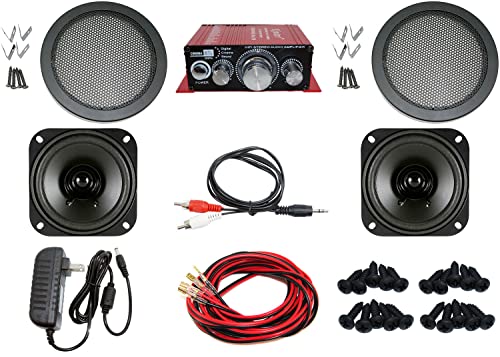
Audio Kit for Arcade Game, MAME Cabinet, or Virtual Pinball Machine
1 Kinter Stereo Audio Amplifier (18w per channel, Bass & Treble adjustments)
As an affiliate, we earn on qualifying purchases.
As an affiliate, we earn on qualifying purchases.
Conclusion
Think of your arcade cabinet’s audio as the heartbeat of your gaming experience. When you upgrade, it’s like tuning a finely crafted instrument—suddenly, every note hits just right. You’ll feel the rhythm in your bones, the immersion pulling you deeper into the game’s world. Don’t settle for a faint echo; let your upgrades sing loud and clear. Because when your sound sings true, every game becomes an unforgettable symphony.
Audio Kit for Arcade Game, MAME Cabinet, or Virtual Pinball Machine
1 Kinter Stereo Audio Amplifier (18w per channel, Bass & Treble adjustments)
As an affiliate, we earn on qualifying purchases.
As an affiliate, we earn on qualifying purchases.
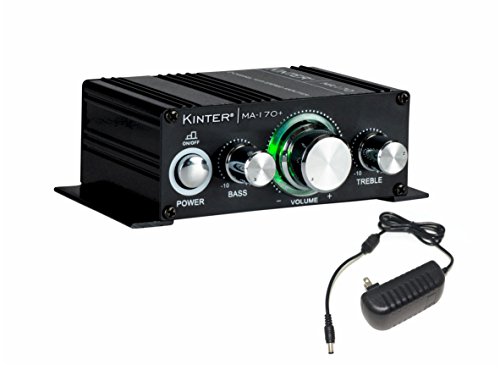
Kinter MA170+ 2-Channel Auto Home Cycle Arcade DIY 2 x 18 W Mini Amplifier Bass Treble RCA Input Audio Mini Amplifier with 12V 3A Power Supply Black
Adjustable bass and treble for lifelike sound
As an affiliate, we earn on qualifying purchases.
As an affiliate, we earn on qualifying purchases.