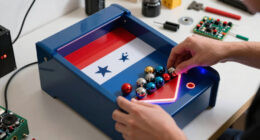
A trackball offers precise, smooth control that often beats sticks for classic arcade and retro PC games. Its ergonomic design reduces wrist strain and allows for fine adjustments with less effort, making it ideal for games requiring pinpoint accuracy. Unlike sticks, a trackball stays in place, giving you consistent and comfortable movement over long sessions. To discover more about why rolling beats sticks for certain games, keep exploring these features.
Key Takeaways
- Trackballs allow for precise, smooth control ideal for arcade, pinball, and puzzle games requiring fine movements.
- The stationary design reduces wrist fatigue, making long gaming sessions more comfortable than stick-based controls.
- Their tactile feedback and high accuracy outperform sticks in games demanding pinpoint targeting and navigation.
- Trackballs provide a retro aesthetic that enhances the nostalgic experience of classic arcade-style gameplay.
- They excel in niche applications like digital art and emulation, where high precision and control are essential.

SABLUTE MAM1 Pro Ergonomic Wireless Trackball Mouse, Adjustable 0°/18° Angle, Thumb Control Mice, Quiet Click, 3 Multi-Device Bluetooth & USB Receiver, Rechargeable Mouse for Office, Windows Mac
Ergonomic Adjustable Angle: 0° or 18° adjustable ergonomic tilt lets you choose a natural handshake position. The 18°…
As an affiliate, we earn on qualifying purchases.
As an affiliate, we earn on qualifying purchases.
What Is a Trackball and How Does It Work?
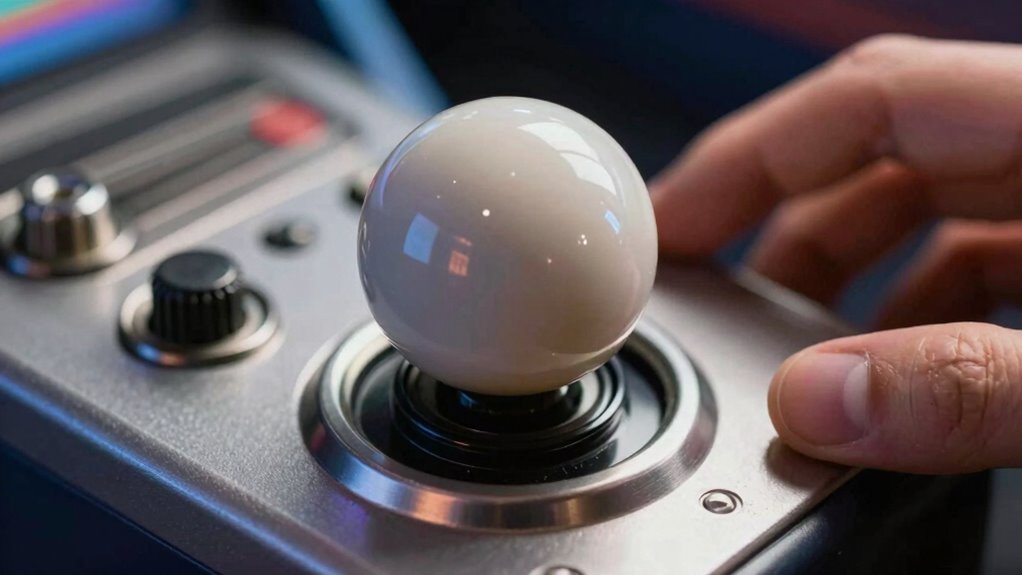
A trackball is a pointing device that lets you control the cursor by rotating a large ball housed in a stationary device. This design offers significant ergonomic benefits, reducing wrist strain and providing more comfortable, precise control during extended use. Historically, the evolution of trackballs dates back to the 1950s, initially used in specialized applications like air traffic control and graphics design. Over time, they gained popularity in computer interfaces as an alternative to mice, especially for users needing better ergonomics. Unlike a mouse, which moves across a surface, a trackball stays in place, allowing you to manipulate the cursor by rotating the ball with your fingers or palm. This innovative design combines comfort with functionality, making it a timeless choice for many users. Early innovations in input devices helped lay the groundwork for the ergonomic advantages of trackballs. Additionally, advancements in input device technology have continued to improve their precision and usability over the years. Furthermore, the ergonomic benefits of using a trackball can help prevent repetitive strain injuries associated with prolonged mouse use. Moreover, ongoing research into user comfort emphasizes the importance of ergonomic input devices like trackballs for reducing fatigue.

Arcade Renovations 3" White Arcade Trackball (Suzo Happ Style)
3" White High Lip Trackball assembly
As an affiliate, we earn on qualifying purchases.
As an affiliate, we earn on qualifying purchases.
Why Choose a Trackball Over a Joystick or Mouse for Gaming?
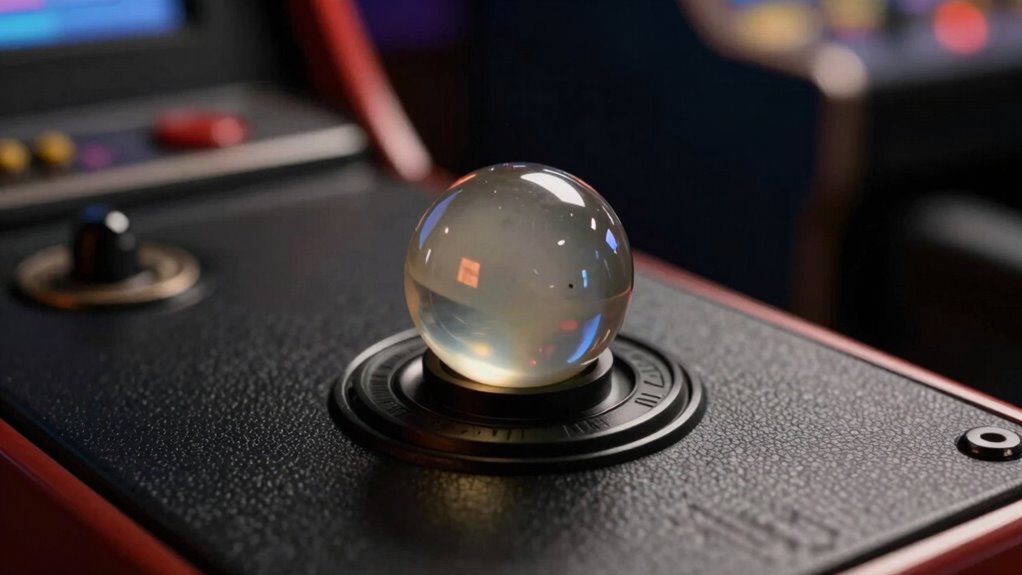
While joysticks and mice are popular gaming peripherals, a trackball offers unique advantages that can enhance your gaming experience. Its retro aesthetics evoke a nostalgic vibe, connecting you to classic arcade roots. The ergonomic benefits are significant; a trackball minimizes wrist strain and allows for precise, smooth movements with less effort. Unlike a mouse, which requires sliding across a surface, a trackball stays stationary, making it ideal for long gaming sessions. Its design encourages a natural hand position, reducing fatigue. For certain games, especially those requiring quick, controlled motions, a trackball provides superior comfort and accuracy. This combination of vintage style and ergonomic efficiency makes the trackball a compelling choice for gamers seeking both performance and a touch of nostalgia.

SWONVI Arcade Trackball Mouse,4.5cm Lighted Illuminated Round LED Trackball Mouse PS/2 PCB Connector for Arcade (Trackballs)
★TRACKBALL DESIGN:Trackball Mouse with Scroll Ring for comfort and precision
As an affiliate, we earn on qualifying purchases.
As an affiliate, we earn on qualifying purchases.
How a Trackball Enhances Precision in Arcade and PC Games
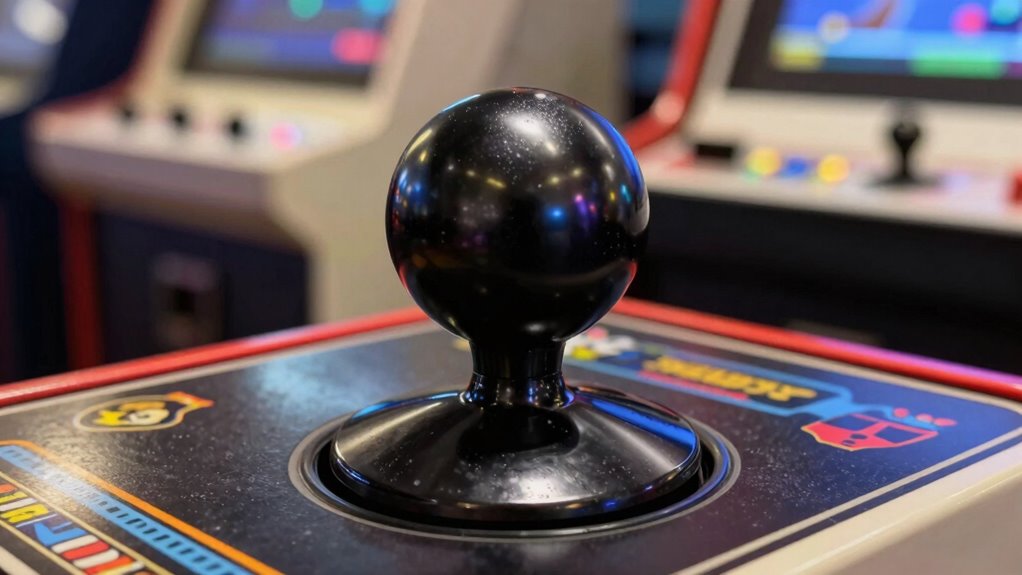
Using a trackball allows you to make highly precise, controlled movements that are essential for arcade and PC gaming. Its design offers ergonomic benefits, reducing wrist strain during long gaming sessions. The ball’s smooth rotation allows for fine-tuned adjustments, improving accuracy in gameplay. Moreover, ergonomic design can help prevent repetitive strain injuries over time. The unique input method of a trackball provides more consistent control compared to traditional mice, especially during demanding tasks. Additionally, implementing ergonomic principles in your gaming setup can further enhance comfort and reduce fatigue. Plus, the aesthetic appeal of a trackball adds a vintage, stylish look to your setup. Here’s a quick comparison:
| Aspect | Benefit |
|---|---|
| Ergonomic benefits | Less wrist fatigue, more comfort |
| Precision | Fine control for challenging game moves |
| Aesthetic appeal | Retro look enhances your gaming space |
| Movement control | Accurate cursor or ball manipulation |
| User experience | Smoother, more natural feel |
This combination makes a trackball ideal for games demanding precision and comfort. Additionally, trust rebuilding strategies can be essential for couples recovering from infidelity, emphasizing the importance of patience and clear communication in restoring intimacy. Incorporating a trackball into your gaming setup can also contribute to a more ergonomic workspace, reducing overall fatigue and promoting better posture during extended play sessions.

EVQWJN007 High Accuracy Track Ball Multi Directional Rolling Ball Switcher Navigation Accessories Multifunction Change
Perfect for multitasking in busy offices, home entertainment, gaming, or professional circumstances, EVQWJN007 delivers precise control and quick…
As an affiliate, we earn on qualifying purchases.
As an affiliate, we earn on qualifying purchases.
When Should You Use a Trackball Instead of Sticks or Mice?
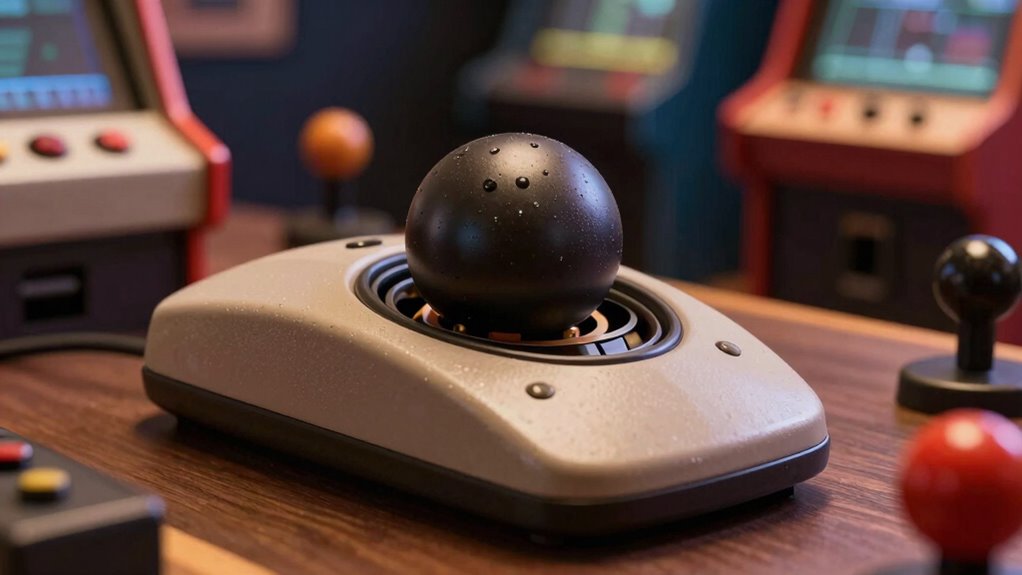
Choosing a trackball over sticks or a mouse makes sense when you need superior precision and comfort for extended gaming sessions. Trackballs offer ergonomic benefits by reducing wrist strain and allowing more natural hand movements, making them ideal for long playtimes. They’re particularly useful in games requiring fine control, like sniping or precise navigation, where sticks or mice might fall short. Additionally, the aesthetic appeal of a trackball adds a sleek, professional look to your gaming setup, enhancing your overall experience. If you prefer a device that minimizes fatigue and provides consistent, high-precision control, a trackball is the smart choice. Use it when comfort, accuracy, and style matter most, especially during marathon gaming sessions or when fine-tuning your gameplay. Incorporating connected fitness technology into your setup can further optimize your gaming and training routines for better performance and wellness. Furthermore, the ergonomic design of trackballs can help prevent repetitive strain injuries common with prolonged mouse use, especially when combined with proper hand positioning. Many electric bikes are designed with ergonomic features that support comfortable riding for extended periods. Properly adjusting your hand posture can also improve comfort and reduce fatigue during long gaming sessions.
Setting Up Your Trackball for Gaming Success
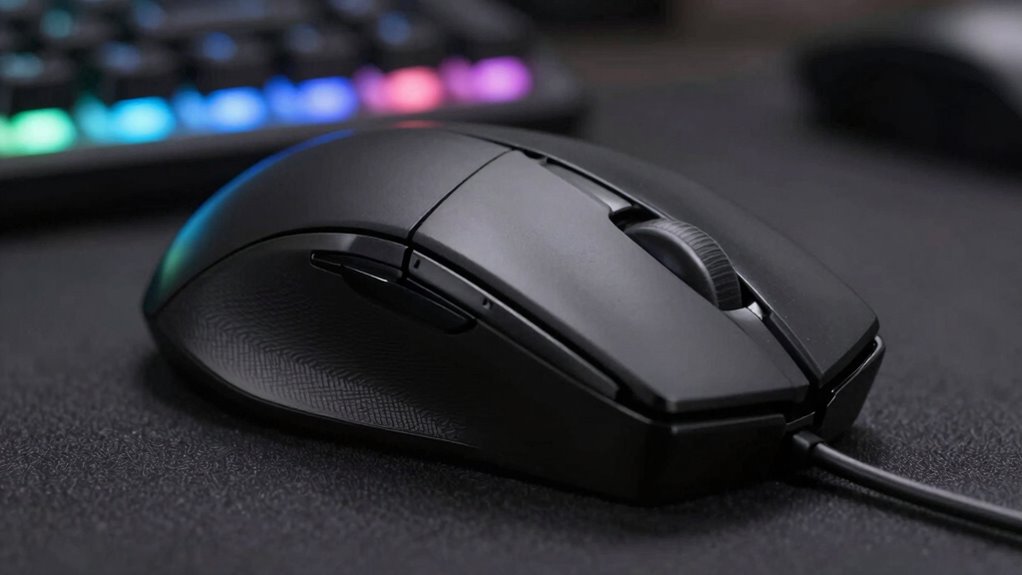
To set up your trackball for gaming success, start by finding the ideal placement that feels comfortable and natural. Next, adjust the sensitivity settings so your movements are precise without being too twitchy. Additionally, choosing a smooth, consistent surface to guarantee your trackball moves accurately and consistently can make a significant difference. Incorporating a Free Floating setup can help optimize your gaming experience by reducing physical strain and improving control. Proper ergonomic positioning can further enhance comfort during extended play sessions. Ensuring your setup promotes proper posture can prevent fatigue and potential injury. Additionally, selecting the right car protection accessories can prevent damage and enhance your device’s longevity during intense gaming sessions.
Optimal Trackball Placement
Finding the right placement for your trackball is essential for gaming comfort and precision. Position it so your hand naturally rests on it without stretching or straining your wrist. Keep the trackball within easy reach to reduce unnecessary movement, which enhances ergonomic benefits and minimizes fatigue. Consider your desk layout and choose a spot that supports a relaxed arm position. An ideal placement also complements your aesthetic design, blending seamlessly with your setup while maintaining accessibility. Adjust the height so your wrist stays straight, avoiding awkward angles. Proper placement helps you stay comfortable during long gaming sessions and improves control. Additionally, paying attention to ergonomic principles can further optimize your setup for health and performance. Remember, a well-placed trackball isn’t just about performance—it’s about creating a setup that promotes comfort and aesthetic harmony. Incorporating proper ergonomics can make a significant difference in reducing strain and enhancing your overall gaming experience. Taking the time to customize your setup according to ergonomic standards ensures long-term comfort and prevents potential injuries. Being mindful of body jewelry measurements and materials can also prevent discomfort during extended use. To maximize comfort, regularly adjust your position to prevent stiffness and maintain proper circulation during extended gaming sessions.
Adjusting Sensitivity Settings
Adjusting sensitivity settings is essential for maximizing your trackball’s performance in gaming. Proper calibration not only improves precision but also offers ergonomic benefits by reducing strain during long sessions. To fine-tune your device effectively, consider these steps:
- Test different sensitivity levels to find a balance between speed and accuracy.
- Adjust acceleration settings to match your gaming style and minimize fatigue.
- Review the historical evolution of sensitivity options to understand how modern customization enhances control.
- Incorporating herbal wellness principles, such as mindful adjustment, can promote a more comfortable and enjoyable gaming experience.
Choosing the Right Surface
The surface you choose for your trackball can substantially impact its responsiveness and accuracy during gaming sessions. A smooth, consistent surface reduces friction, allowing precise control and faster movements. Consider using materials like glass or a high-quality mouse pad designed for trackballs; these surfaces offer ergonomic benefits by minimizing hand strain and promoting natural wrist positioning. Additionally, an aesthetically appealing surface enhances your gaming setup, making it more inviting and personalized. Avoid uneven or rough surfaces that can disrupt smooth rolling, causing frustration and decreasing accuracy. Regularly cleaning your chosen surface guarantees consistent performance over time. Ultimately, selecting the right surface creates a comfortable, efficient environment, helping you maintain focus and improve gameplay while maximizing ergonomic benefits and visual appeal.
Best Games and Genres That Benefit From Trackball Input
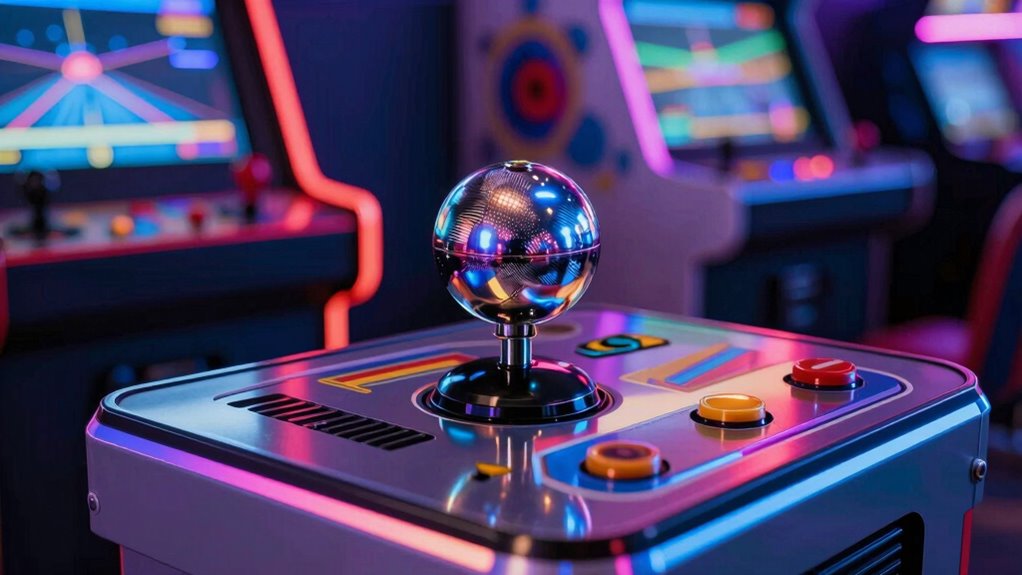
You’ll find that arcade classics require pinpoint precision, making a trackball ideal for tight control and accurate movements. In pinball games, smooth trackball input helps you achieve seamless, fluid gameplay. These genres truly shine when paired with a trackball’s unique capabilities.
Precision in Arcade Classics
Precision is essential when playing arcade classics that rely on quick, accurate movements, and trackballs excel in providing that level of control. They’re especially effective in games where finesse matters, such as:
- Classic maze games, where precise navigation prevents dead-ends.
- Target shooting games, requiring steady aim and quick reactions.
- Puzzle games, where fine control enhances problem-solving speed.
Unlike touchscreen gestures or VR controllers, trackballs give you direct, tactile feedback, making fine adjustments easier. They also help maintain accuracy during fast-paced moments. With a trackball, your hand movements translate smoothly into in-game precision, giving you an edge. This makes them ideal for arcade classics demanding exactness, where every fraction of a second counts. Their responsiveness often outperforms digital alternatives, ensuring you stay in control during critical moments.
Smooth Control in Pinball
When playing pinball, smooth control over the flippers and ball movement can substantially enhance your experience, especially in fast-paced or complex tables. A trackball offers precise, fluid motion that lets you react quickly and accurately, giving you an advantage in tight situations. Its ergonomic design reduces fatigue during long play sessions, allowing for more comfortable and sustained control. Plus, the aesthetic appeal of a sleek trackball adds a modern, stylish touch to your gaming setup. Certain pinball games, particularly those with intricate layouts or rapid ball action, benefit greatly from this input method. By providing smooth, natural control, a trackball elevates your gameplay, making each flip and shot feel more intuitive and satisfying.
Will Trackballs Still Matter in Modern Gaming?

Are trackballs poised to remain relevant in modern gaming? It’s a fair question as technology evolves rapidly. While virtual reality and motion controls dominate, there are reasons to believe trackballs still have a place:
- They offer precise control, especially for retro-inspired or niche games.
- Some gamers prefer their tactile feedback over touchscreens or controllers.
- Trackballs can complement hybrid setups, integrating with modern peripherals.
Despite the rise of virtual reality and intuitive motion controls, trackballs provide a unique experience that’s hard to replicate. They excel in scenarios where accuracy matters most, like digital art or classic arcade emulation. While their popularity might decline, they’re unlikely to disappear entirely, especially for enthusiasts who value their distinct feel and precision in certain genres.
Frequently Asked Questions
Are Trackballs Compatible With All Gaming Consoles?
No, trackballs aren’t compatible with all gaming consoles. You need to check controller compatibility first, as some consoles may not support trackball input directly. Additionally, software customization can help optimize performance on supported devices. If your console lacks native support, using adapters or specialized software can enhance compatibility. Always verify the specific trackball model and your console’s capabilities to ensure smooth gameplay and proper functionality.
Can Beginners Easily Learn to Use a Trackball for Gaming?
Learning to use a trackball for gaming is like riding a bike—challenging at first but rewarding with practice. As a beginner, you’ll find the ergonomic benefits helpful, reducing wrist strain and increasing comfort. The learning curve might seem steep initially, but with patience and practice, you’ll master smooth, precise movements. Soon, you’ll enjoy the unique control that makes certain games more immersive and fun, transforming your gaming experience.
What Maintenance Does a Gaming Trackball Require?
You need to regularly clean and care for your gaming trackball to guarantee smooth operation. To maintain ergonomic benefits, gently wipe the ball with a damp cloth and use compressed air to clear dust from sensors. Check for any debris or buildup around the buttons and trackball socket. Proper maintenance prevents sticking, prolongs the device’s lifespan, and keeps your gaming experience comfortable and precise.
How Does Latency Compare Between Trackballs and Mice?
Think of latency comparison like a race—your mouse often wins with quicker input delay. Trackballs usually have slightly higher input delay, making their latency comparison less snappy. This means your responses might not feel as immediate as with a mouse, especially in fast-paced games. If quick reflexes are key, a mouse’s lower latency can give you an edge, while a trackball offers smoother, more precise control for steady movements.
Are There Wireless Trackball Options Suitable for Gaming?
Yes, there are wireless trackball options suitable for gaming. These devices use wireless connectivity like Bluetooth or RF, offering convenience and minimal cable clutter. They often feature ergonomic design, ensuring comfortable long gaming sessions. Look for models with high-precision sensors and low latency for smooth, responsive control. Wireless trackballs are ideal if you want the flexibility of wireless without sacrificing the accuracy and comfort essential for gaming.
Conclusion
Ultimately, choosing a trackball isn’t just about preference—it’s about revealing a new level of precision that sticks and mice can’t match. Like a secret weapon in your gaming arsenal, a trackball can turn the tide in classic arcade battles or precise PC maneuvers. So, why settle for ordinary when you can roll your way to victory? Embrace the difference, and let your skills spin to new heights with a trackball by your side.