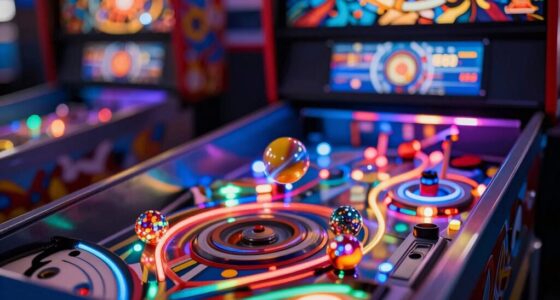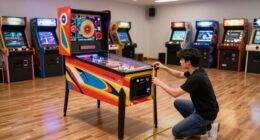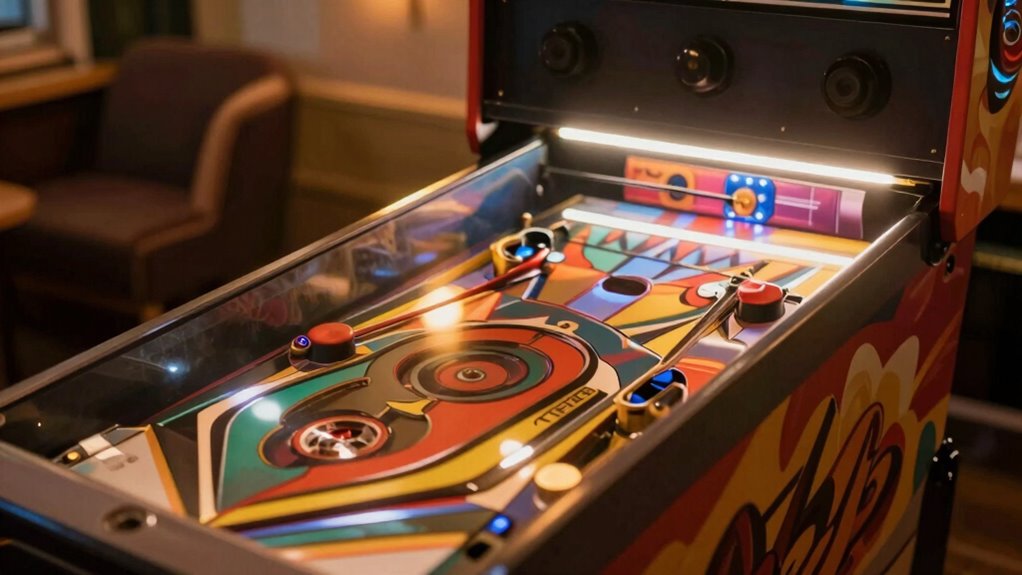
To create a comfortable home pinball setup, focus on proper lighting that highlights the playfield without causing glare or reflections, using adjustable LED fixtures. Position lights carefully to avoid eye strain and reflections, and incorporate diffuse or warm tones for softer illumination. Make certain your seating and machine height are ergonomic, and add ambient lighting to set the right atmosphere. Regularly check and adjust your setup to keep your gaming environment enjoyable and strain-free. Keep going to discover more tips to perfect your space.
Key Takeaways
- Use adjustable, diffused LED lighting to evenly illuminate the playfield and reduce glare.
- Position lights to avoid reflections on glass and direct overhead glare.
- Incorporate ambient lighting with soft, warm tones to create a comfortable atmosphere.
- Ensure seating and machine height promote ergonomic play, reducing fatigue during extended sessions.
- Regularly calibrate and adjust lighting and ergonomic setup for optimal comfort and visual clarity.
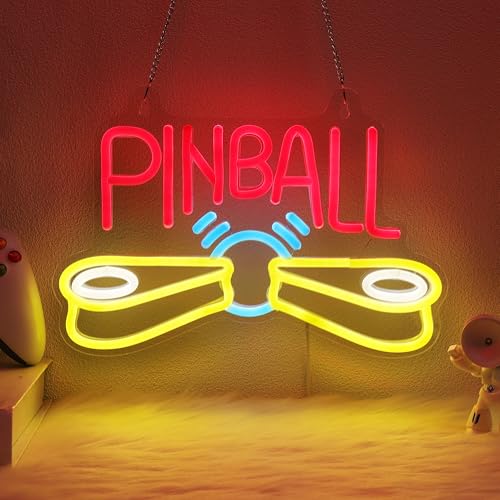
Pinball Neon Sign, Arcade Neon Sign, Game Room Wall Decorative Sign, Suitable for Pinball Store Sign Man Cave Bar Salon – Includes 5V USB Power and Hanging Chain Hooks
Illuminate Your Game Room Space with Color and Vibes! Bring a vibrant, lively ambiance to your life with…
As an affiliate, we earn on qualifying purchases.
As an affiliate, we earn on qualifying purchases.
Why Good Lighting and Ergonomics Matter for Your Home Pinball Setup
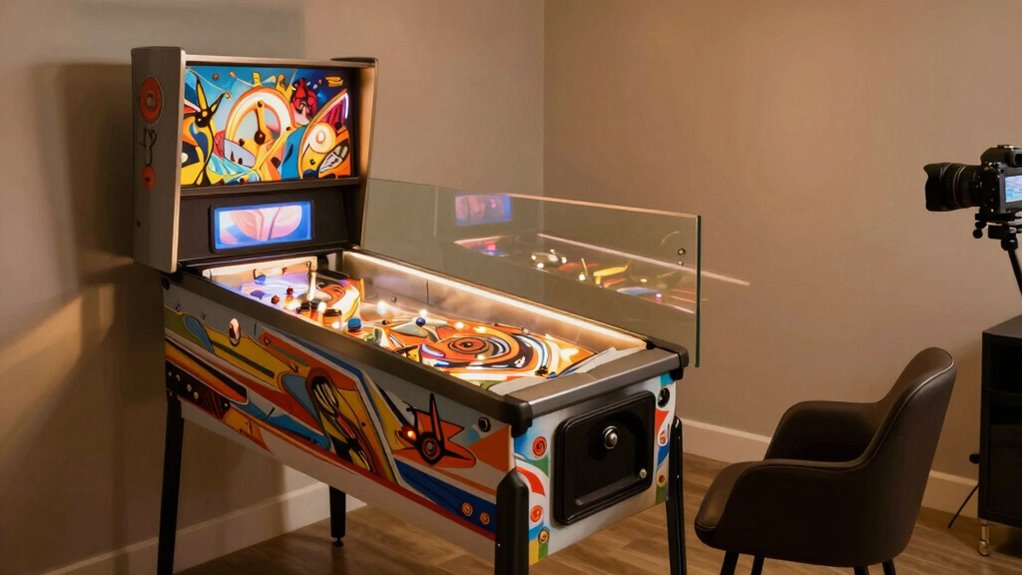
Good lighting and ergonomics are essential for enjoying your home pinball setup to its fullest. Proper lighting highlights your pinball machine’s aesthetics, making it more inviting and enhancing your overall gaming experience. Good illumination also helps you clearly see the playfield, making gameplay smoother and more precise. Additionally, ergonomic setup ensures comfort during long sessions, reducing fatigue and preventing strain. When your setup is comfortable, you can focus on the game rather than adjusting your position constantly. Well-designed lighting also aids in machine maintenance, as it allows you to spot issues like dust or wear early. Incorporating lighting placement strategies can significantly improve visibility and reduce glare, further enhancing your gaming comfort. Incorporating adjustable lighting options allows you to customize illumination based on different ambient conditions, improving overall experience. Paying attention to ergonomic design principles can help prevent long-term discomfort and support extended play sessions. Proper cable management and ergonomic placement of controls can also contribute to a more comfortable gaming environment, reducing unnecessary strain. Moreover, considering natural lighting can help create a balanced environment that minimizes eye strain during gameplay.

ANGSYLTH 2 Pcs Fluorescent Light Covers – 4 x 2 Feet Covers for Ceiling Lights, Magnetic Light Filters for Classroom, Office, Hospitals, Home
You Will Receive: You will receive 2 ceiling light cover, the size is 4×2 feet, which can meet…
As an affiliate, we earn on qualifying purchases.
As an affiliate, we earn on qualifying purchases.
Choosing the Best Lights and Placement for Your Pinball Machine
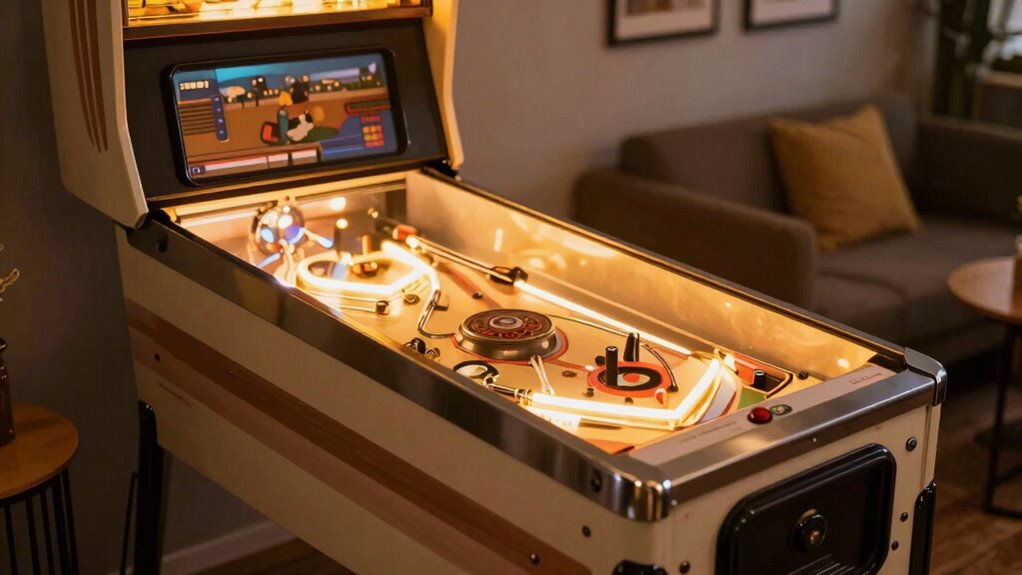
Selecting the right lights and placement for your pinball machine can considerably enhance both visibility and atmosphere. Proper lighting highlights the pinball art, making colors pop and details stand out, creating a more immersive experience. Position your lights to evenly illuminate the playfield without causing glare or reflections that distract or hinder visibility. Consider using adjustable LED fixtures to tailor brightness levels. The placement of your machine also matters; place it where the sound system isn’t obstructed to maximize audio clarity, and ensure the machine is at a comfortable height for playing. Good lighting also accentuates the design and artwork, making your setup more inviting. Additionally, understanding lighting science can help you select the optimal fixtures and placement to achieve the best visual effect. Ultimately, thoughtful lighting and placement can turn your pinball machine into a mesmerizing centerpiece, elevating your entire gaming space.

Maxdot Single Metal Stand for Gumball Machine Candy Popcorn Vending Cast Iron 28'' Tall with 16'' Round Base Compatible for Small Capsule Machines Replacement Part, Black Only The Stand
Universal Compatibility Design: this single metal stand is designed to securely hold one standard gumball machine or candy…
As an affiliate, we earn on qualifying purchases.
As an affiliate, we earn on qualifying purchases.
How to Minimize Glare for Better Visibility and Less Fatigue

Glare can considerably impair your ability to see the playfield clearly and cause eye strain over extended gaming sessions. To minimize glare, choose fixture types that diffuse light evenly, such as shaded or frosted lamps. Opt for light colors that reduce harsh reflections—warm white or soft yellow tones work well, creating a comfortable environment. Avoid direct overhead lighting that creates strong reflections on the glass surface. Position fixtures to illuminate the playfield without casting bright spots or reflections into your eyes. Adjust the angle and height of your lights to prevent glare from bouncing into your line of sight. Using diffuse lighting techniques can further help distribute light evenly across your setup. Incorporating proper fixture placement is essential to achieve optimal illumination and reduce unwanted reflections. Understanding lighting color temperatures can also assist in selecting the most comfortable and effective lighting. Additionally, considering glare-reducing accessories such as anti-reflective coatings or glare filters can further enhance your visibility and comfort. Awareness of lighting design principles can guide you in creating a well-balanced setup that minimizes glare and maximizes visibility. By selecting appropriate fixture types and light colors, you’ll improve visibility and reduce fatigue, helping you enjoy longer, more comfortable pinball sessions.
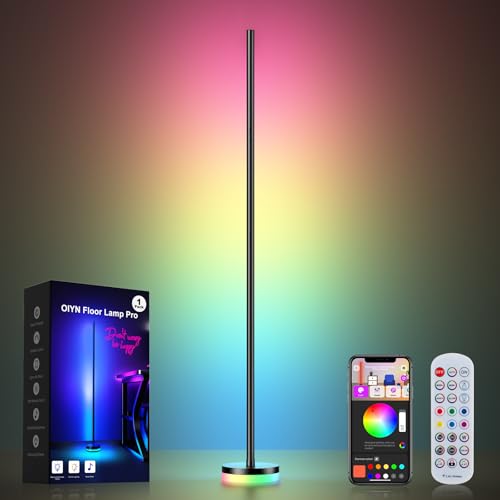
OIYN Corner Floor Lamp, RGBICW LED Corner Lamp with 1300lm Smart Modern Floor Lamp,App & Remote Control,Music Sync,Color Changing Standing Lamp for Bedroom Living Room and Gaming Rooms
Upgraded Modern Design:This 56-inch smart floor lamp features a taller lamp body to illuminate larger areas and a…
As an affiliate, we earn on qualifying purchases.
As an affiliate, we earn on qualifying purchases.
Tips to Create a Comfortable, Ergonomic Pinball Environment
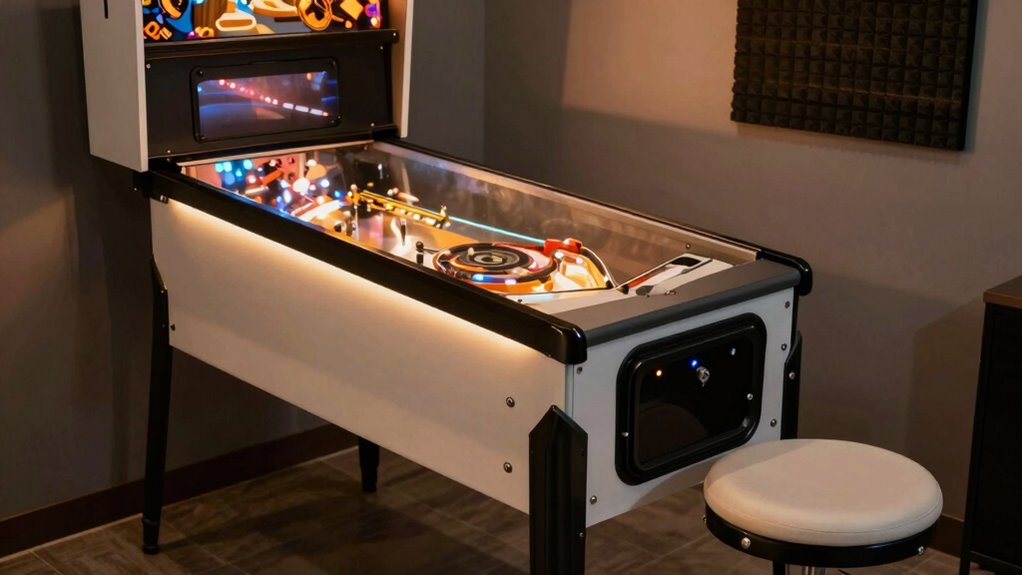
Creating a comfortable, ergonomic pinball environment starts with setting up your play area to support proper posture and reduce strain. Confirm your pinball cabinet has adequate ventilation to prevent overheating, which can affect performance and comfort. Use soundproofing techniques, like foam panels or mats, to minimize noise and avoid fatigue during long sessions. Adjust your seating height so your arms are relaxed and wrists are straight when reaching the flipper buttons. Position the machine at eye level to reduce neck strain. Incorporate the following setup tips:
| Feature | Recommendation | Benefit |
|---|---|---|
| Ventilation | Enhance airflow around cabinet | Prevent overheating |
| Soundproofing | Use sound-absorbing materials | Reduce noise fatigue |
| Seating Position | Ergonomically adjusted chair | Support proper posture |
| Screen Height | Eye level or slightly below | Minimize neck strain |
| Lighting | Indirect, glare-free lighting | Improve comfort and focus |
Additionally, ensuring proper air circulation around the pinball machine can further enhance comfort and prevent overheating. Proper airflow management ensures consistent cooling and extends the lifespan of your equipment. Maintaining good airflow also helps keep the environment comfortable during extended play sessions. Incorporating adequate ventilation can significantly reduce the risk of heat buildup and improve overall comfort during long gaming periods.
Setting Up Ambient Lighting to Enhance Your Arcade Atmosphere
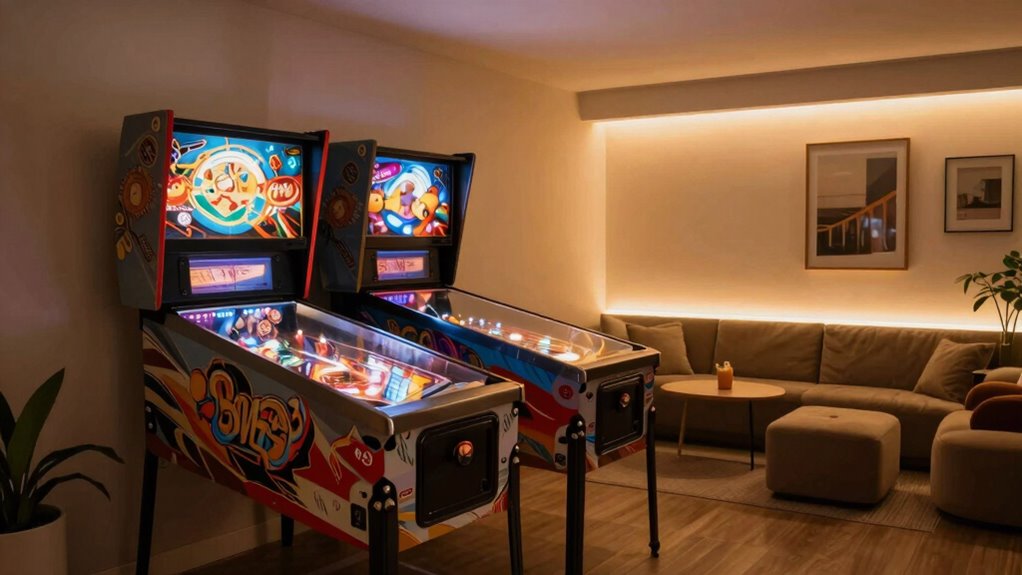
To create the perfect arcade atmosphere, you need to focus on how you place your ambient lights, choosing colors that set the mood, and adjusting brightness levels to avoid glare. Proper light placement highlights your pinball machine and reduces eye strain, while color choices can energize or relax the space. Controlling brightness guarantees your environment feels immersive without being overwhelming. Additionally, considering the lighting environment can improve overall comfort and enhance gameplay enjoyment. Using the appropriate lighting techniques can further optimize the ambiance and ensure a balanced visual experience for players. Incorporating digital distractions management strategies can also help maintain focus and immersion during play, especially when combined with effective cookie management practices that respect user preferences and privacy. Paying attention to ambient light control can significantly contribute to a more comfortable and engaging gaming experience.
Optimal Light Placement
Proper ambient lighting can substantially enhance your home pinball setup, making the game more immersive and visually appealing. To achieve ideal light placement, start by installing LED strip lighting along the edges of your ceiling or behind your pinball machine to create a soft glow that reduces glare and shadows. Position ceiling fixtures strategically to provide even illumination without causing reflections on the glass. Avoid placing lights directly above the playfield, as this can cause glare and hinder visibility. Instead, aim for a balanced setup where lighting complements the machine’s artwork and enhances visibility without overwhelming your eyes. Incorporating sustainable lighting options, such as energy-efficient LEDs, can also reduce environmental impact and support eco-friendly textile practices in your setup. Proper placement ensures a comfortable playing environment and highlights the vibrant colors of your pinball machine, elevating your entire arcade experience. Additionally, considering lighting design principles can help you optimize the overall ambiance for a more enjoyable gaming atmosphere. Implementing these principles can also help in reducing glare, ensuring a more comfortable and focused gaming experience.
Choosing Ambient Colors
Choosing ambient colors is key to transforming your home pinball area into an engaging arcade space. The right ambient hues set the mood and make your gameplay more immersive. Opt for warm tones like deep reds or oranges to create a lively atmosphere, or cool shades such as blues and purples for a relaxed vibe. Consider color contrasts that highlight your pinball machine without overwhelming the eyes. Soft, diffuse lighting with subtle color accents can enhance visual appeal and reduce glare. Avoid overly bright or harsh colors that can distract or cause discomfort. Instead, aim for a balanced palette that complements your machine’s lighting and boosts the overall arcade ambiance. Thoughtful selection of ambient hues makes your setup inviting and visually stimulating. Incorporating visual enhancement techniques such as adjustable lighting or color-changing LEDs can further improve the immersive experience.
Controlling Light Brightness
Adjusting the brightness of your ambient lighting can dramatically influence the overall atmosphere of your home pinball setup. Using dimmer switches gives you precise control over light levels, allowing you to create the perfect environment. You can soften the ambiance by lowering brightness or brighten specific areas as needed. When selecting LED color, choose hues that complement your pinball machine and enhance visibility without causing glare. Dimmer switches work well with LED strips, making it easy to switch from vibrant, energetic lighting to a more subdued, relaxed vibe. Experiment with different settings to find what feels most comfortable and immersive. Proper control over light brightness not only improves gameplay but also enhances the overall aesthetic of your arcade space.
Maintaining Your Lighting and Ergonomic Setup Over Time
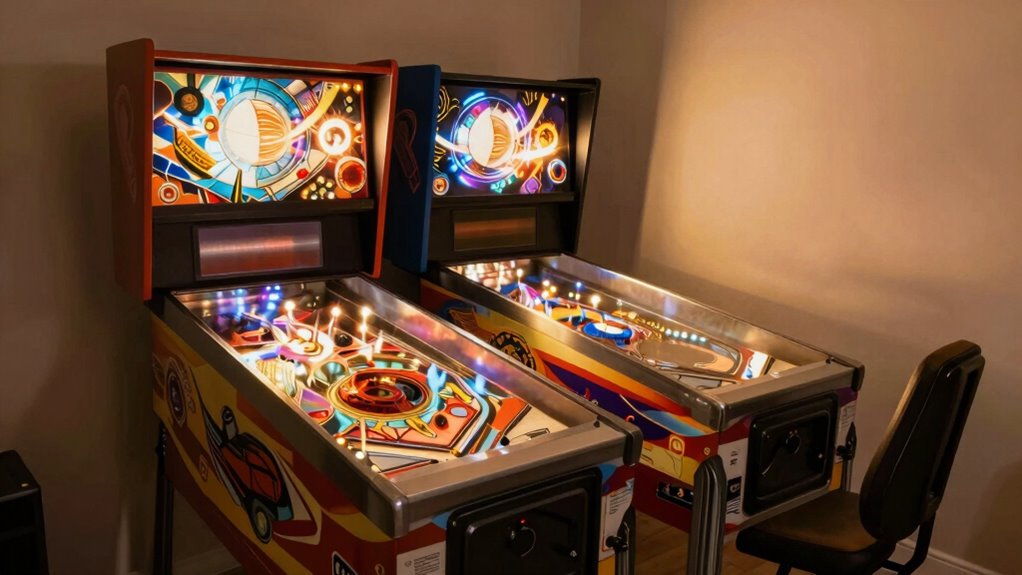
Over time, your lighting and ergonomic setup can shift due to regular use and environmental factors. To maintain ideal comfort and visibility, regularly check and adjust your lighting automation systems and decorative fixtures. This guarantees consistent illumination and reduces glare that may develop. Keep your seating position and monitor height aligned to prevent strain. Consider the table below for key maintenance steps:
| Action | Frequency | Purpose |
|---|---|---|
| Adjust lighting fixtures | Monthly | Prevent glare, optimize brightness |
| Calibrate lighting automation | Quarterly | Ensure consistent lighting levels |
| Check ergonomic setup | Every 2-3 months | Minimize fatigue, improve comfort |
Regular upkeep keeps your setup effective, ensuring long-term comfort during gameplay.
Common Mistakes to Avoid When Setting Up Your Home Pinball Room
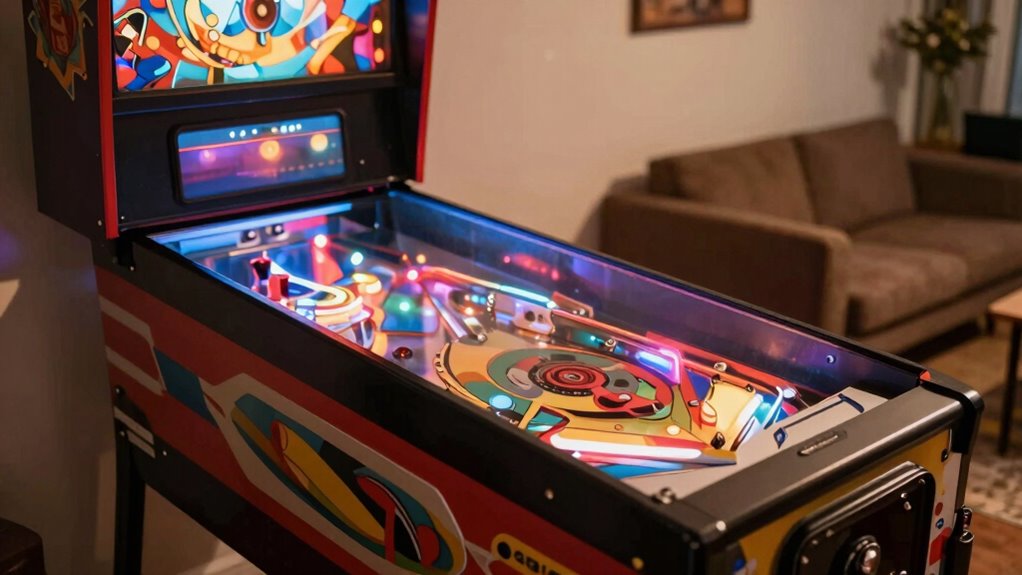
When setting up your home pinball room, it’s easy to overlook the importance of proper lighting placement and glare sources. Ignoring these details can cause discomfort and hinder your gameplay. Make sure you prioritize player comfort to enjoy your pinball experience to the fullest.
Overlooked Lighting Placement
Have you ever noticed how poorly lit pinball rooms can diminish the gaming experience? Overlooking proper lighting placement can create shadows that hide essential parts of the playfield or cause uneven illumination. Avoid placing LED strip lighting directly above or behind the machine, as this can cause glare or unwanted reflections. Instead, position them to highlight the room’s features without interfering with your view of the game. Flicker free bulbs are a smart choice for ambient lighting, reducing eye strain and preventing distracting flickering during intense play. Remember, lighting should enhance visibility without creating hotspots or dark corners. Thoughtful placement ensures you can see everything clearly and comfortably, making your home pinball setup more enjoyable and immersive.
Ignoring Glare Sources
Ignoring glare sources can considerably impair your gaming experience by creating reflections and bright spots that obscure the playfield. These glare sources lead to visual distractions, making it harder to track the ball and enjoy gameplay. To avoid this, consider these common pitfalls:
- Placing lamps or lights directly behind the player’s line of sight.
- Using overly bright or improperly diffused lighting fixtures.
- Positioning windows or reflective surfaces near the pinball machine.
- Ignoring the angle of lighting that causes unwanted reflections on the glass.
Neglecting Player Comfort
Neglecting player comfort can substantially detract from your pinball experience, leading to fatigue, discomfort, or even injury over time. To avoid this, invest in ergonomic seating that supports your back and reduces strain during long play sessions. Proper seating helps maintain good posture, preventing aches and muscle tension. Additionally, consider your viewing angle and distance from the machine to minimize eye strain. Avoid placing the pinball machine too low or too high, which can cause neck discomfort. Ensure lighting is balanced to prevent glare that worsens eye fatigue. Taking these steps creates a more comfortable environment, allowing you to enjoy extended play without physical stress or visual fatigue. Prioritizing comfort guarantees your home pinball setup remains enjoyable and sustainable.
Frequently Asked Questions
How Can I Customize Lighting Effects for Different Game Moods?
You can customize lighting effects for different game moods by using LED strip customization and ambient lighting options. Adjust the LED strips’ colors, patterns, and brightness to match your desired atmosphere. Many pinball machines offer programmable lighting settings, so you can create dynamic effects that change with game progress or themes. Experiment with different combinations to enhance immersion, making each game feel unique and more exciting.
What Are the Best Ergonomic Accessories for Long Pinball Sessions?
Think of your setup as a well-tuned machine. An ergonomic chair keeps you comfortable, preventing fatigue from turning into a breakdown. Wrist supports act like a steady hand guiding your every move, reducing strain during long sessions. Together, these accessories help you stay focused and relaxed, ensuring you enjoy your game without aches or discomfort. Prioritize them for a smoother, more enjoyable pinball experience that keeps you in the game longer.
How Do I Prevent Light Flickering That Causes Eye Strain?
To prevent flicker sources from causing eye fatigue, start by checking your lighting for flickering bulbs or incompatible fixtures. Replace flickering bulbs with steady LED options designed for consistent light output. Use flicker-free LED strips around your pinball machine and avoid overly bright or flashing lights that strain your eyes. Adjust your room’s ambient lighting to reduce contrast and glare, ensuring a more comfortable, strain-free gaming experience.
Are There Specific Lighting Colors Recommended for Different Game Types?
Studies show that color can boost focus and excitement during gameplay. For different game types, you might prefer specific LED color schemes—blue and green enhance calm, perfect for strategic games, while red and orange boost energy for fast-paced action. Use ambient lighting options to match game moods, creating an immersive experience. Experiment with colors to find what keeps you comfortable and engaged without causing eye strain.
How Often Should I Inspect and Adjust My Lighting Setup?
You should inspect and adjust your lighting setup at least once a month to guarantee ideal lighting maintenance and glare reduction. Regularly check for flickering bulbs or dim lights that could affect gameplay comfort. Adjust the lighting as needed to minimize glare and shadows, especially when you notice changes in game visibility. Consistent adjustment frequency helps maintain a comfortable, visually appealing environment, enhancing your overall pinball experience.
Conclusion
By prioritizing good lighting, minimizing glare, and creating an ergonomic space, you’ll enjoy clearer visuals, reduced fatigue, and greater comfort. With well-placed lights, thoughtful positioning, and ongoing maintenance, you’ll transform your home into a welcoming, immersive pinball haven. Embrace these essentials, avoid common pitfalls, and let your setup boost your game and enjoyment. Ultimately, a thoughtfully designed environment makes every spin, flick, and tilt more enjoyable and satisfying.